Conguring Settings for Communication with a
Computer
1647-010
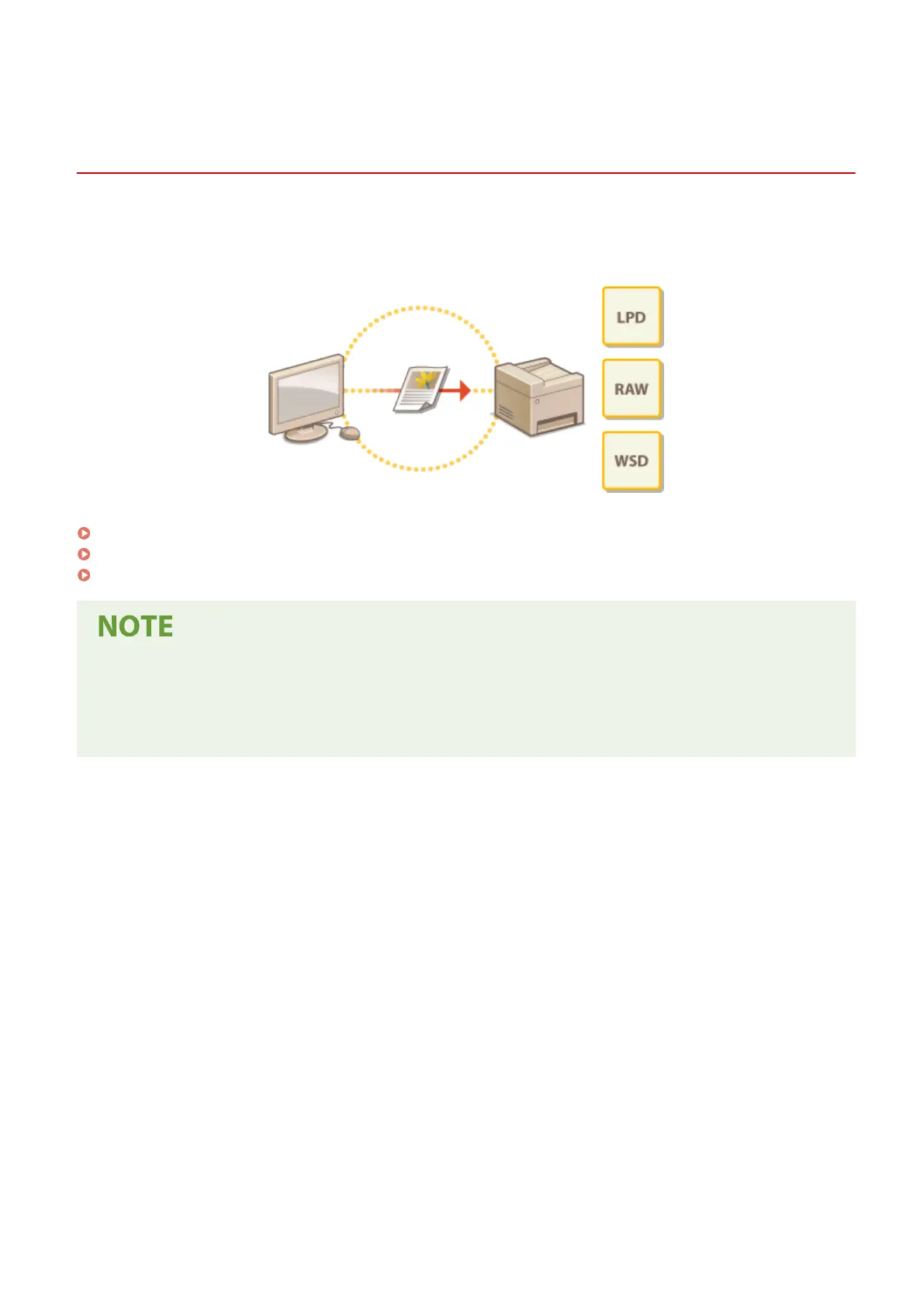
Specify the protocol and port when operating the machine from a computer via the network. Before conguring the
machine for printing or faxing from a computer, perform the basic setup procedures. For more information, see the
manuals for the relevant drivers on the online manual website.
Conguring Printing Protocols and WSD Functions(P. 40)
Conguring Printer Ports(P. 43)
Setting Up Print Server(P. 47)
● Protocols explained here are rules for delivering document data between a computer and the machine, and
can be selected according to intended purposes or the network environment.
● Ports are gateways for passing data between network devices. If a communication failure occurs in the
network connection, the port settings may be the cause of the problem.
Setting Up
39








 To Next Page