Basic Screens
1647-02L
The Home screen or settings screen appears on the display, allowing you to initiate functions such as copy and scan.
You can also use the display to check information such as error messages and the machine's operation status. The
screen is also a touch panel, so you can perform operations by touching the screen directly.
Home Screen(P. 122)
<Status Monitor> Screen(P. 125)
Message Display(P. 127)
● You can customize the Home screen by rearranging frequently used buttons for easier access to the
respective functions. Customizing the Display(P. 170)
To Know How to Operate
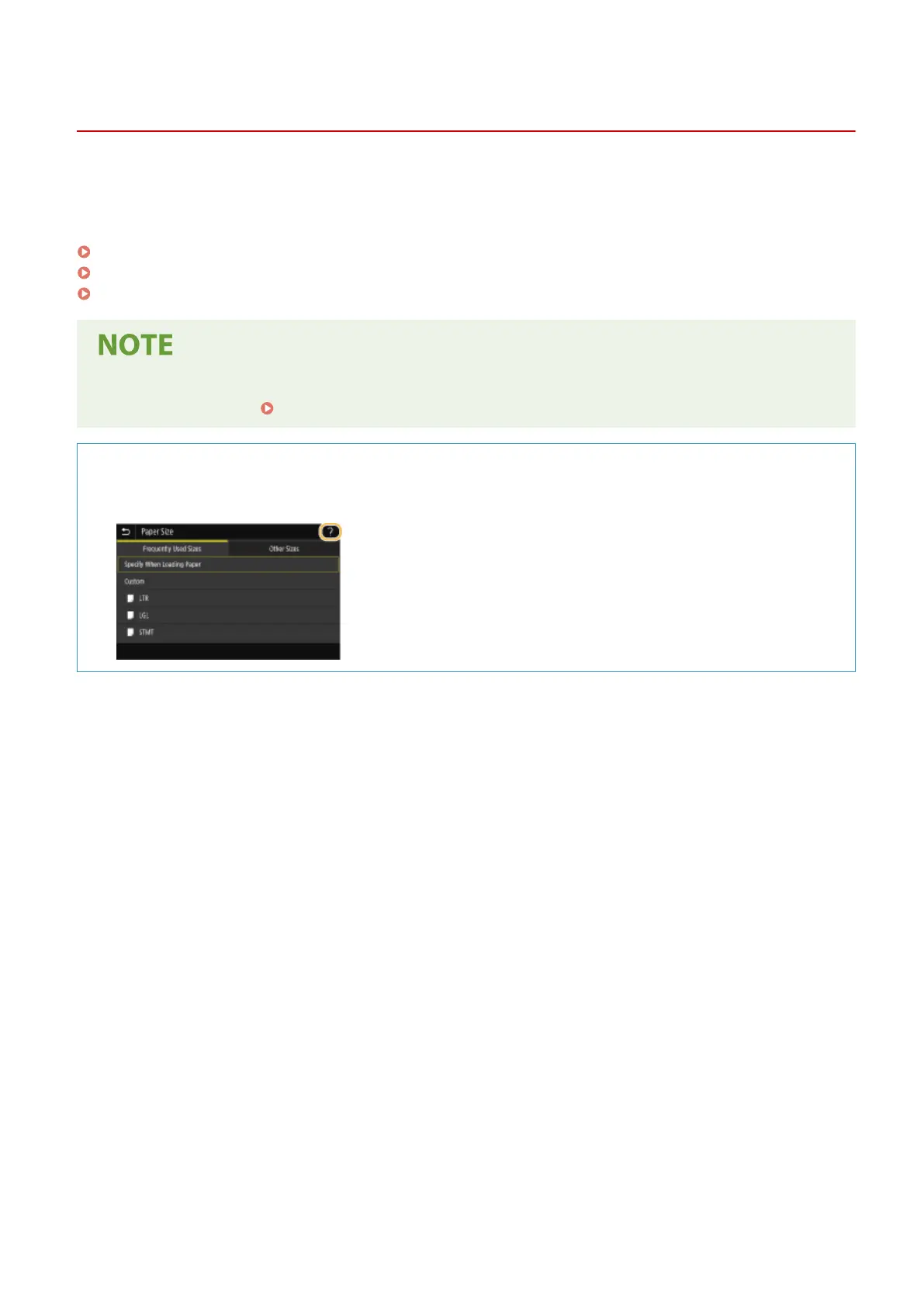
● On some screens, the <?> button allows you to view the descriptions of functions or how to operate.
Basic Operations
121









 To Next Page