Turning OFF the Machine
1647-02J
This section describes how to turn OFF the machine.
1
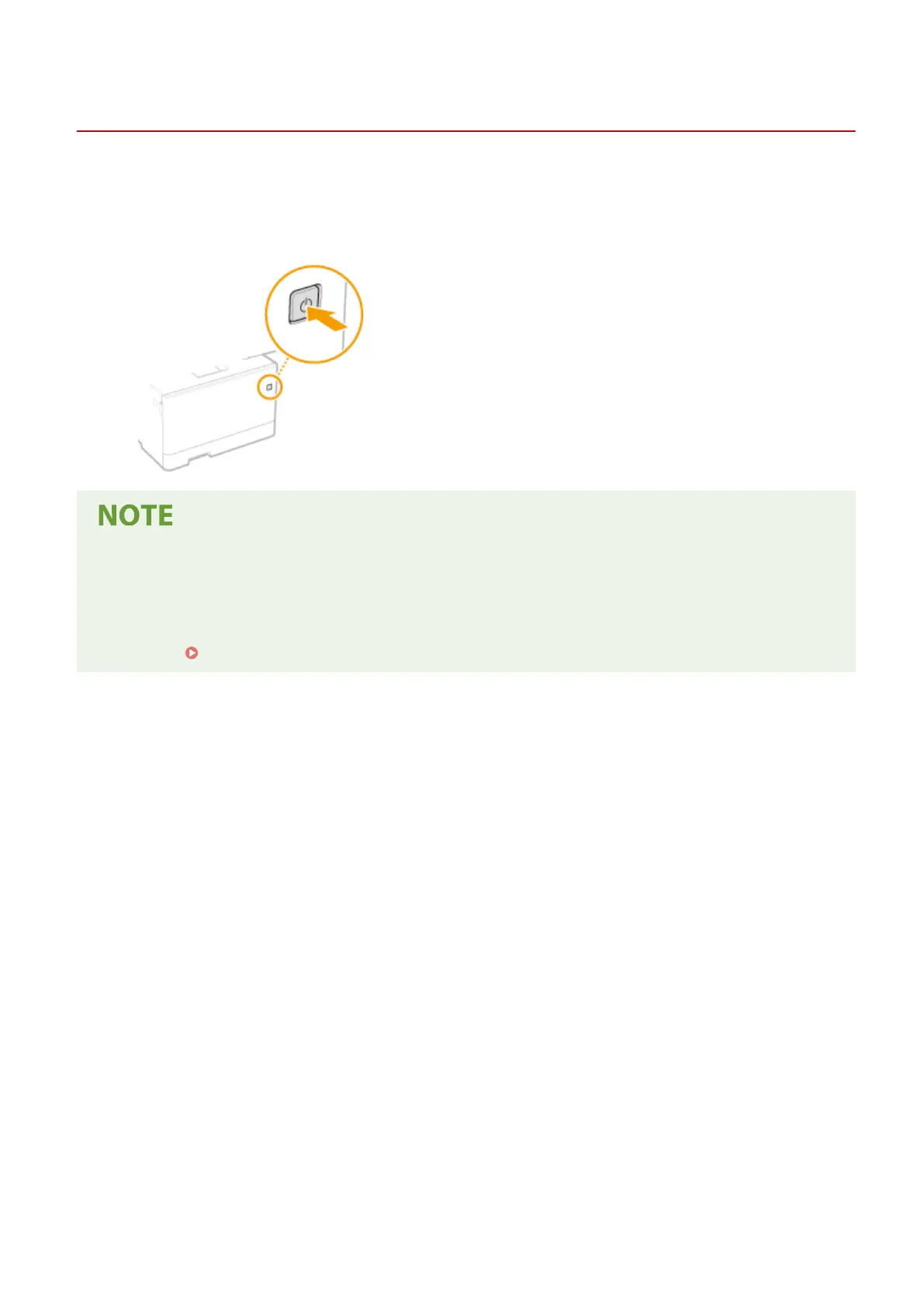
Press the power switch.
● It may take some time for the machine to completely shut down. Do not unplug the power cord until the
display turns off.
● To restart the machine, wait for at least 10 seconds after the machine is turned OFF.
● You can specify the time for each day of the week and congure a setting to automatically turn OFF the
machine.
Powering OFF at a Fixed Time(P. 118)
Basic Operations
117









 To Next Page