Saving a Copy of a Sent Original
1647-057
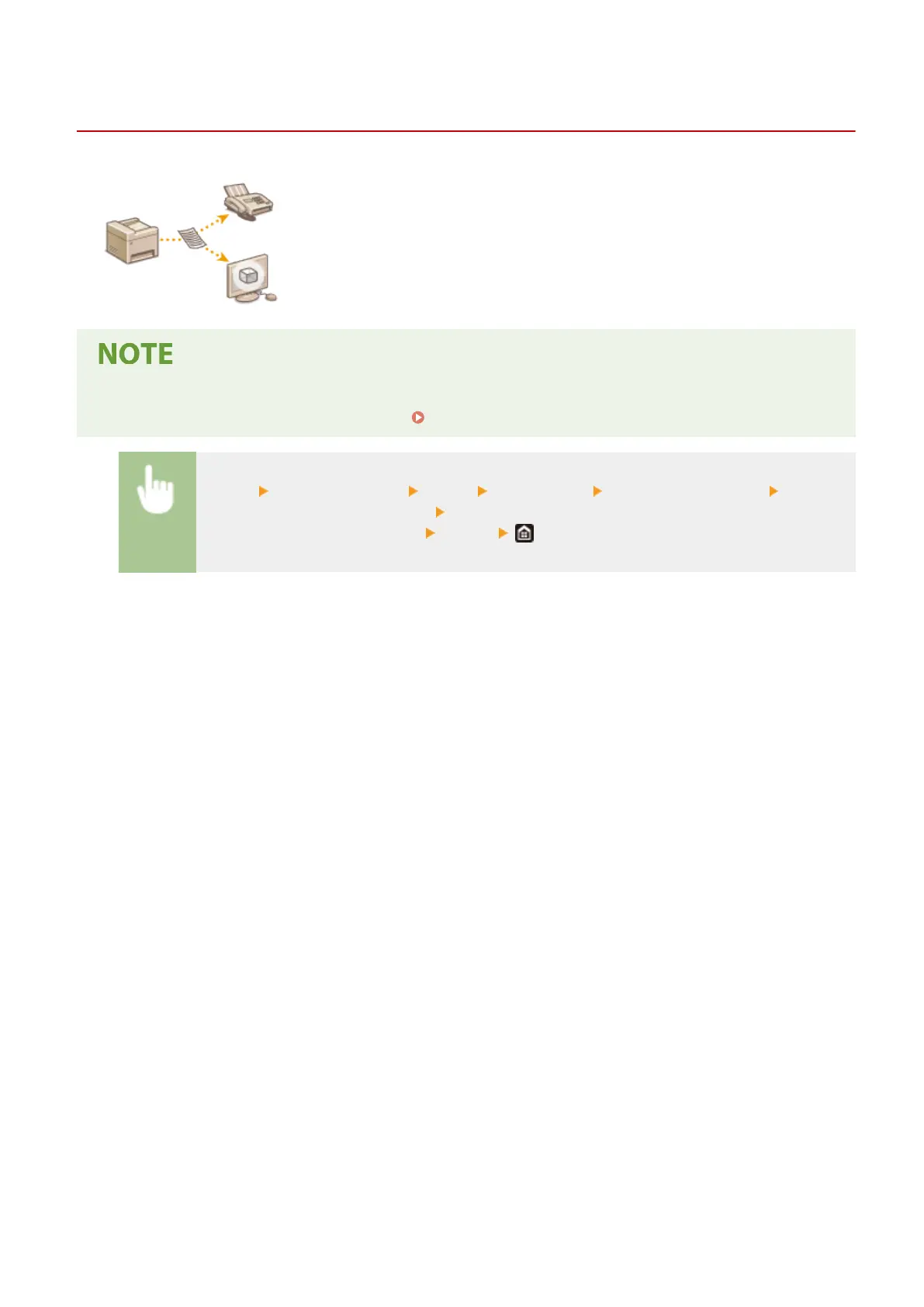
In addition to the address specied when the fax is sent, you can also send faxed
documents to a preset storage address for archiving. This is useful for keeping a log
of what has been sent. You can specify a fax number, an e-mail address, a shared
folder on the computer, an FTP server or an I-Fax as the storage address.
● Only destinations in the Address Book can be specied as a storage address. To use the Address Book, the
destination must be registered beforehand. Registering Destinations(P. 182)
<Menu> <Function Settings> <Send> <Fax Settings> <Archive TX Document> Select
<On> and select <Archive Address> Select the check box for the target archive destination in the
Address Book, and select <Apply>
<Apply>
Faxing
236









 To Next Page