Entering Text
1647-02S
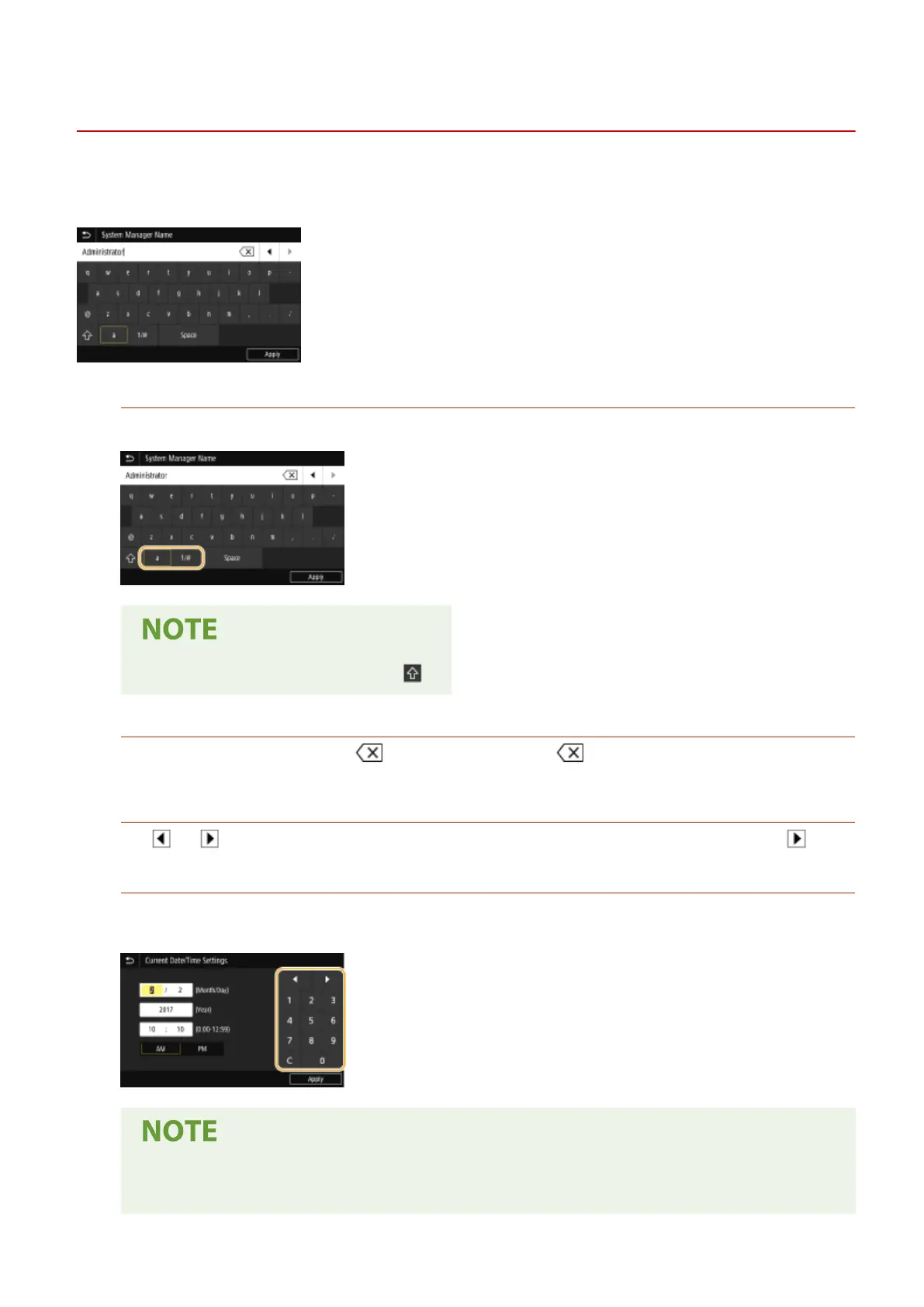
When entering text or a number, use the keyboard displayed on the screen. The numeric keys are displayed on the
screen to enter only numbers.
Switching the Type of Text
Tap <a 1/#> to switch the type of text that is entered.
● To enter upper case characters, tap .
Deleting Text
One character is deleted each time is tapped. Holding down allows you to delete successive
characters.
Moving the Cursor (Entering a Space)
Tap or to move the cursor. To enter a space, move the cursor to the end of the text, and tap .
When the Numeric Keys are Displayed
When only the numeric value is entered, the numeric keys are displayed on the screen. Tap numeric keys to
enter the numeric value.
Value range
● Values in ( ) displayed the entry box are the enterable value range.
Basic Operations
131









 To Next Page