Restricting Use of the Address Book
1647-08H
The Address Book can be set to require users to enter a PIN in order to add new
entries to the Address Book or edit existing entries. Setting a PIN to the Address
Book can reduce the risk of documents being sent to unintended recipients because
changes to the Address Book can only be made by users who know the PIN.
1
Select <Menu> in the Home screen. Home Screen(P. 122)
2
Select <Set Destination>.
● If the login screen appears, enter the correct ID and PIN. Logging in to the Machine(P. 133)
3
Select <Address Book PIN>.
4
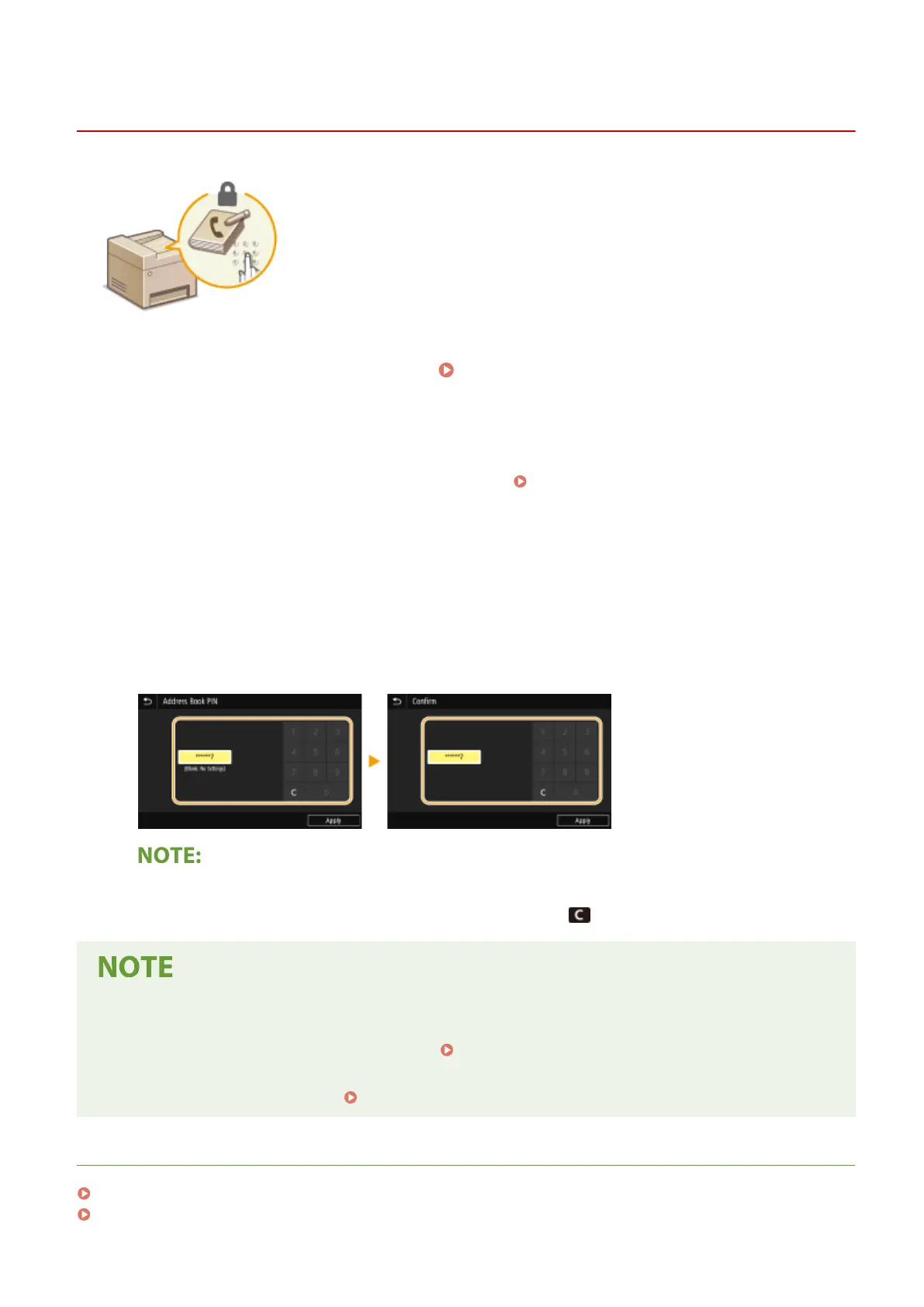
Specify the PIN.
● Enter the number, and select <Apply>.
● The Conrm screen is displayed. Enter the PIN once again to conrm.
● You cannot set a PIN that consists only of zeros, such as "00" or "0000000".
● To cancel the PIN setting, clear the information you entered in
and select <Apply> with the eld blank.
In addition to setting the Address Book PIN, you can further enhance security by performing the following
operations:
● Restricting the addition of new destinations, see Restricting New Destinations that Can Be
Specied(P. 407) .
● Disabling the PC fax function, see Restricting Fax Sending from a Computer(P. 409) .
LINKS
Registering Destinations(P. 182)
Registering Destinations from Remote UI(P. 430)
Managing the Machine
405









 To Next Page