Checking Status and Log for Sent and Received
Documents
1647-05C
The statuses and communication logs for sent and received fax and I-Fax documents can be checked separately for
sending and receiving.
● When <Display Job Log> is set to <Off>, you cannot check the communication logs. <Display Job
Log>(P. 566)
1
Select <Status Monitor>.
2
Select <TX Job> or <RX Job>.
3
Check the statuses and communication logs for sent and received documents.
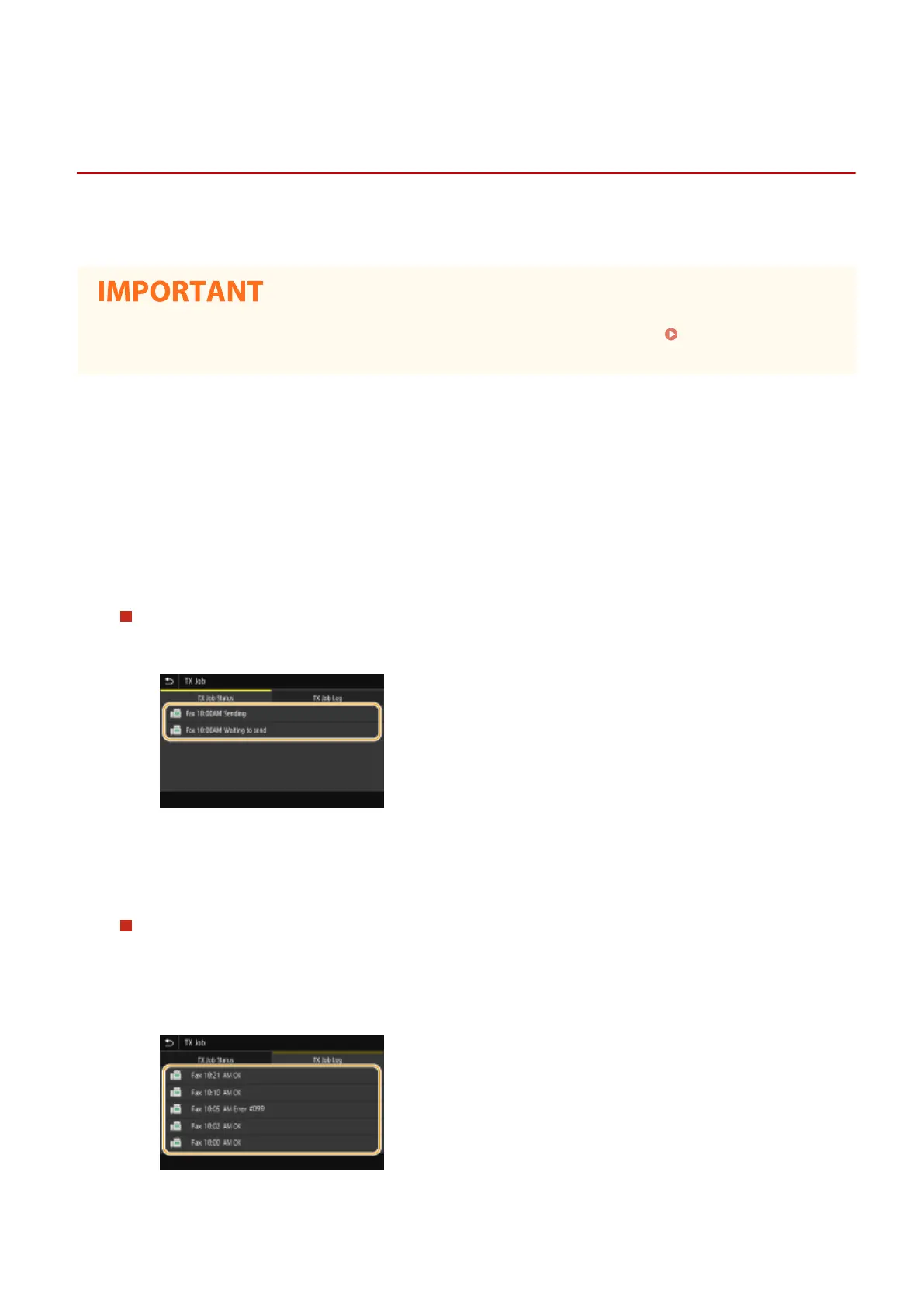
To check the statuses for sent and received documents
1
Select the document whose status you want to check in the <TX Job Status> or <RX Job Status> tab.
➠ Displays detailed information about the document.
● If you specied multiple destinations, the number of specied destinations is displayed on the
screen. To check the details of specied multiple destinations, select <Destination>.
To check the communication logs for sent and received documents
1
Select the document whose log you want to check in the <TX Job Log> or <RX Job Log> tab.
● <OK> is displayed when a document was sent or received successfully, and <Error> is displayed when
a document failed to be sent or received because it was canceled or there was some error.
➠ Displays detailed information about the document.
Faxing
242








 To Next Page