Adjusting Sharpness for Copying (Sharpness)
1647-049
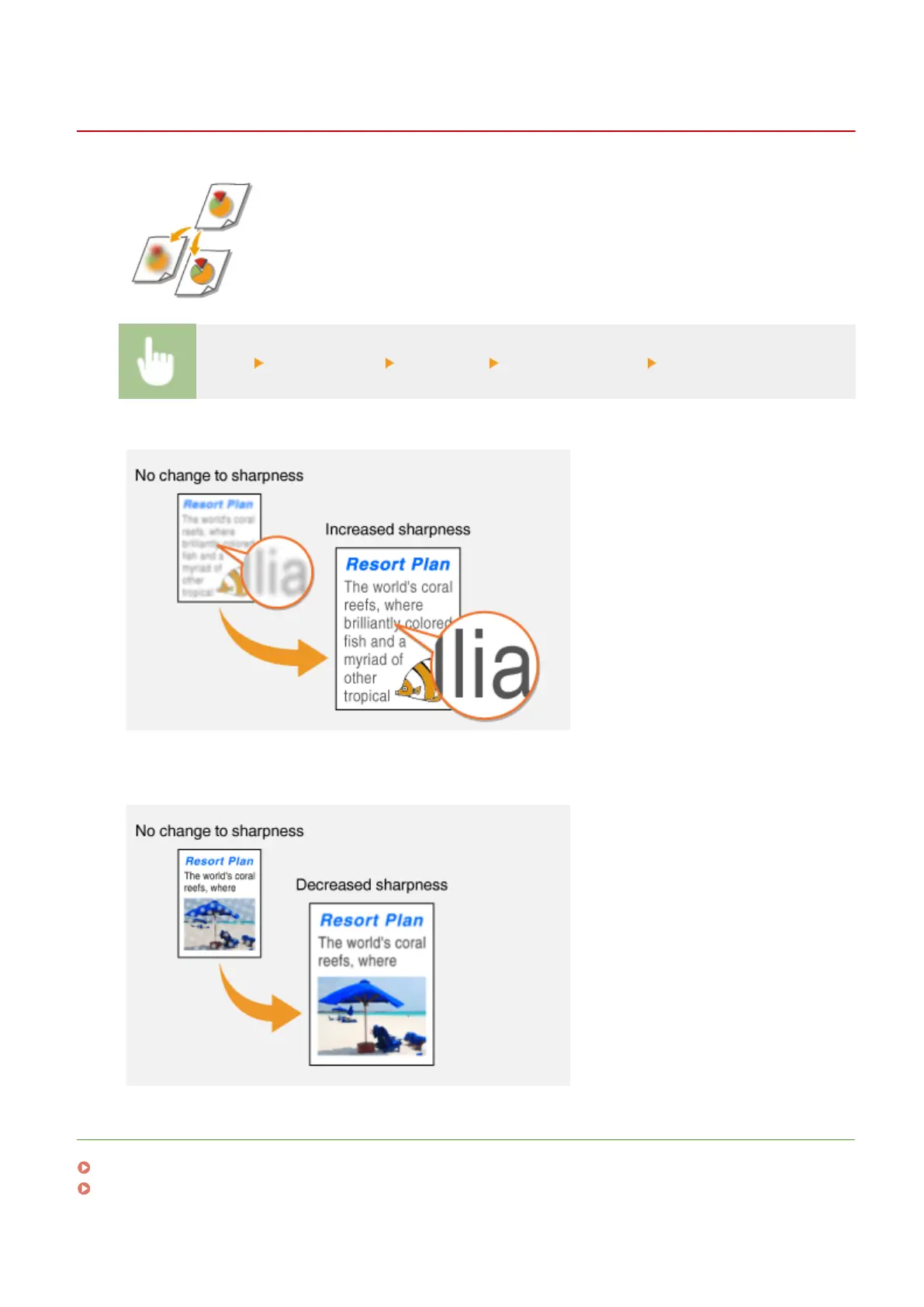
You can adjust sharpness of the copied image. Increase the sharpness to sharpen
blurred text and lines, or decrease the sharpness to improve the appearance of
magazine photos.
<Copy> <Other Settings> <Sharpness> Adjust the sharpness <Apply>
Example: If you want to sharpen text and lines written in pencil
Example: If you want to improve the appearance of magazine photos
LINKS
Basic Copy Operations(P. 195)
Adjusting the Color(P. 207)
Copying
205









 To Next Page