Saving Data to a USB Memory Device
1647-0H7
This section describes how to scan the original and save the scanned data to a USB memory device.
● Before saving data to a USB memory device, insert a USB memory device into the USB port. For information
about the available USB memory devices and how to insert and remove a USB memory device, see Insert
a USB Memory Device(P. 106) .
1
Place the original(s). Placing Originals(P. 135)
2
Select <Scan> in the Home screen. Home Screen(P. 122)
● If the login screen appears, specify the user name, the password, and the authentication server. Logging
in to Authorized Send(P. 133)
3
Select <USB Memory> in the Scan Basic Features screen. Scan Basic Features
Screen(P. 281)
4
Specify the scanning settings as necessary.
Specifying the Scanning Size of the Original
Selecting a File Format
Specifying Orientation of Your Original
Scanning 2-Sided Originals
Specifying the Scanning Size of the Original
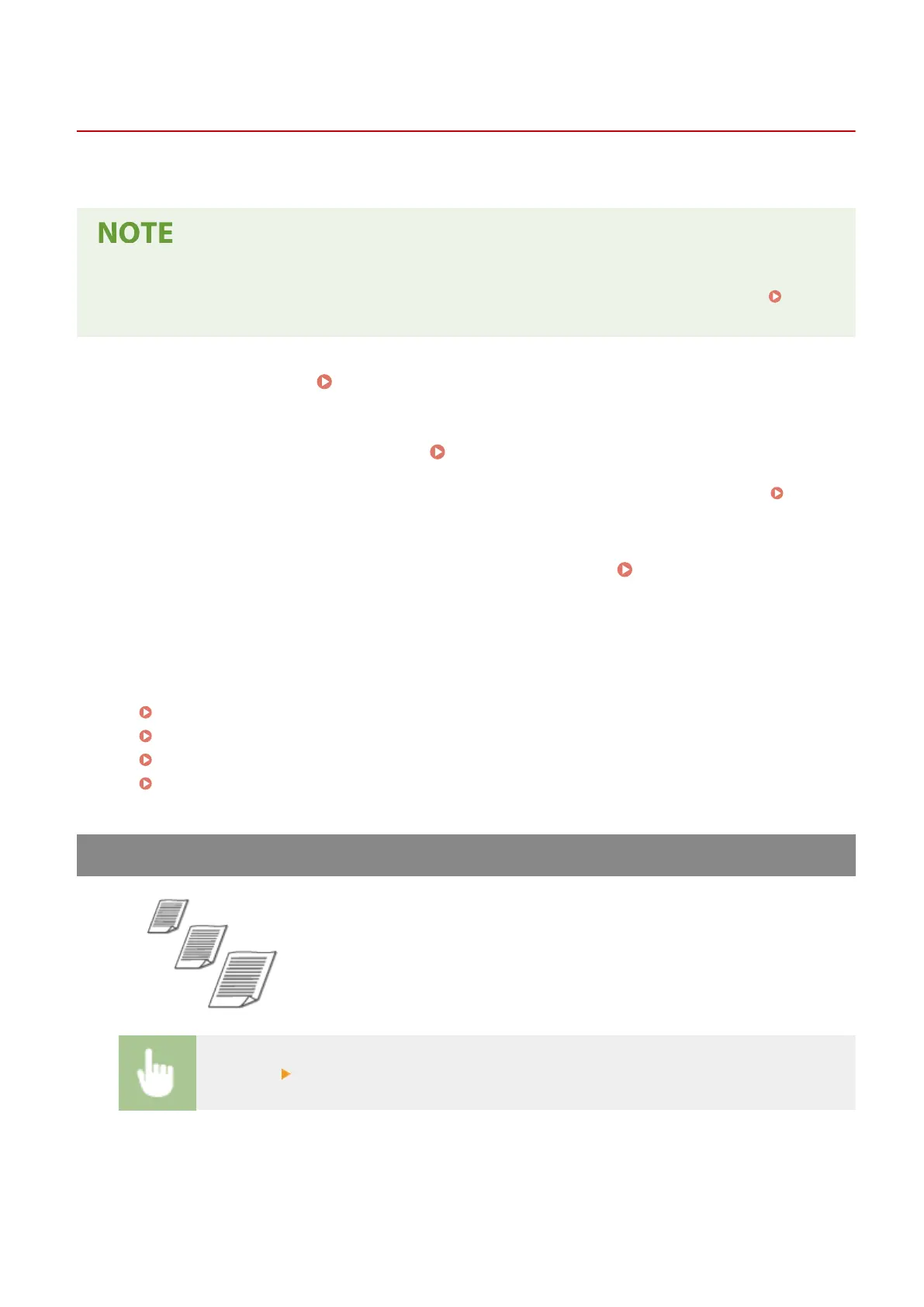
You can specify the scanning size of your original.
<Scan Size> Select the original size
Scanning
287









 To Next Page