2
Remove the jammed paper inside the machine.
1
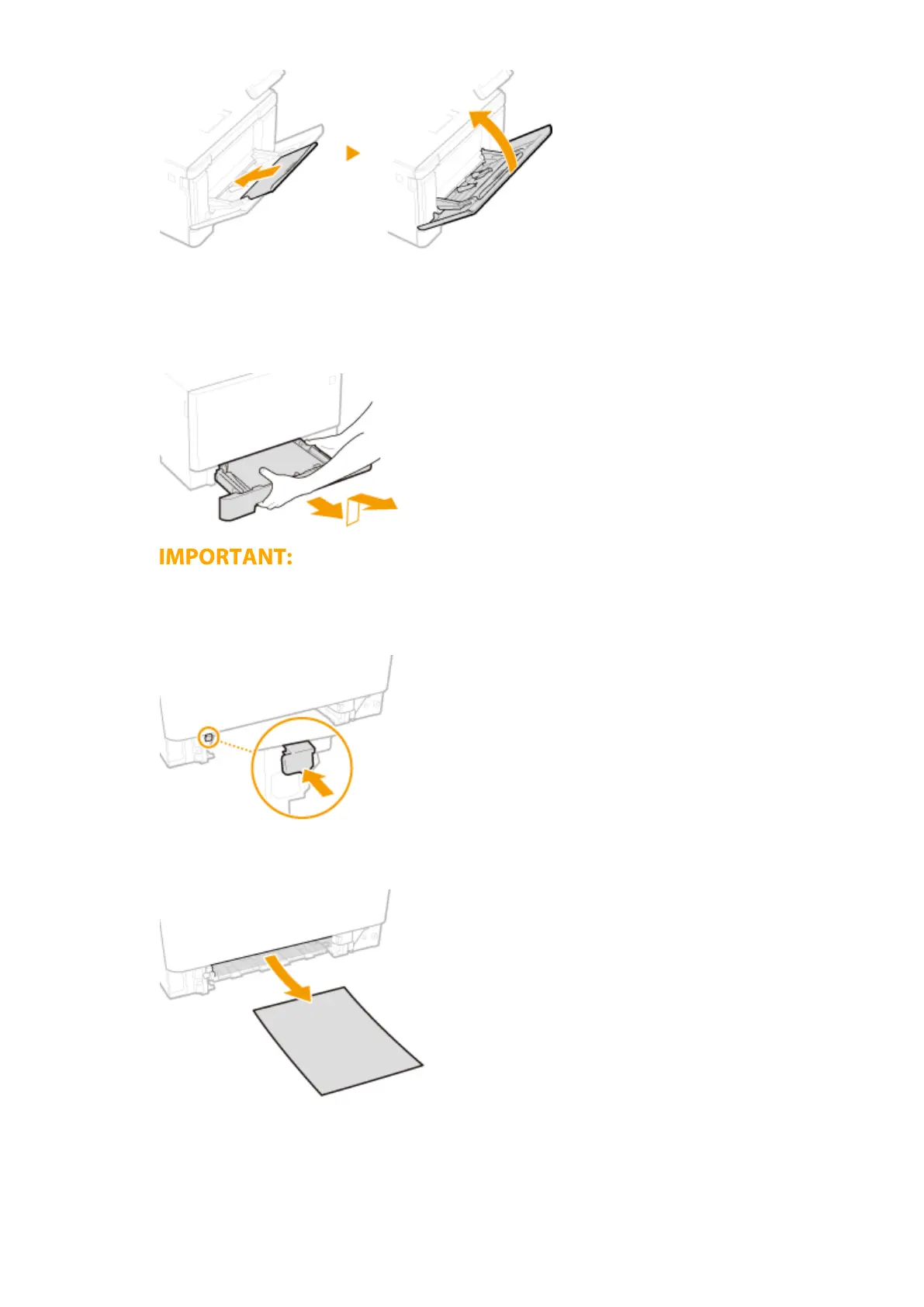
Pull out the paper drawer.
● Make sure to hold the paper drawer with both hands, and pull it out gently. Otherwise, you may
damage the paper drawer by dropping it, if it slides out too easily.
2
Press the green button.
➠ The transport guide lowers.
3
Gently pull out the paper.
3
Push the transport guide back in.
● Firmly press the transport guide until it clicks into place.
Troubleshooting
676









 To Next Page