◼ Adjusting the Background Density
<Density> <Background Density> <Adjust (Manual)> Adjust the background
density <Apply> <Close>
● Depending on the original color, portions other than the background may be affected.
● If you select <Density by Color>, you can adjust the background density for each color.
2-Sided Copying
You can copy two pages of an original on both sides of the paper. You can also copy
a 2-sided original on both sides of the paper, or on two separate pages.
● <2-Sided> may not be available with some sizes and types of paper. Available Paper(P. 701)
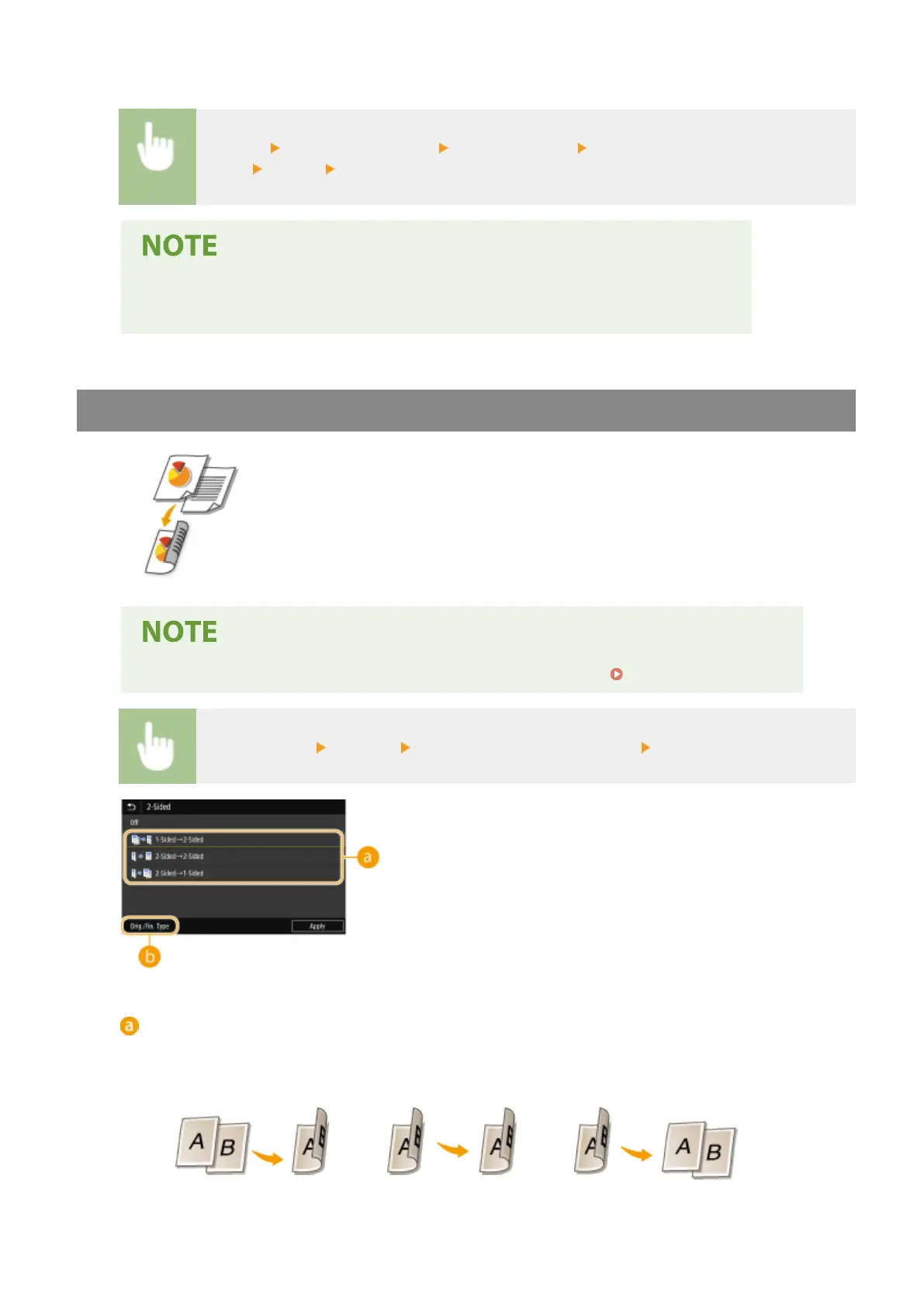
<Other Settings> <2-Sided> Select the type of 2-sided copying <Apply>
Types of 2-sided copying
The illustration below shows the types of 2-sided copying.
<1-Sided->2-Sided>
<2-Sided->2-Sided>
<2-Sided->1-Sided>
Copying
196









 To Next Page