<OCR (Text Searchable) Settings>
To run OCR (Optical Character Recognition) on a text original to create a "searchable PDF," specify whether the
machine determines the original's text direction and detects the original direction.
<Smart Scan>
<Off>
<On>
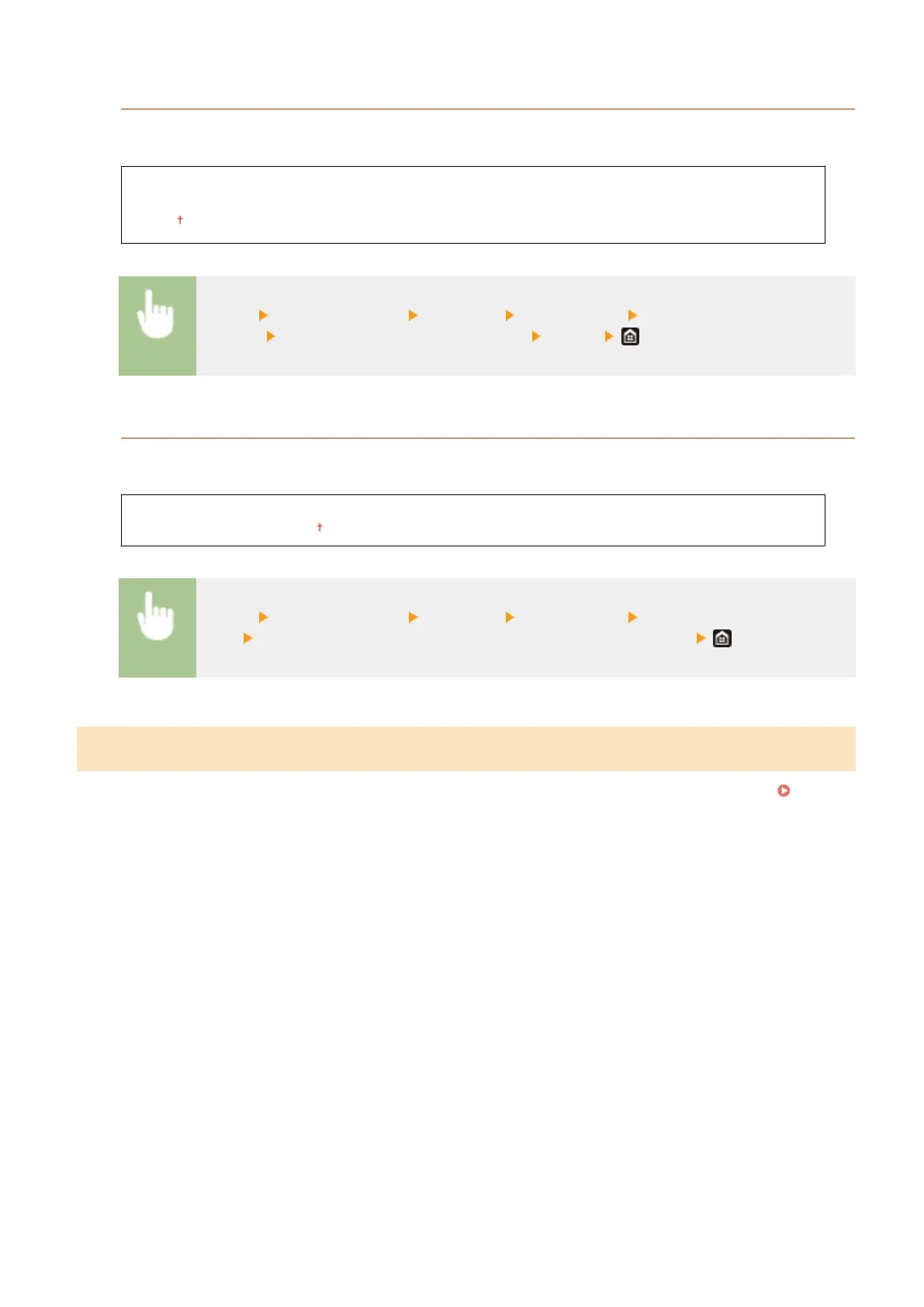
<Menu> <Function Settings> <Common> <Generate File> <OCR (Text Searchable)
Settings> Select <Off> or <On> in <Smart Scan> <Apply>
<256-bit AES Set. (Encrypt. PDF)>
*1
When generating an encrypted PDF, the PDF encryption level can be set to "128-bit" or "256-bit." If "256-bit" is
selected, the version compatible with Acrobat can be changed.
<Acrobat 9.0 or Equivalent>
<Acrobat 10.0 or Equivalent>
<Menu> <Function Settings> <Common> <Generate File> <256-bit AES Set. (Encrypt.
PDF)>
Select <Acrobat 9.0 or Equivalent> or <Acrobat 10.0 or Equivalent>
<Fax Setup Guide>
*1*2
Select to display on-screen instructions for specifying settings, including the fax number and the RX mode.
Conguring Initial Settings for Fax Functions(P. 78)
Setting Menu List
490









 To Next Page