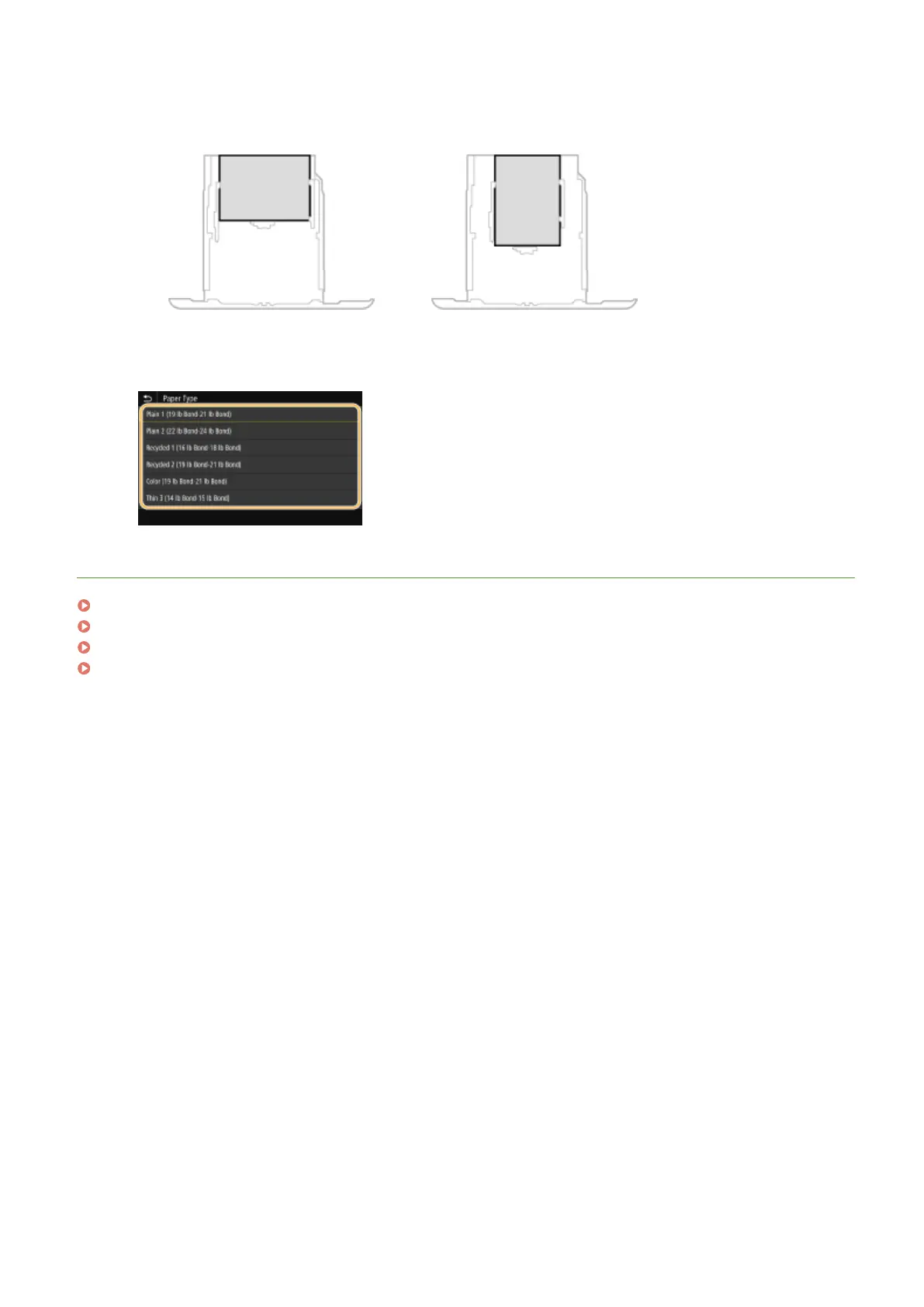
When loading A5 size paper
● In the landscape orientation, select <A5>. In the portrait orientation, select <A5R>.
Landscape orientation
Portrait orientation
4
Select the paper type.
LINKS
Loading Paper in the Paper Drawer(P. 141)
Limiting the Paper Sizes Displayed(P. 168)
Available Paper(P. 701)
<Notify to Check Paper Settings>(P. 567)
Basic Operations
161









 To Next Page