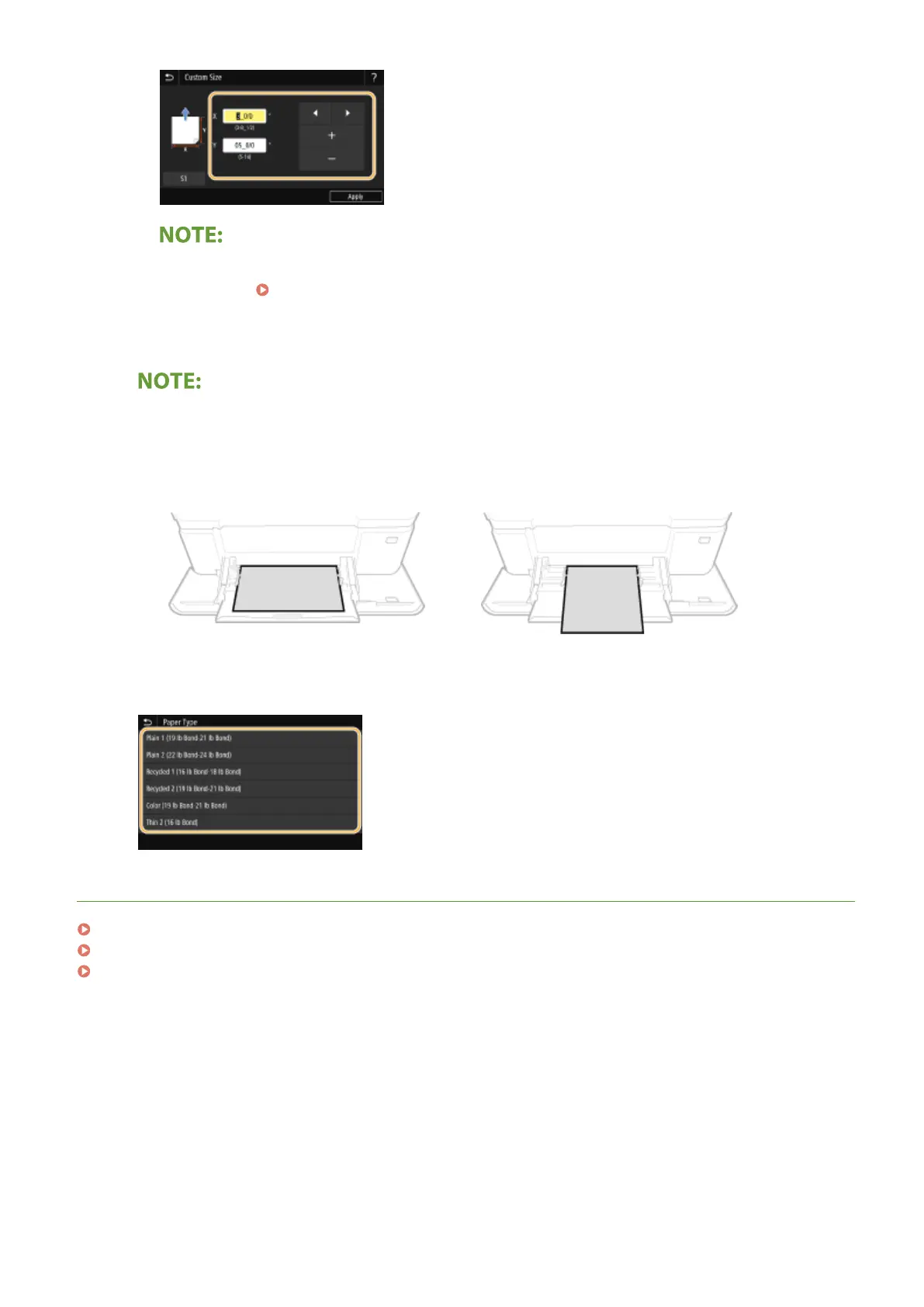
● If you register the paper size you use frequently on buttons <S1> to <S3>, you can call them up with
one touch. Registering a Custom Paper Size(P. 166)
3
Select <Apply>.
When loading A5 size paper
● In the landscape orientation, select <A5>. In the portrait orientation, select <A5R>.
Example for MF735Cdw / MF733Cdw / MF731Cdw:
Landscape orientation
Portrait orientation
4
Select the paper type.
LINKS
Loading Paper in the Multi-Purpose Tray(P. 149)
Limiting the Paper Sizes Displayed(P. 168)
Available Paper(P. 701)
Basic Operations
165









 To Next Page