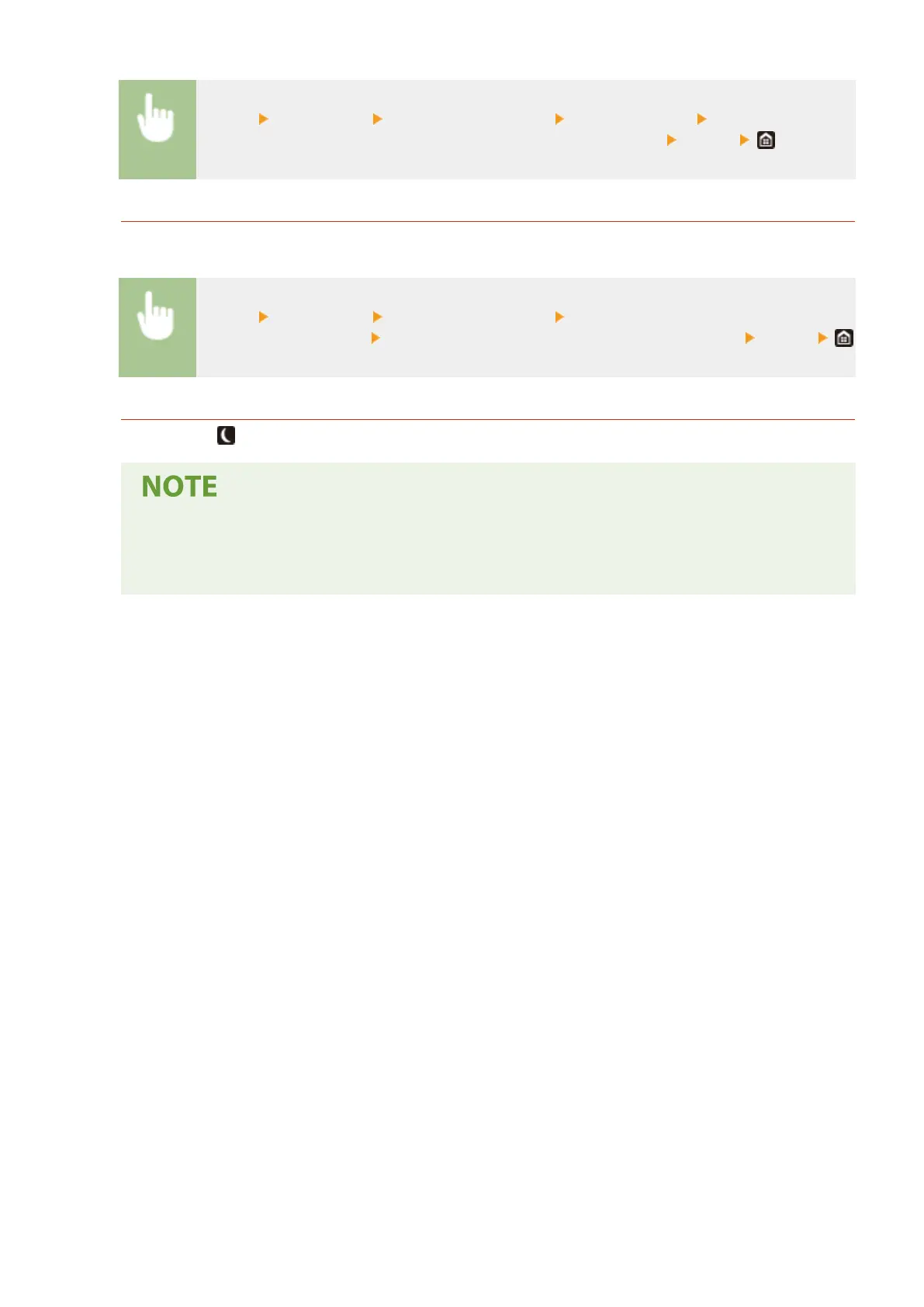
<Menu> <Preferences> <Timer/Energy Settings> <Auto Sleep Time> Set the amount of
time that elapses before the machine automatically enters sleep mode <Apply>
Changing the Sleep Mode Setting to the Specied Time
You can congure a setting so that the machine is placed into the sleep mode at the specied time. You can also
congure a setting so that the sleep mode is released at the specied time.
<Menu> <Preferences> <Timer/Energy Settings> Select <Auto Sleep Daily Timer> or <Sleep
Mode Exit Time Settings> Select <On> in <Set This Function>, and enter the time <Apply>
Exiting Sleep Mode
You can press or any other key on the operation panel to exit the sleep mode.
● You can also tap the display to exit sleep mode.
● If an external telephone is connected, the machine exits sleep mode when you take the receiver off
the hook.
Basic Operations
181









 To Next Page