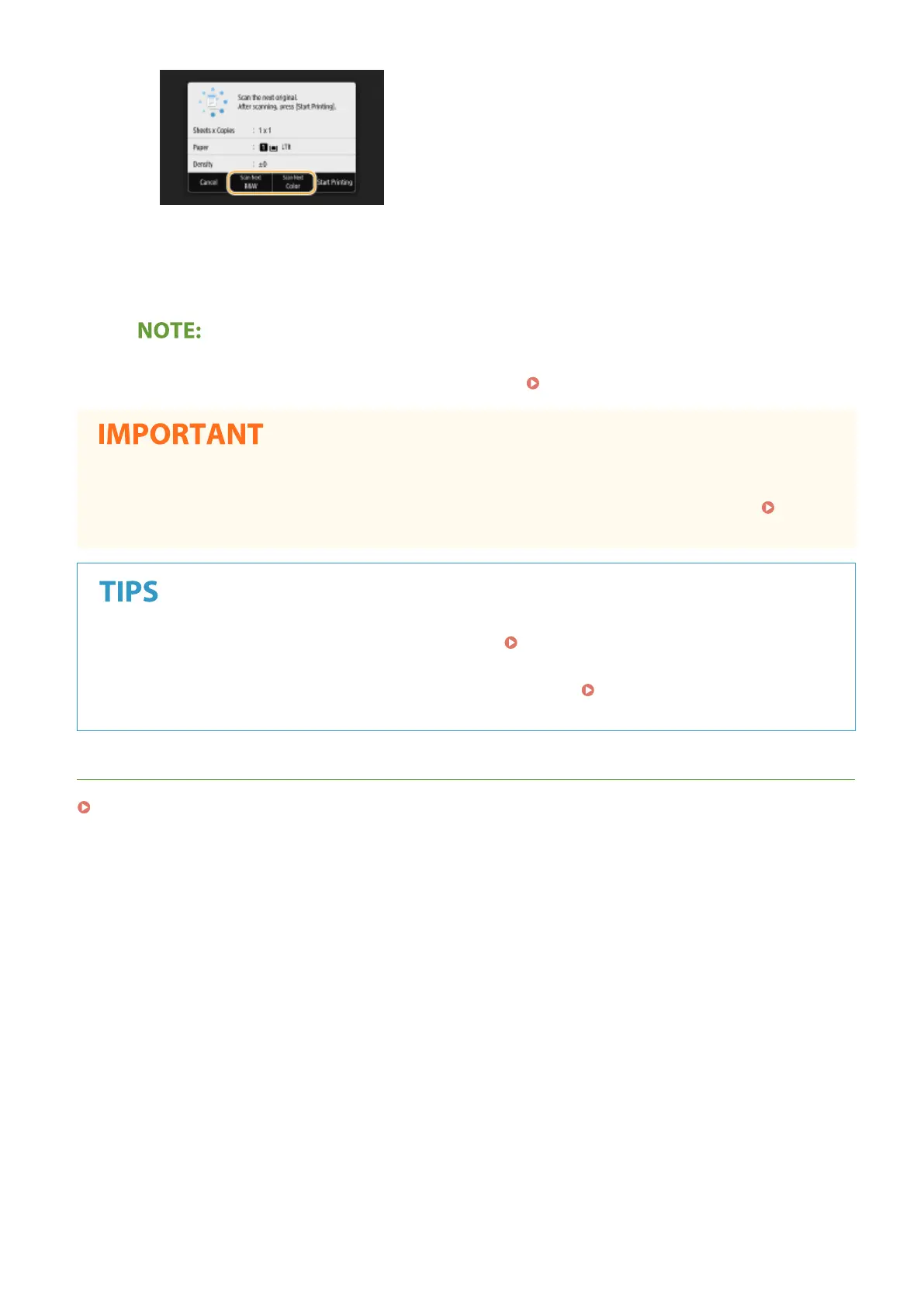
● Repeat this step until you nish scanning the entire original.
2
Select <Start Printing>.
● When the <Paper Settings and Loaded Size Mismatch> or <The memory is full. Scanning will be canceled.
Do you want to print?> message is shown in the display. Countermeasures for Each Message(P. 644)
When copying originals with text or images that extend to the edges of the page
● The edges of the original might not be copied. For more information about the scan margins, see Main
Unit(P. 696) .
● If you always want to make copies with the same settings: Changing the Default Settings for
Functions(P. 176)
● If you want to register a combination of settings to use when needed:
Registering Frequently Used
Settings(P. 174)
LINKS
Checking the Copying Status and Log(P. 201)
Copying
199









 To Next Page