● To connect to an IEEE 802.1X network, see Conguring IEEE 802.1X
Authentication Settings(P. 398) .
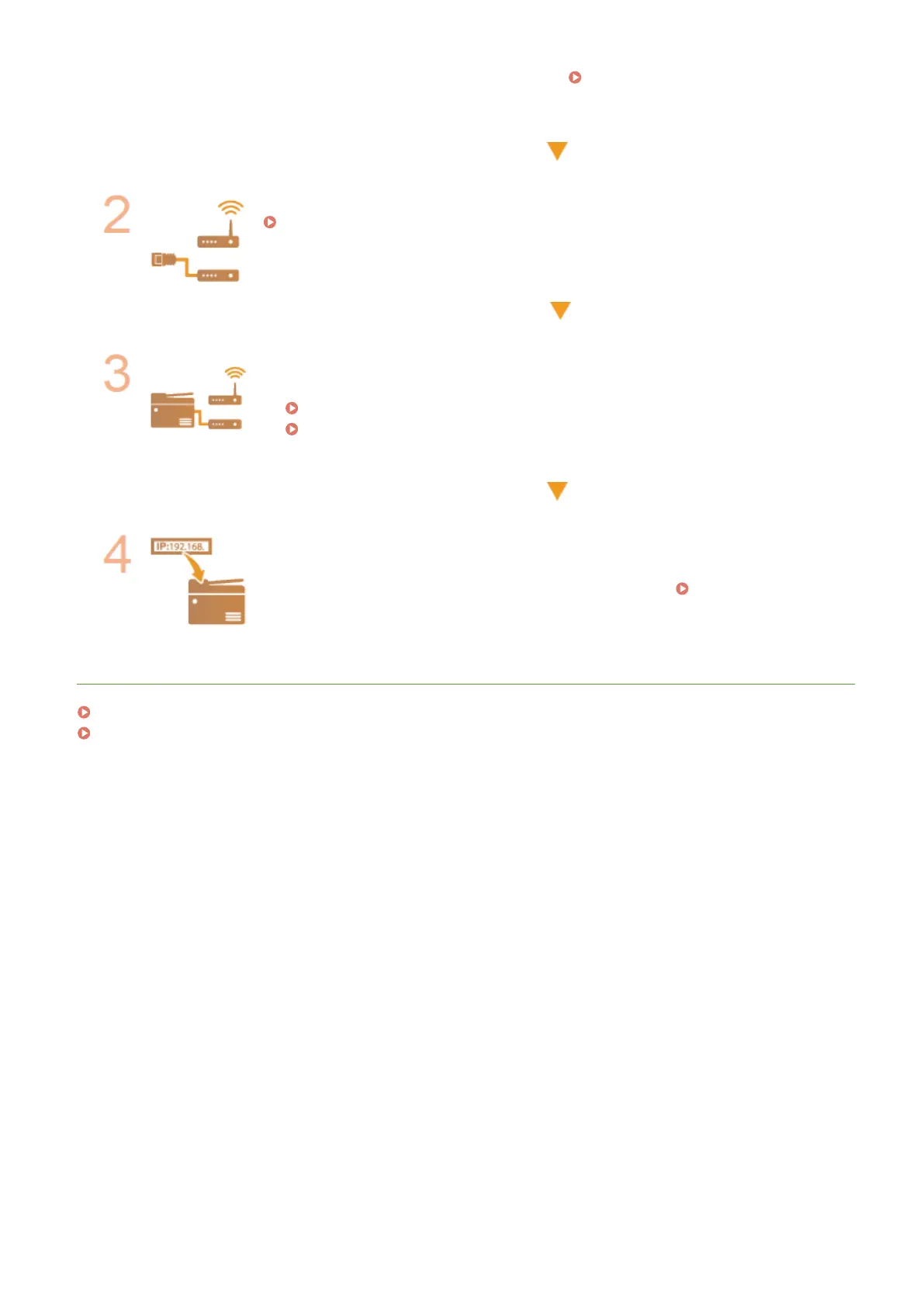
Select wired or wireless LAN.
Selecting Wired LAN or Wireless LAN(P. 15)
Connect to a wired or wireless LAN.
● Proceed to the section that corresponds to the setting you selected in step 2.
Connecting to a Wired LAN(P. 16)
Connecting to a Wireless LAN(P. 17)
Set the IP address as necessary.
● At the time of purchase, the machine is set to automatically acquire an IP address.
Change this setting if you want to use a specic IP address.
Setting IP
Addresses(P. 30)
LINKS
Conguring Settings for Communication with a Computer(P. 39)
Conguring the Machine for Your Network Environment(P. 50)
Setting Up
14









 To Next Page