[Specify Destination Folder]
Selecting this check box allows you to specify the folder where the data is saved. If the check box is not selected,
the save destination is set based on authorized user information registered on the LDAP server.
[Host Name] Enter a host name for the shared folder or FTP server.
[Folder Path]
Enter a path name for the save destination folder (excluding the host name). When the [Add
User Name] check box is selected, the user name and path used for LDAP authentication are
added.
8
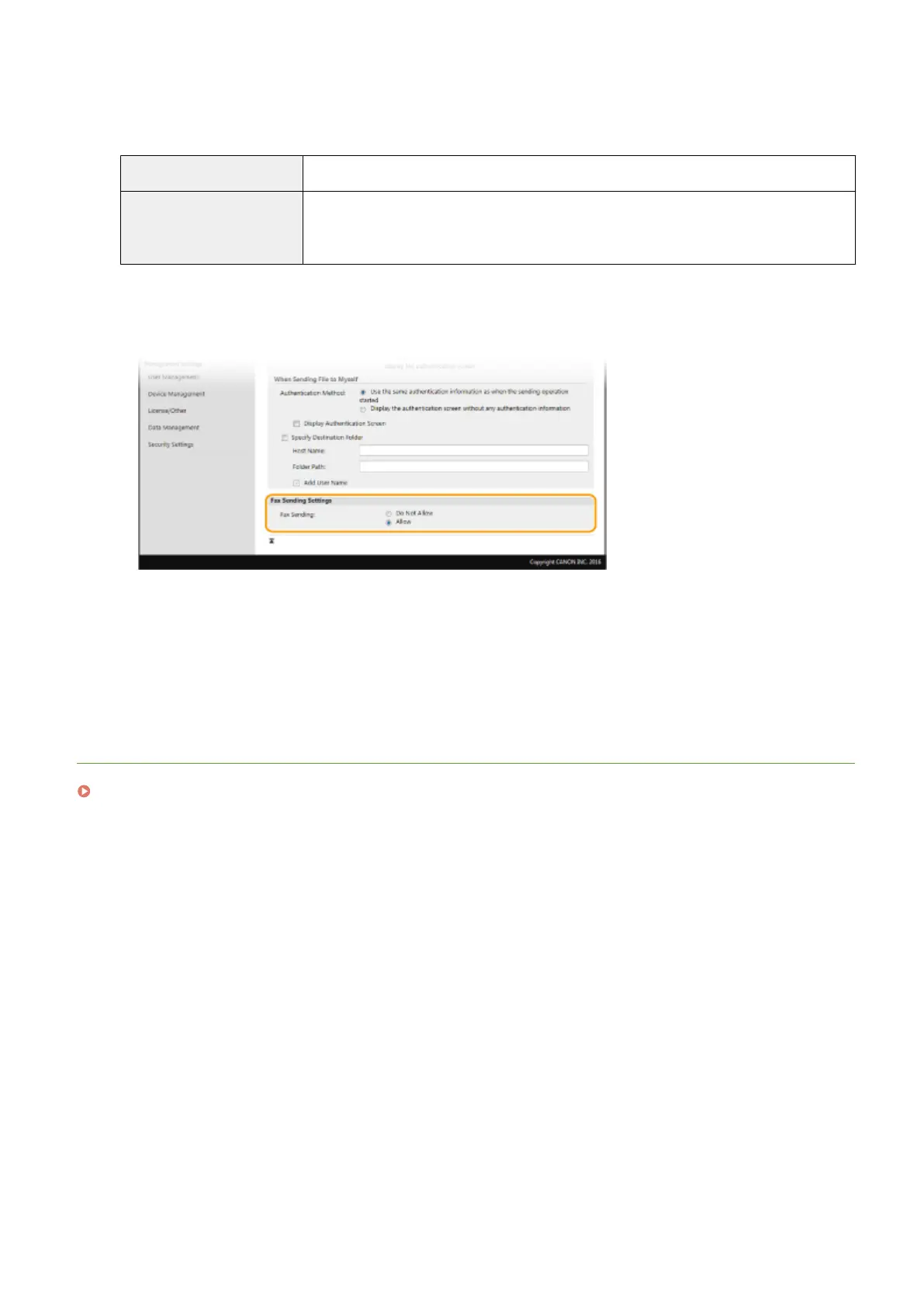
Congure the settings for sending faxes.
[Fax Sending]
Select whether to allow sending faxes. [Do Not Allow] prevents the user from sending faxes from the
machine.
9
Click [OK].
LINKS
Registering LDAP Servers(P. 63)
Managing the Machine
367









 To Next Page