Deleting the key and certicate le or CA certicate le
● Click [Delete] on the right of the le you want to delete click [OK].
6
Click [Browse], specify the le to install, and click [Start Installation].
➠ The key and certicate le or the CA certicate le is installed on the machine from a computer.
7
Register the key and certicate or CA certicate.
Registering a key and certicate
1
Click [Register] on the right of the key and certicate le you want to register.
2
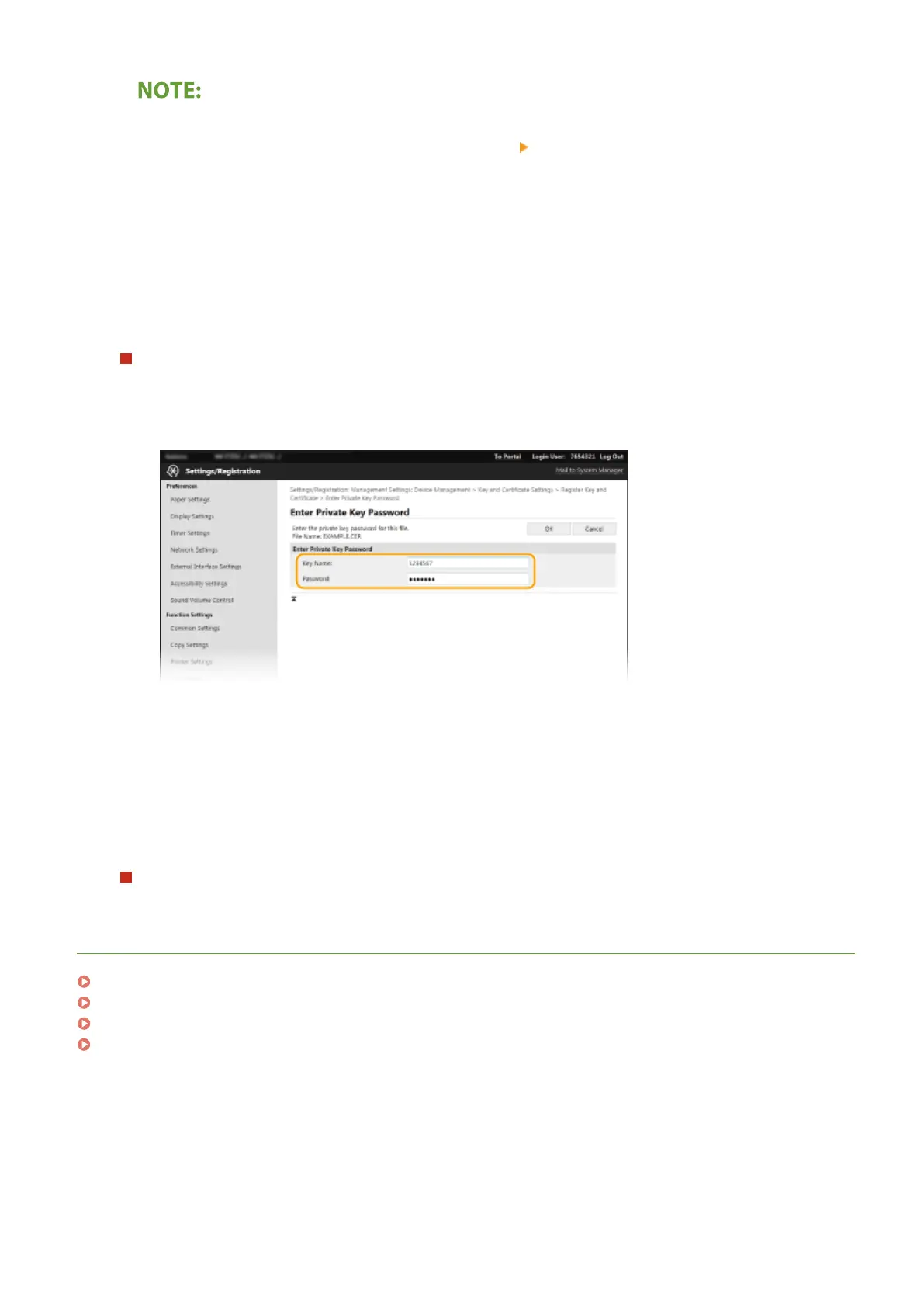
Enter the name of the key and password.
[Key Name]
Enter alphanumeric characters for the name of the key to be registered.
[Password]
Enter alphanumeric characters for the password of the private key set for the le to be registered.
3
Click [OK].
Registering a CA certicate
Click [Register] on the right of the CA certicate le you want to register.
LINKS
Generating the Key and Certicate for Network Communication(P. 383)
Conguring the Key and Certicate for TLS(P. 380)
Conguring IPSec Settings(P. 391)
Conguring IEEE 802.1X Authentication Settings(P. 398)
Managing the Machine
390









 To Next Page