● For more information about the basic operations to be performed when setting the machine from the
Remote UI, see Setting Up Menu Options from Remote UI(P. 427) .
1
Start the Remote UI and log in to System Manager Mode. Starting Remote
UI(P. 419)
2
Click [Settings/Registration] on the Portal page. Remote UI Screen(P. 420)
3
Select [Network Settings] [IPSec Settings].
4
Click [Edit].
5
Select the [Use IPSec] check box and click [OK].
● If you want the machine to only receive packets that match one of the security policies that you dene in the
steps below, clear the [Receive Non-Policy Packets] check box.
6
Click [Register New Policy].
7
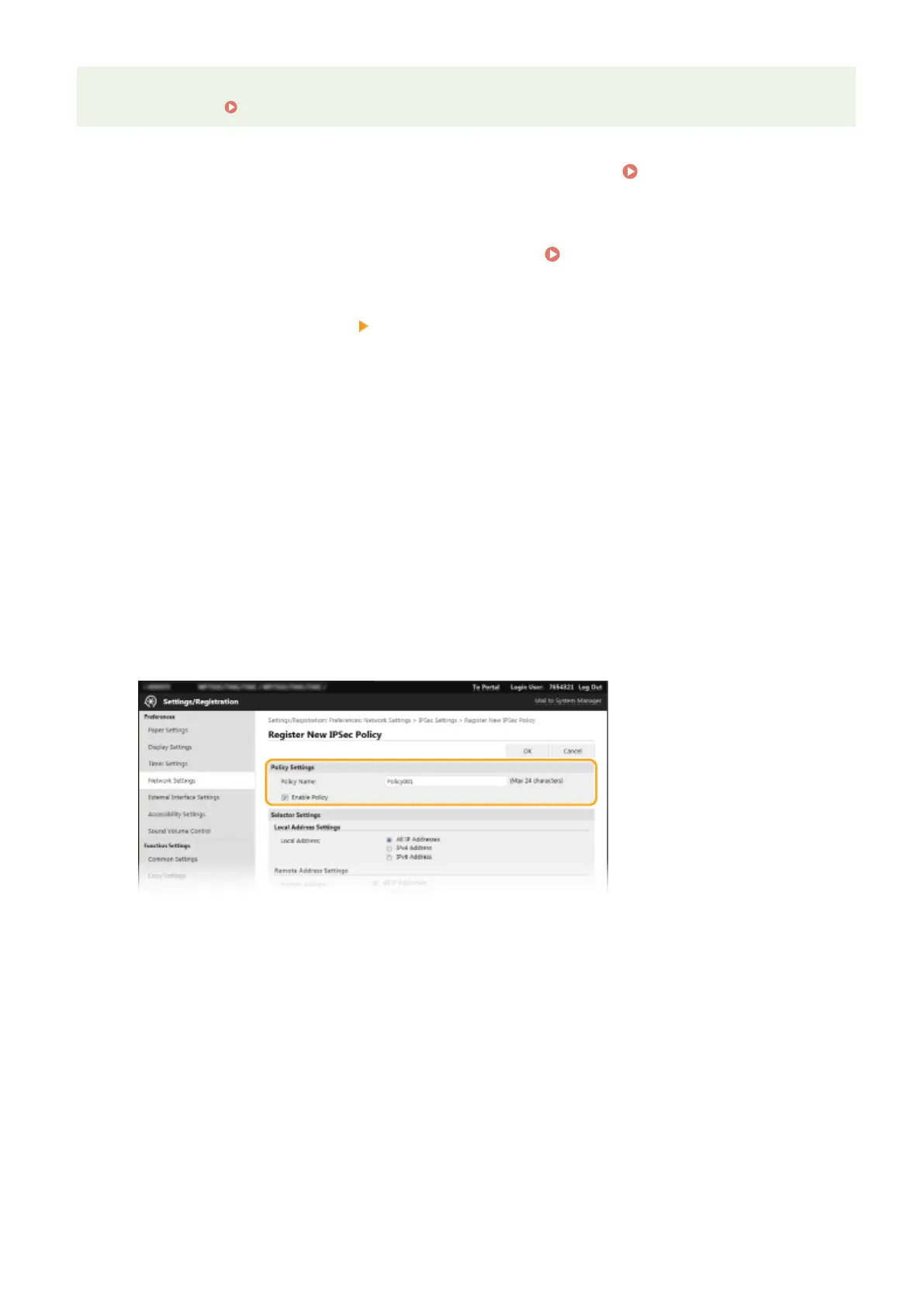
Specify the Policy Settings.
1
In the [Policy Name] text box, enter alphanumeric characters for a name that is used for identifying the
policy.
2
Select the [Enable Policy] check box.
8
Specify the Selector Settings.
Managing the Machine
392









 To Next Page