2
Click [Settings/Registration] on the Portal page. Remote UI Screen(P. 420)
3
Select [Network Settings] [IEEE 802.1X Settings].
4
Click [Edit].
5
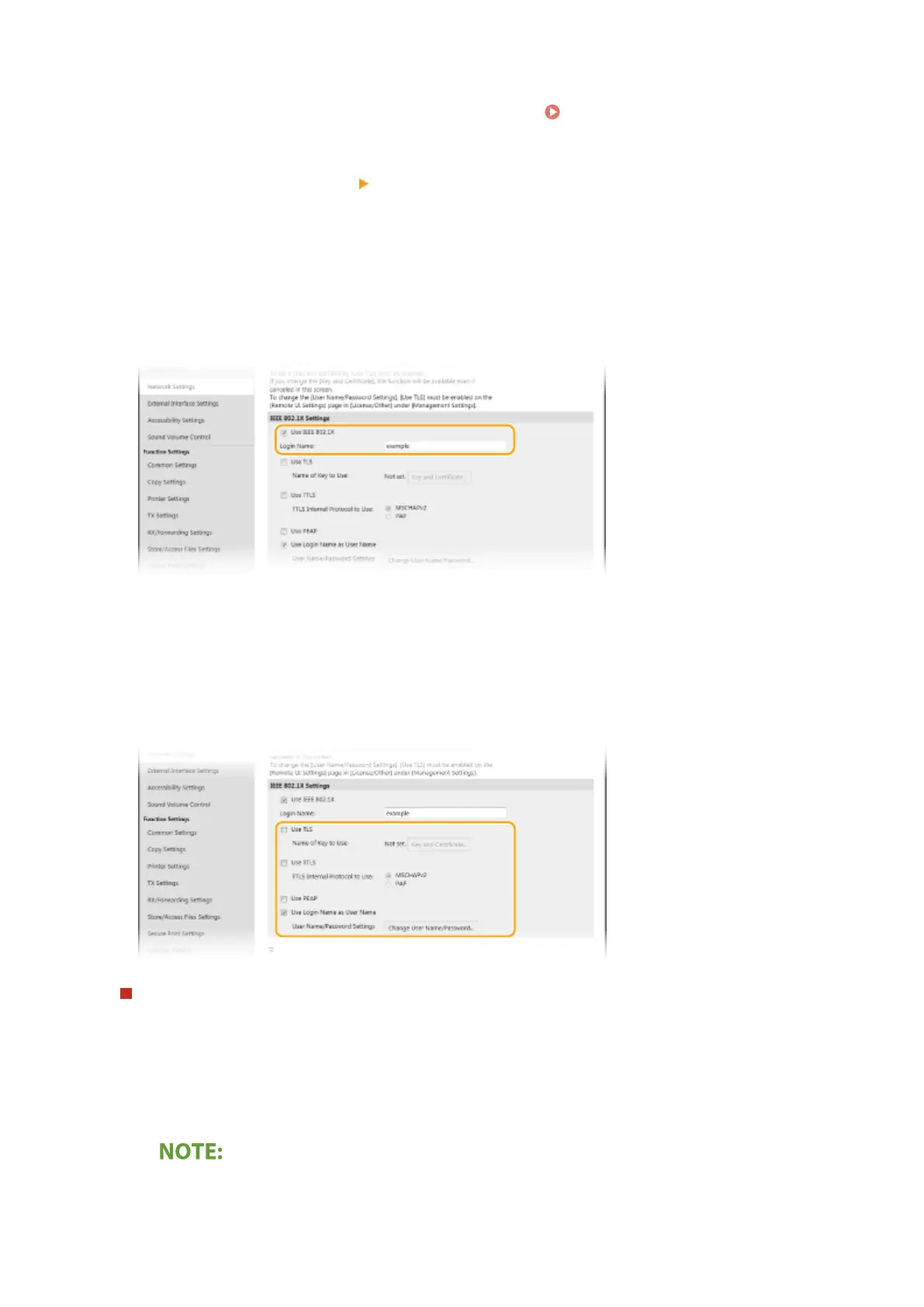
Select the [Use IEEE 802.1X] check box, and enter the login name in the [Login Name]
text box.
[Use IEEE 802.1X]
Select the check box to enable IEEE 802.1X authentication.
[Login Name]
Enter alphanumeric characters for a name (EAP identity) that is used for identifying the user.
6
Conguring the required settings according to the specied authentication method.
Setting TLS
1
Select the [Use TLS] check box and click [Key and Certicate].
● You cannot use TLS with TTLS or PEAP.
2
Click [Register Default Key] on the right of the key and certicate you want to use for the client
authentication.
Viewing details of a certicate
● You can check the details of the certicate or verify the certicate by clicking the corresponding text
link under [Key Name], or the certicate icon.
Managing the Machine
399









 To Next Page