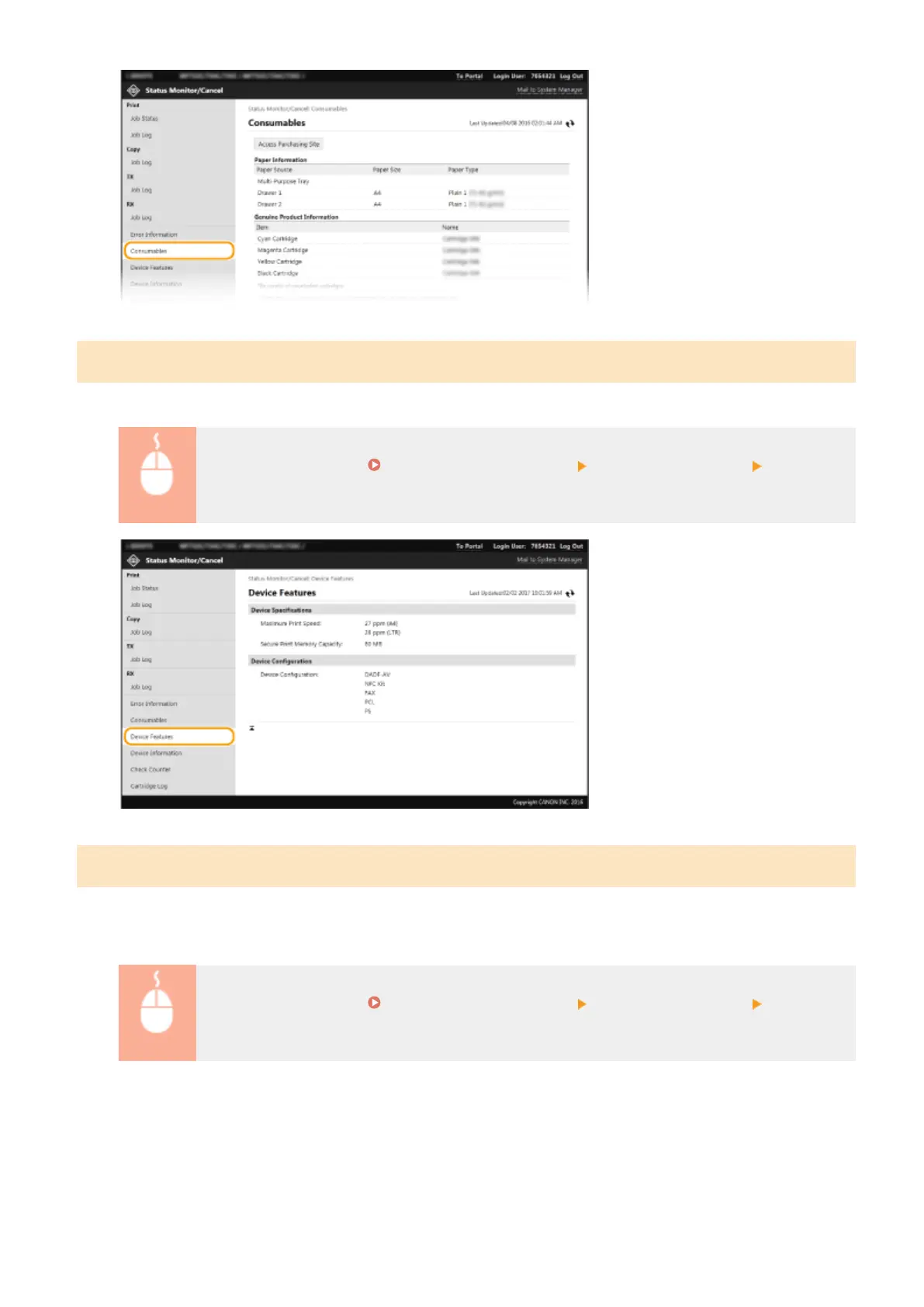
Checking Device Specications
The maximum print speed and machine features are displayed.
Log in to the Remote UI ( Starting Remote UI(P. 419) ) [Status Monitor/Cancel] [Device
Features]
Checking System Manager Information
Information about the machine and the system manager is displayed. The device name and other system manager
information displayed here correspond to the settings in [System Manager Information] on the [User Management]
page or in [Device Information Settings] on the [Device Management] page.
Log in to the Remote UI ( Starting Remote UI(P. 419) ) [Status Monitor/Cancel] [Device
Information]
Managing the Machine
424









 To Next Page