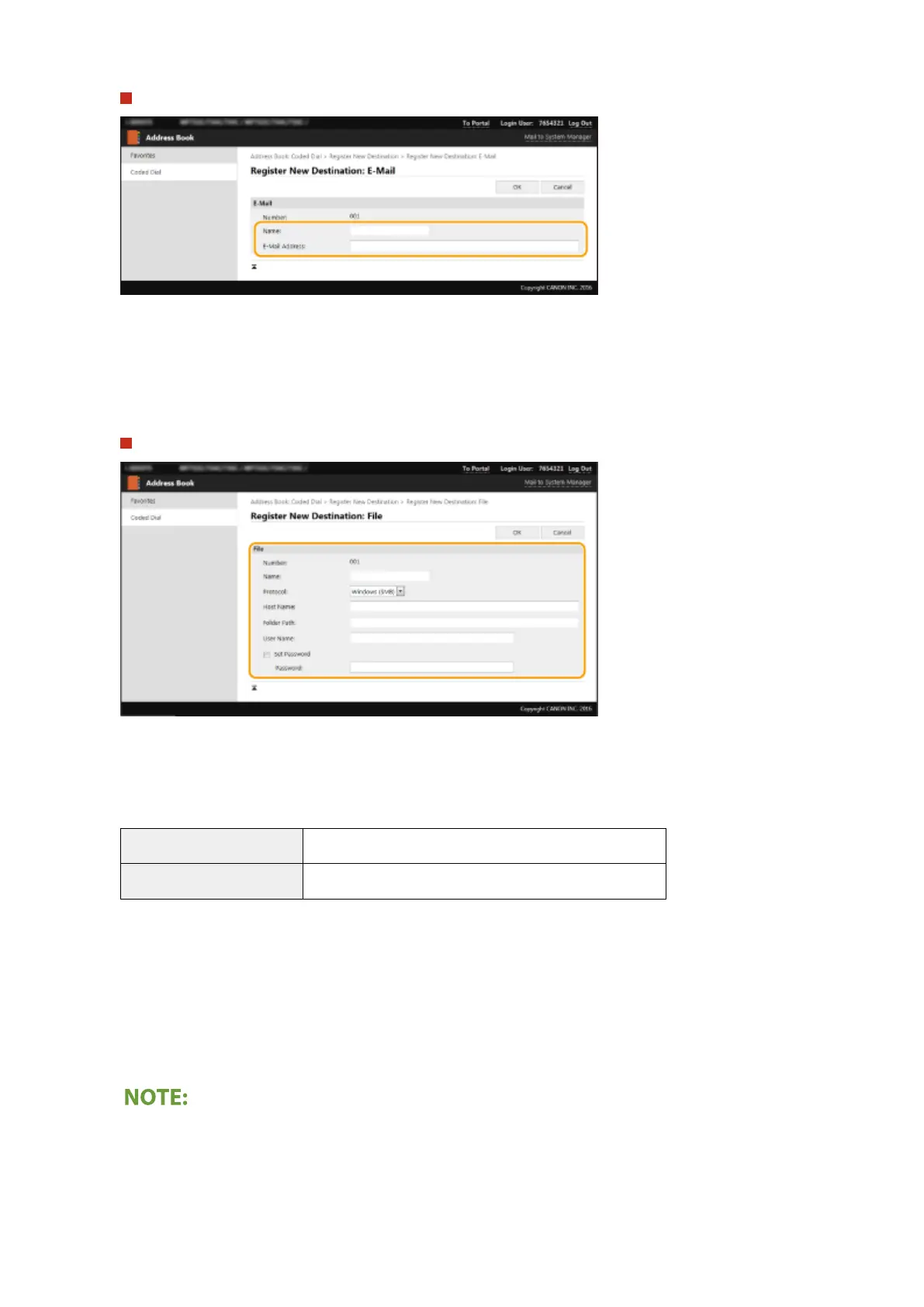
To register the e-mail or I-Fax destination
[Name]
Enter the name of the destination.
[E-Mail Address]/[I-Fax Address]
Enter the e-mail address of the destination.
To register the shared folder or FTP server destination
[Name]
Enter the name for the destination.
[Protocol]
Select the protocol for the destination.
[Windows (SMB)]
Select this when registering a shared folder as a destination.
[FTP] Select this when registering an FTP server as a destination.
[Host Name]
● For a shared folder
Enter the computer name or IP address. You can include a path to the shared folder with the computer
name or IP address (e.g. "\\swan\share" or "\\192.168.2.100\share").
● For an FTP server
Enter the IP address of the FTP server (e.g. "192.168.2.100").
Using a DNS server
● You can also enter the host name (or FQDN) instead of the computer name or IP address (e.g. for a shared
folder: "\\swan.organization.company.com\share").
Managing the Machine
432









 To Next Page