<Menu> <Adjustment/Maintenance> <Adjust Image Quality> <Special
Processing> <Reduce Toner Flaking> Select the mode <Yes>
● Setting a greater improvement effect may result in curled printouts or slower printing speed.
<Fix. Roller Contam. Reduction>
*
When toner stain (spotted stain) appears on the printed paper, the problem may not be solved even if you
cleaning the xing assembly. In this case, setting this item to <On> may solve the problem.
<Off>
<On>
<Menu> <Adjustment/Maintenance> <Adjust Image Quality> <Special Processing> <Fix.
Roller Contam. Reduction> <On> <Yes>
● If you set to <On>, the printing speed may be slower.
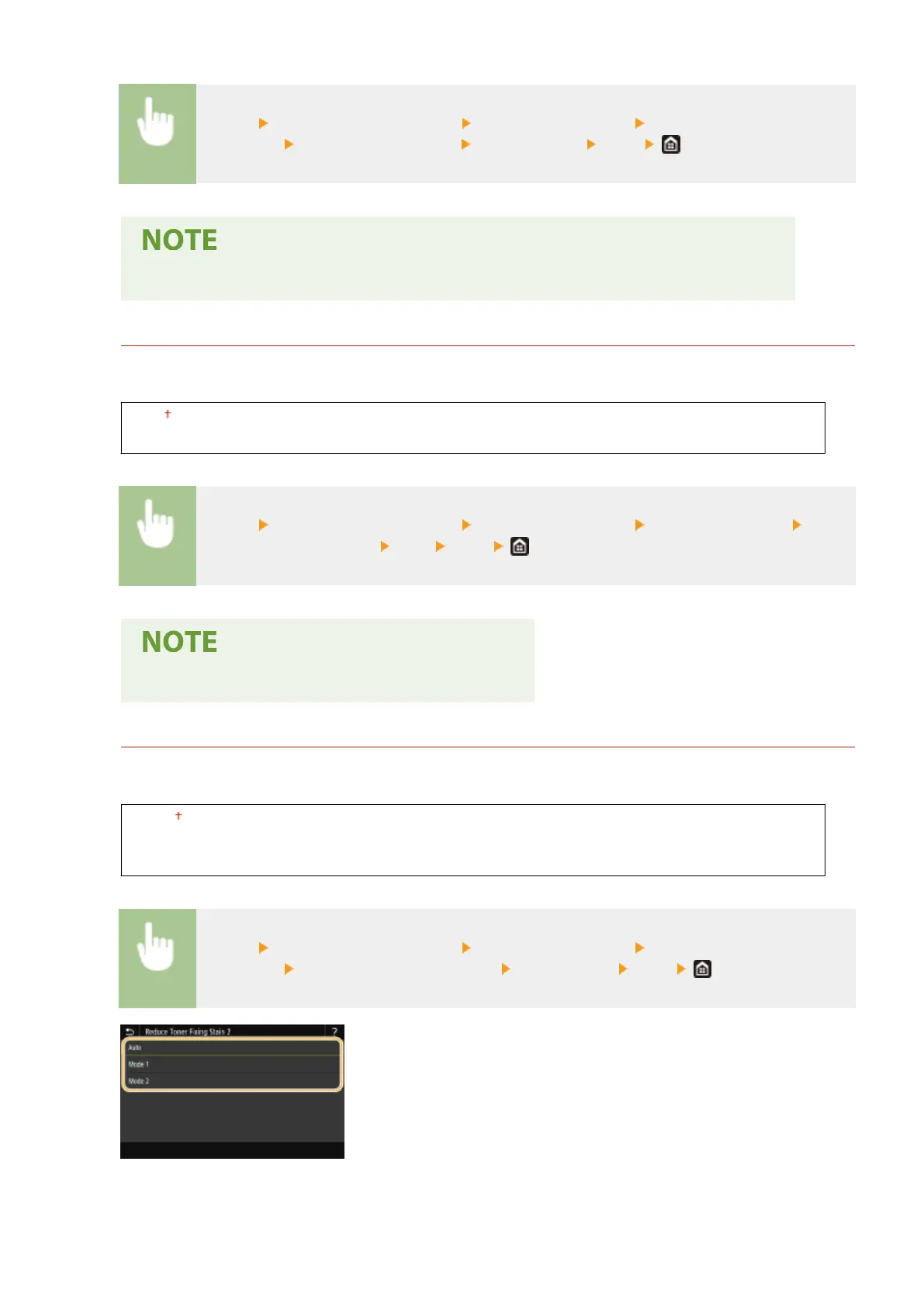
<Reduce Toner Fixing Stain 2>
*
When the machine is used in an environment with high humidity, faded or curled printouts may be output. In
this case, changing the setting of this item may solve the problem.
<Auto>
<Mode 1>
<Mode 2>
<Menu> <Adjustment/Maintenance> <Adjust Image Quality> <Special
Processing> <Reduce Toner Fixing Stain 2> Select the item <Yes>
<Auto>
Automatically adjusts toner xing.
Setting Menu List
481









 To Next Page