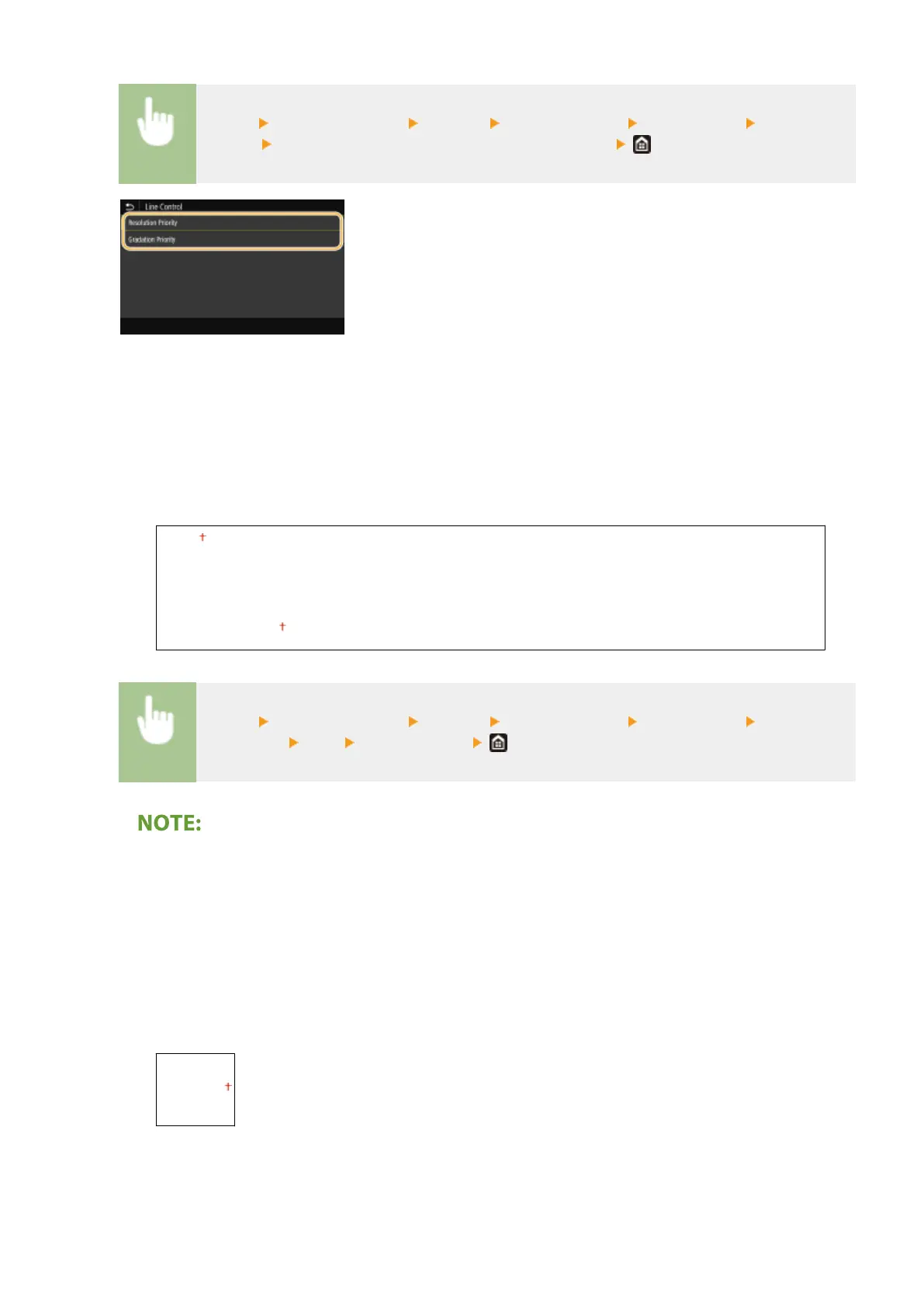
<Menu> <Function Settings> <Printer> <Printer Settings> <Print Quality> <Line
Control> Select <Resolution Priority> or <Gradation Priority>
<Resolution Priority>
Draws lines with the same resolution as for text.
<Gradation Priority>
Draws lines while maintaining color and gradation.
<Width Adjustment>
Congure a setting to print text or ne lines in bold.
<Off>
<On>
<Text>
<Line>
<Text and Line>
<Menu> <Function Settings> <Printer> <Printer Settings> <Print Quality> <Width
Adjustment> <On> Select the target
● If you set to <On>, the printing speed may be slower or image quality may be affected.
● Even if you set to <On>, bold printing may not be possible depending on the printing application.
<Advanced Smoothing>
Congure the smoothing setting to print the outline of graphics (e.g., illustrations created using applications)
or text with a smooth nish.
<Advanced Smoothing>
Select whether to perform smoothing processing. <Level 2> prints an outline with a smoother nish than
<Level 1>. First try with <Level 1>.
<Off>
<Level 1>
<Level 2>
Setting Menu List
499









 To Next Page