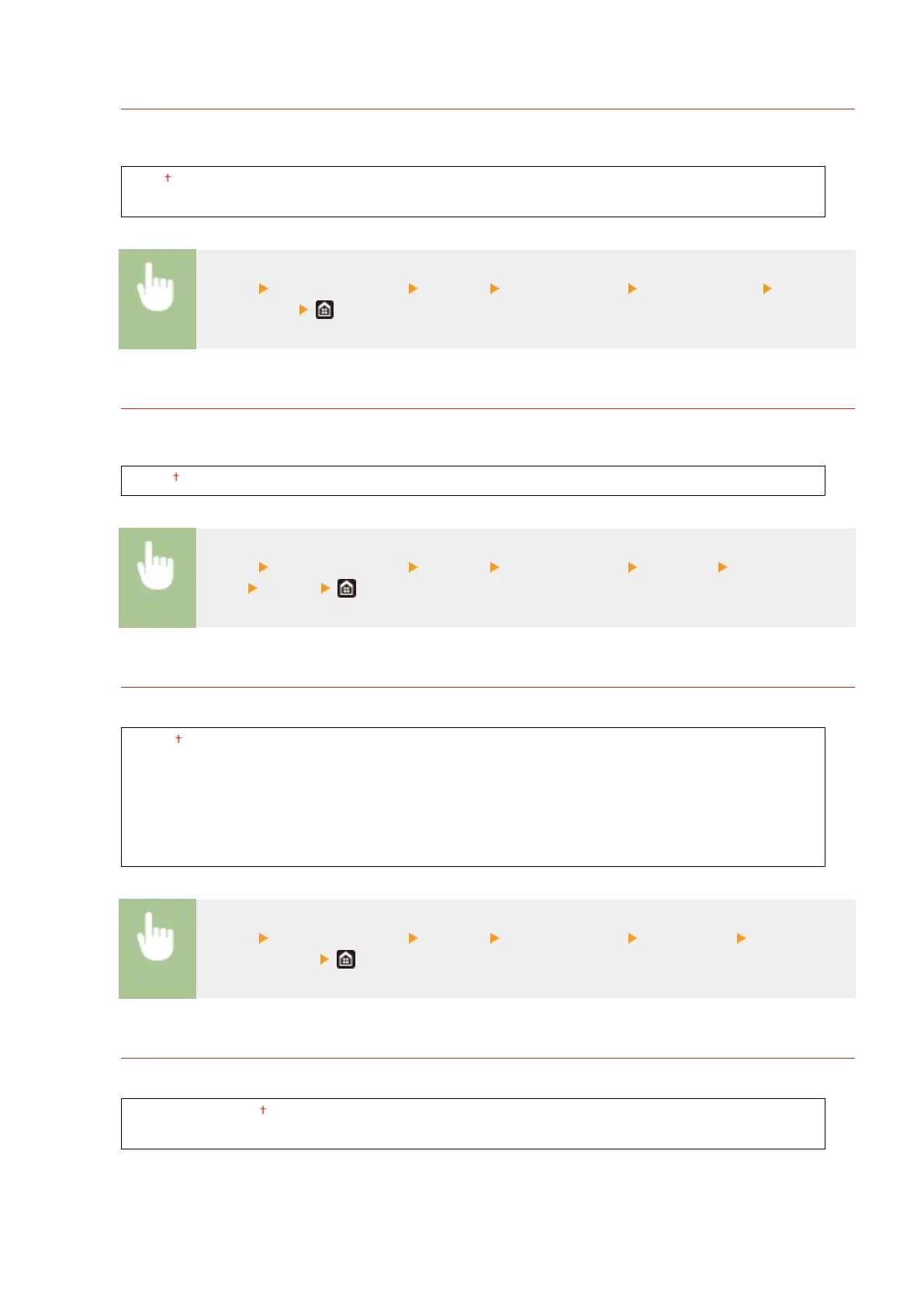
<Auto Skip Error>
Printing stops if a certain error occurs in the process. However, if you set this item to <On>, the certain error will
be skipped and printing can continue. Normally, set this item to <Off>.
<Off>
<On>
<Menu> <Function Settings> <Printer> <Printer Settings> <Auto Skip Error> Select
<Off> or <On>
<Timeout>
Set the time period after which the current print job is automatically canceled in the case of a print data
reception interruption.
5 to 15 to 300 (sec.)
<Menu> <Function Settings> <Printer> <Printer Settings> <Timeout> Set the time
period <Apply>
<Personality>
Specify the mode in which the machine should operate when the format of document data is unknown.
<Auto>
<PS>
*1
<PCL>
*1
<PDF>
<XPS>
<Imaging>
<Menu> <Function Settings> <Printer> <Printer Settings> <Personality> Select the
Personality mode
<Color Mode>
Select whether to print data in color or black and white.
<Auto (Color/B&W)>
<Black & White>
Setting Menu List
504









 To Next Page