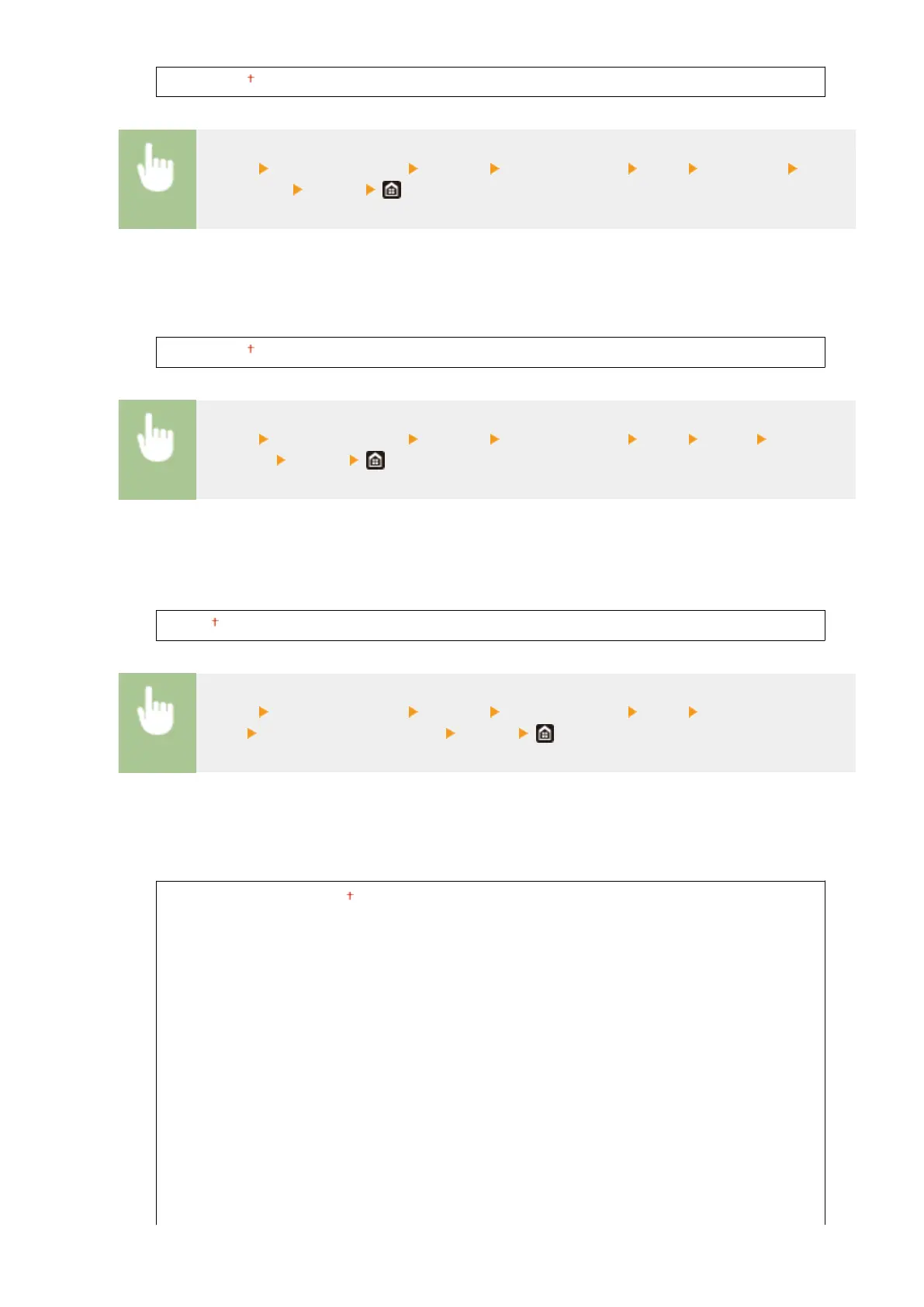
4.00 to 12.00 to 999.75 (point)
<Menu> <Function Settings> <Printer> <Printer Settings> <PCL> <Point Size> Specify
the point size <Apply>
<Pitch>
Set the font pitch, or cpi (characters per inch), adjustable in 0.01 increments. You can specify this setting only
when a xed-pitch scalable font or a bitmap font is selected in <Font Number>.
0.44 to 10.00 to 99.99 (cpi)
<Menu> <Function Settings> <Printer> <Printer Settings> <PCL> <Pitch> Specify the
pitch value
<Apply>
<Form Lines>
*2
Set the number of lines printed on one page from 5 to 128. This setting is automatically changed according
to the settings specied in <Default Paper Size> and <Orientation>.
5 to 60 to 128 (lines)
<Menu> <Function Settings> <Printer> <Printer Settings> <PCL> <Form
Lines> Specify the number of lines <Apply>
<Character Code>
Select the character code that is most suited for the computer you send print data from. The specied setting
is ignored when the character code is controlled by the font specied in <Font Number>.
<ARABIC8>
<DESKTOP>
<GREEK8>
<HEBREW7>
<HEBREW8>
<ISO4>
<ISO6>
<ISO11>
<ISO15>
<ISO17>
<ISO21>
<ISO60>
<ISO69>
<ISOCYR>
<ISOGRK>
<ISOHEB>
<PC8>
<PC850>
<PC851>
<PC852>
<PC858>
<PC862>
<PC864>
<PC866>
<PC8DN>
<PC8GRK>
<PC8TK>
<PC1004>
<PIFONT>
<PSMATH>
<PSTEXT>
<ROMAN8>
Setting Menu List
509









 To Next Page