<Pure Black Text>
Congures a setting so that black text of which color information is "R = G = B = 0%," "C = M = Y = 100%," or "C
= M = Y = 0%/K = 100%" is printed using only the K (black) toner. When <Off> is selected, text is printed based
on the <Output Prole> setting.
<Off>
<On>
<Menu> <Function Settings> <Printer> <Printer Settings> <PS> <Pure Black Text>
Select <Off> or <On>
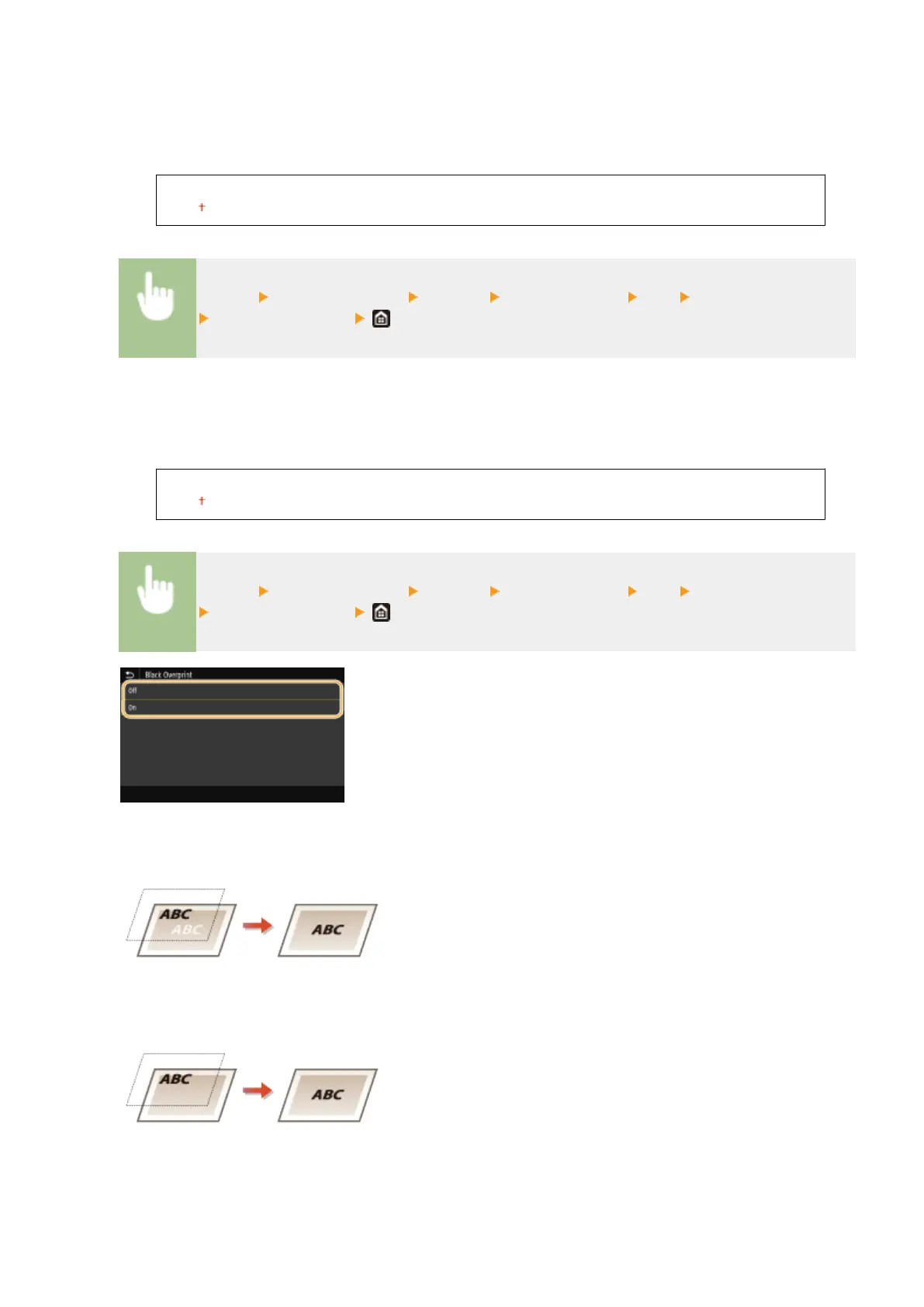
<Black Overprint>
*1
Specify the printing method used when black text overlaps a colored background or gure. This option is not
displayed when <Pure Black Text> is set to <Off>.
<Off>
<On>
<Menu> <Function Settings> <Printer> <Printer Settings> <PS> <Black Overprint>
Select <Off> or <On>
<Off>
Outlines black text from a colored background or gure rst, then prints black text in the outlined part.
Printouts may be faded much more than <On>, or text may be outlined.
<On>
Prints all the colored backgrounds and gures, and overlaps black text on these backgrounds and gures using
only the black (K) toner, then prints.
<RGB Source Prole>
Select the prole for RGB data according to the monitor you are using.
Setting Menu List
516









 To Next Page