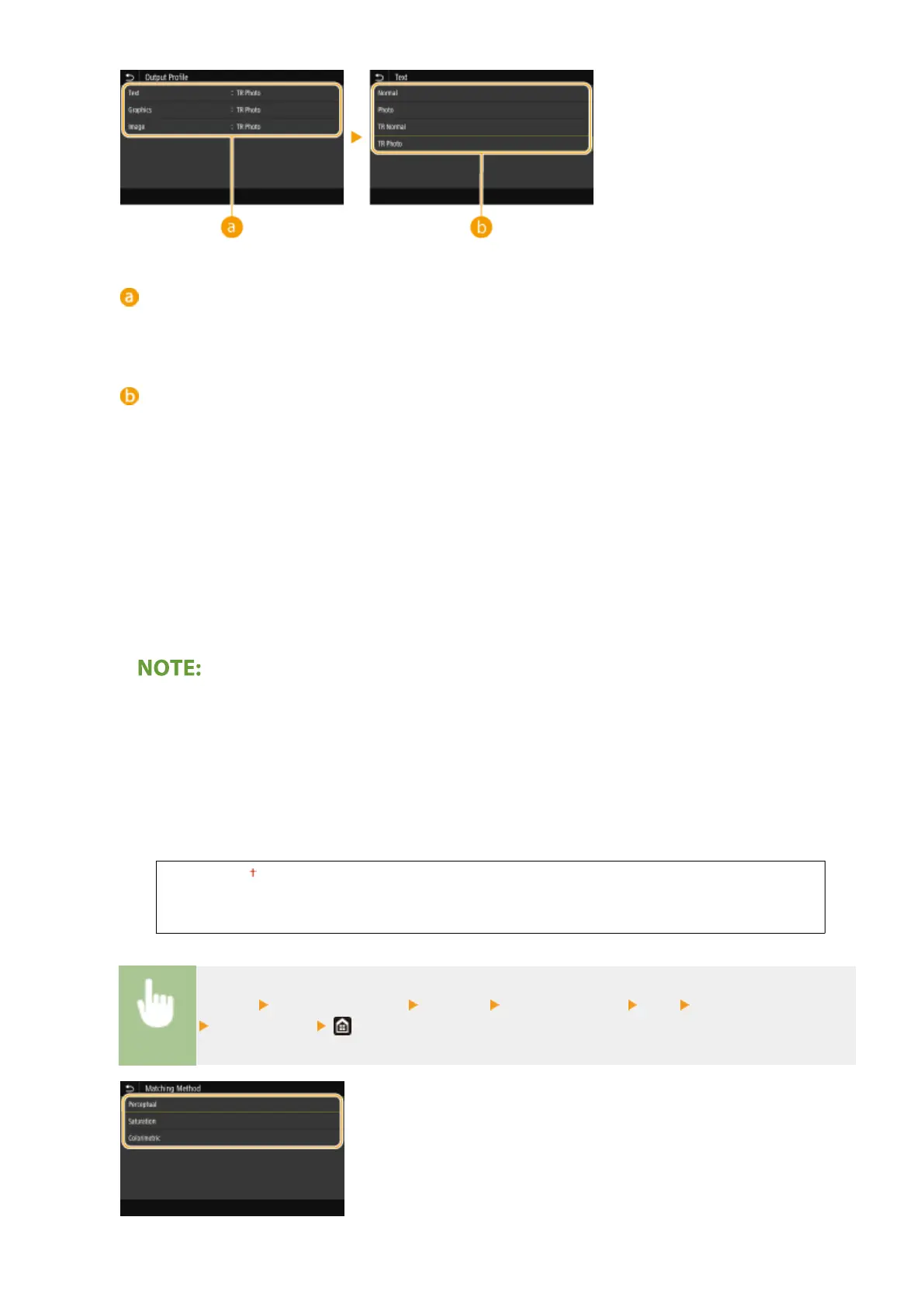
Type of image
Select the object for which to change the setting. <Text> represents letters and characters, <Graphics>
represents lines and gures, and <Image> represents photos and images.
Setting value
<Normal>
Prints data by adjusting it to the color tones closest to those displayed on the monitor.
<Photo>
Prints data by adjusting it to photo-like color tones.
<TR Normal>
Prints data by adjusting it to the color tones closest to those displayed on the monitor and using only the K
(black) toner to reproduce black and gray elements.
<TR Photo>
Prints data by adjusting it to photo-like color tones and using only the K (black) toner to reproduce black and
gray elements.
The setting of this item is unavailable when one of the following settings is selected.
● <RGB Source Prole> is set to <None>
● <CMYK Simulation Prole> is set to <None>
● <Use Grayscale Prole> is set to <Off>
<Matching Method>
Select the element to be prioritized when carrying out color matching in <RGB Source Prole>.
<Perceptual>
<Saturation>
<Colorimetric>
<Menu> <Function Settings> <Printer> <Printer Settings> <PS> <Matching Method>
Select the item
Setting Menu List
519









 To Next Page