<RX Start Speed>
If it takes a long time to start receiving a fax, such as when there is a poor connection, you can adjust the
communication start speed downward incrementally.
<33600 bps>
<14400 bps>
<9600 bps>
<7200 bps>
<4800 bps>
<2400 bps>
<Menu> <Function Settings> <Receive/Forward> <Fax Settings> <RX Start Speed> Select
the communication start speed
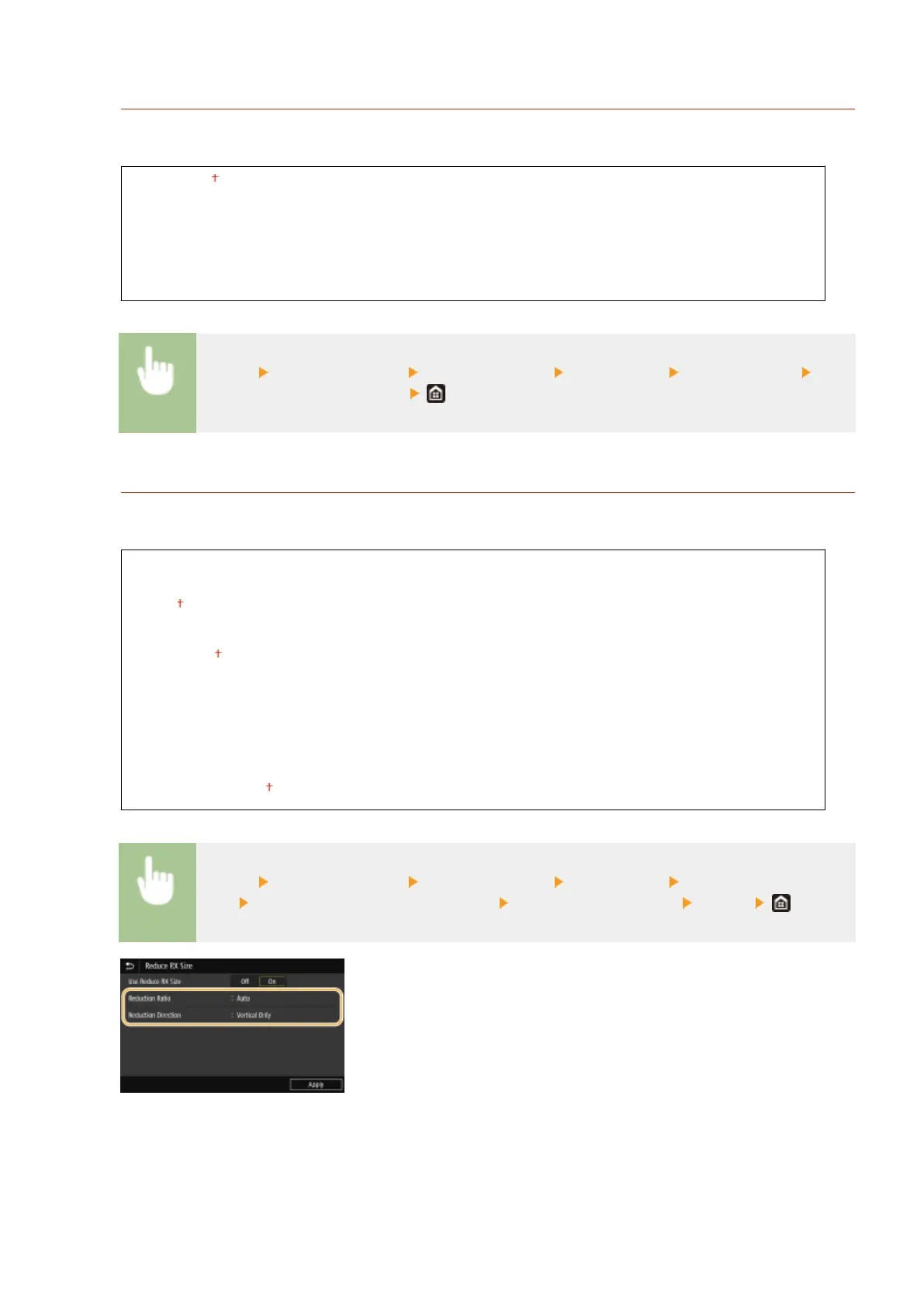
<Use Reduce RX Size>
Specify settings for reducing the image size of a received document. You can select an automatic reduction ratio
that reduces the received document to size of the loaded paper. You can also select a ratio from a list.
<Use Reduce RX Size>
<Off>
<On>
<Reduction Ratio>
<Auto>
<97%>
<95%>
<90%>
<75%>
<Reduction Direction>
<Vertical/Horizontal>
<Vertical Only>
<Menu> <Function Settings> <Receive/Forward> <Fax Settings> <Use Reduce RX
Size> Select <On> in <Use Reduce RX Size> Specify each setting item <Apply>
<Reduction Ratio>
<Auto> reduces the image by a ratio that is based on the size of the loaded paper. <97%>, <95%>, <90%>, or
<75%> reduce the image by the corresponding ratio.
<Reduction Direction>
Setting Menu List
551









 To Next Page