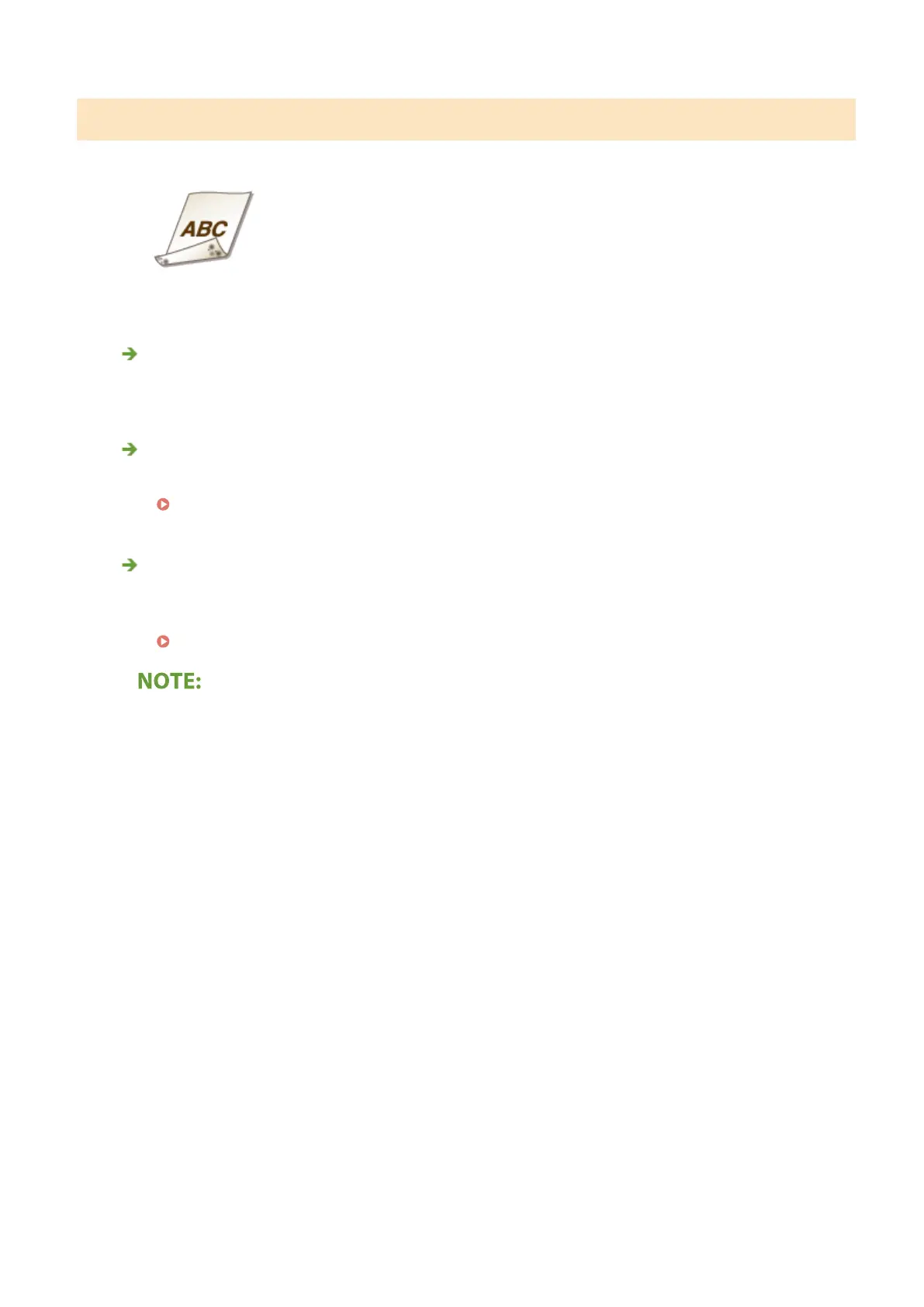
Reverse Side of Paper is Smudged
Have you loaded paper that is smaller than the size of the print data?
● Check to make sure that the paper size matches the size of the print data.
Have you cleaned the xing unit?
● Clean the xing unit.
Cleaning the Fixing Assembly(P. 583)
Do smudges appear on 2-sided printed paper? (MF634Cdw / MF632Cdw)
● When performing 2-sided printing, the image may be blurry on the back side of paper in the trailing edge.
Setting <Correct Blurry Image> to <On> may solve the problem.
<Correct Blurry Image>(P. 479)
● If you set to <On>, the printing speed may be slower.
Troubleshooting
638









 To Next Page