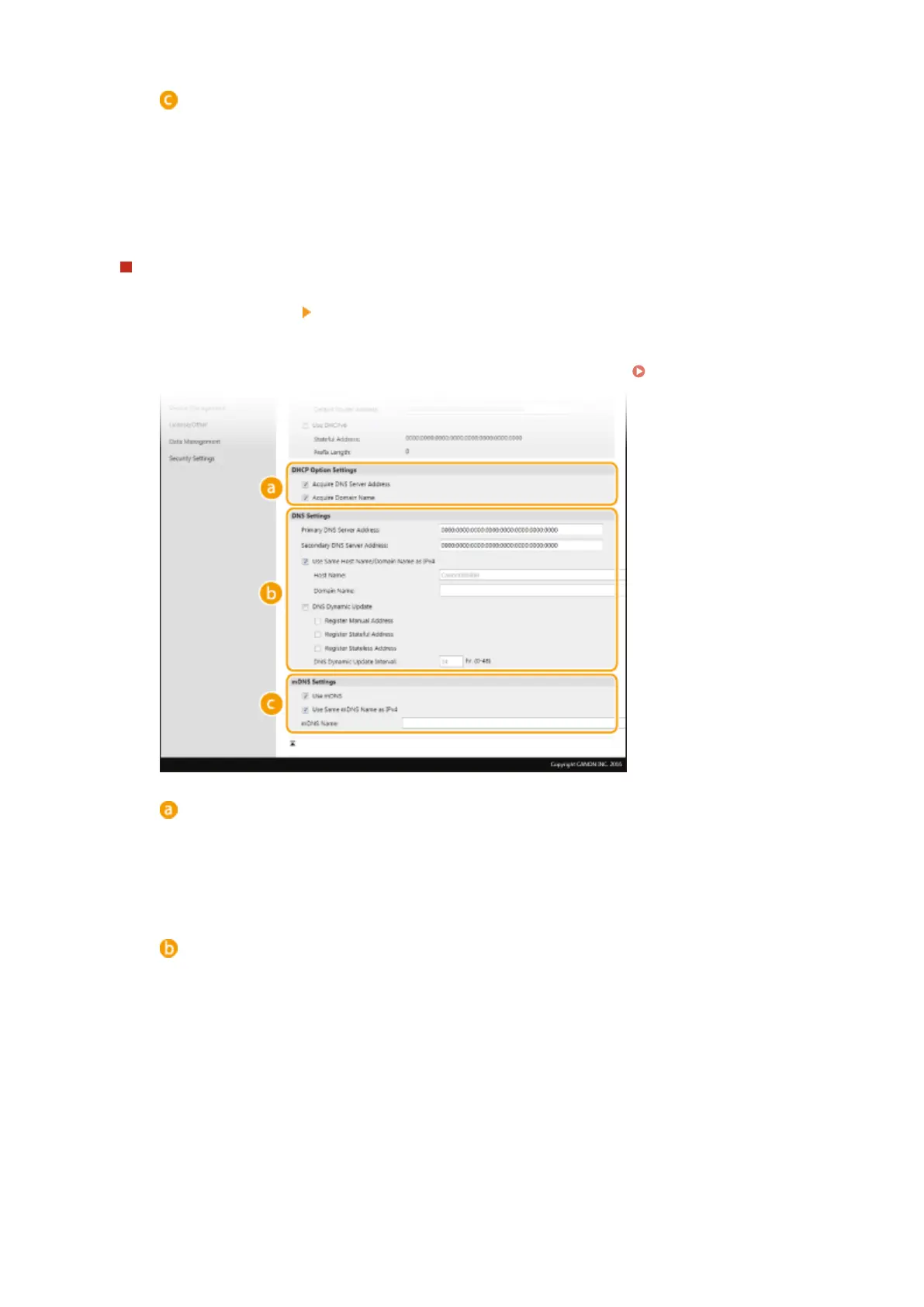
[mDNS Settings]
[Use mDNS]
Adopted by Bonjour, mDNS (multicast DNS) is a protocol for associating a host name with an IP
address without using DNS. Select the check box to enable mDNS and enter the mDNS name in the
[mDNS Name] text box.
3
Click [OK].
Conguring IPv6 DNS
1
Select [IPv6 Settings] [Edit].
2
Congure IPv6 DNS settings.
● The [Use IPv6] check box must be selected to congure the settings. Setting IPv6 Addresses(P. 34)
[DHCP Option Settings]
[Acquire DNS Server Address]
Select the check box to enable Option 23 to obtain a DNS server address from the DHCP server.
[Acquire Domain Name]
Select the check box to enable Option 24 to obtain a domain name from the DHCP server.
[DNS Settings]
[Primary DNS Server Address]
Enter the IP address of a DNS server. Addresses that start with "ff" (or multicast address) cannot be
entered.
[Secondary DNS Server Address]
Enter the IP address of a secondary DNS server, if any. Addresses that start with "ff" (or multicast
address) cannot be entered.
[Use Same Host Name/Domain Name as IPv4]
Select the check box to use the same host and domain names as in IPv4.
[Host Name]
Enter alphanumeric characters for the host name of the machine that is to be registered to the DNS
server.
[Domain Name]
Setting Up
57









 To Next Page