status information. SLP settings can be specied via the Remote UI. This section also describes the procedure to
congure settings for communication between the machine and plug-ins for imageWARE Enterprise Management
Console.
*
For more information about imageWARE Enterprise Management Console, contact your local authorized Canon dealer.
To use imageWARE Enterprise Management Console plug-ins
● You need to enable the settings of the dedicated port and the SNMP settings. As for the SNMP settings, set
[MIB Access Permission] to [Read/Write] for both SNMPv1 and SNMPv3.
<Use Dedicated Port>(P. 462)
Monitoring and Controlling the Machine with SNMP(P. 68)
Remote UI Operations
● For more information about the basic operations to be performed when setting the machine from the
Remote UI, see Setting Up Menu Options from Remote UI(P. 427) .
◼
Conguring SLP Communication with Device Management Software
1
Start the Remote UI and log in to System Manager Mode. Starting Remote
UI(P. 419)
2
Click [Settings/Registration] on the Portal page. Remote UI Screen(P. 420)
3
Click [Network Settings].
4
Specify SLP settings.
Specifying multicast device discovery
1
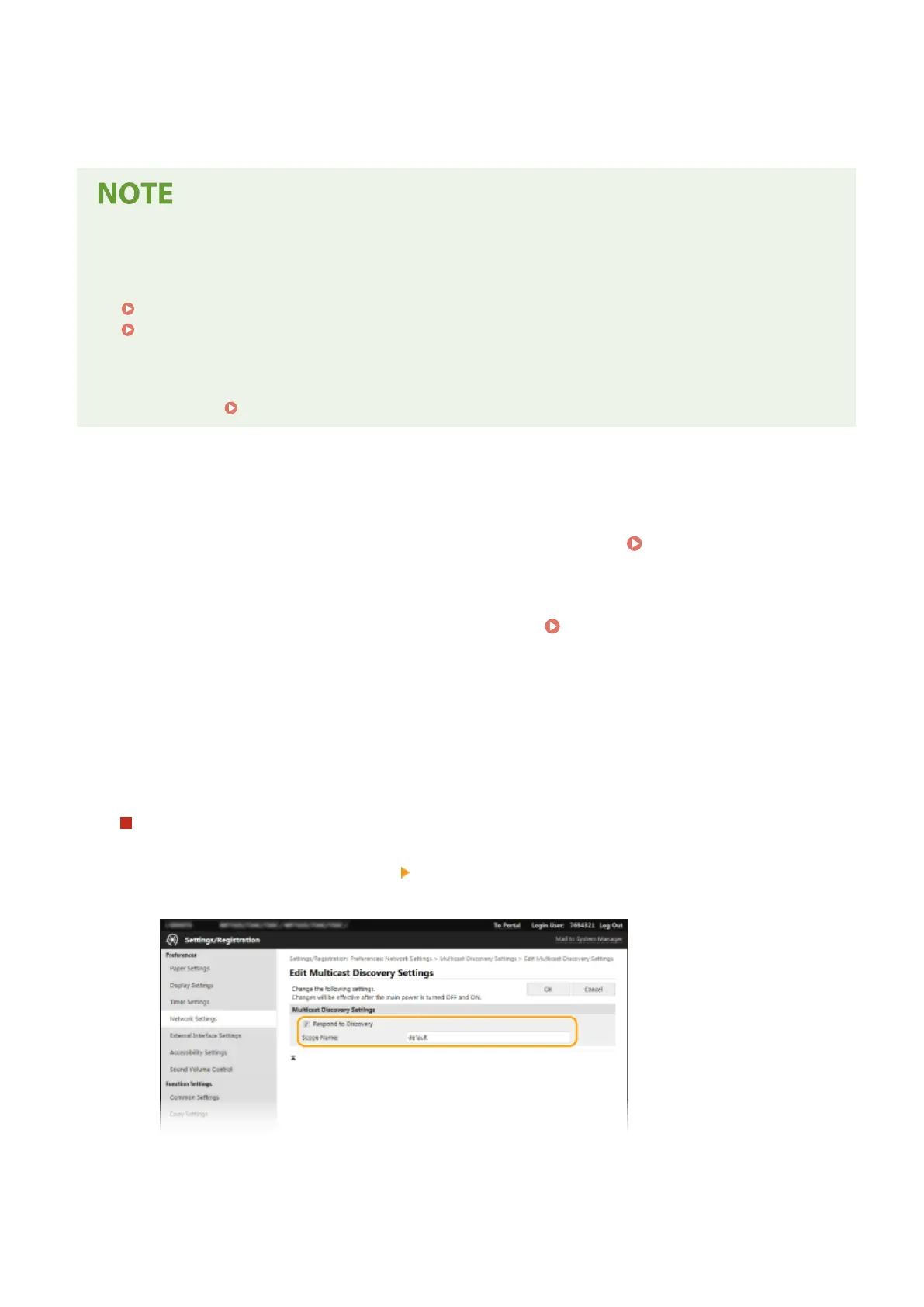
Select [Multicast Discovery Settings] [Edit].
2
Select the [Respond to Discovery] check box and specify the required settings.
[Respond to Discovery]
Select the check box to set the machine to respond to device management software multicast discovery
packets and enable monitoring by device management software.
Setting Up
74









 To Next Page