1
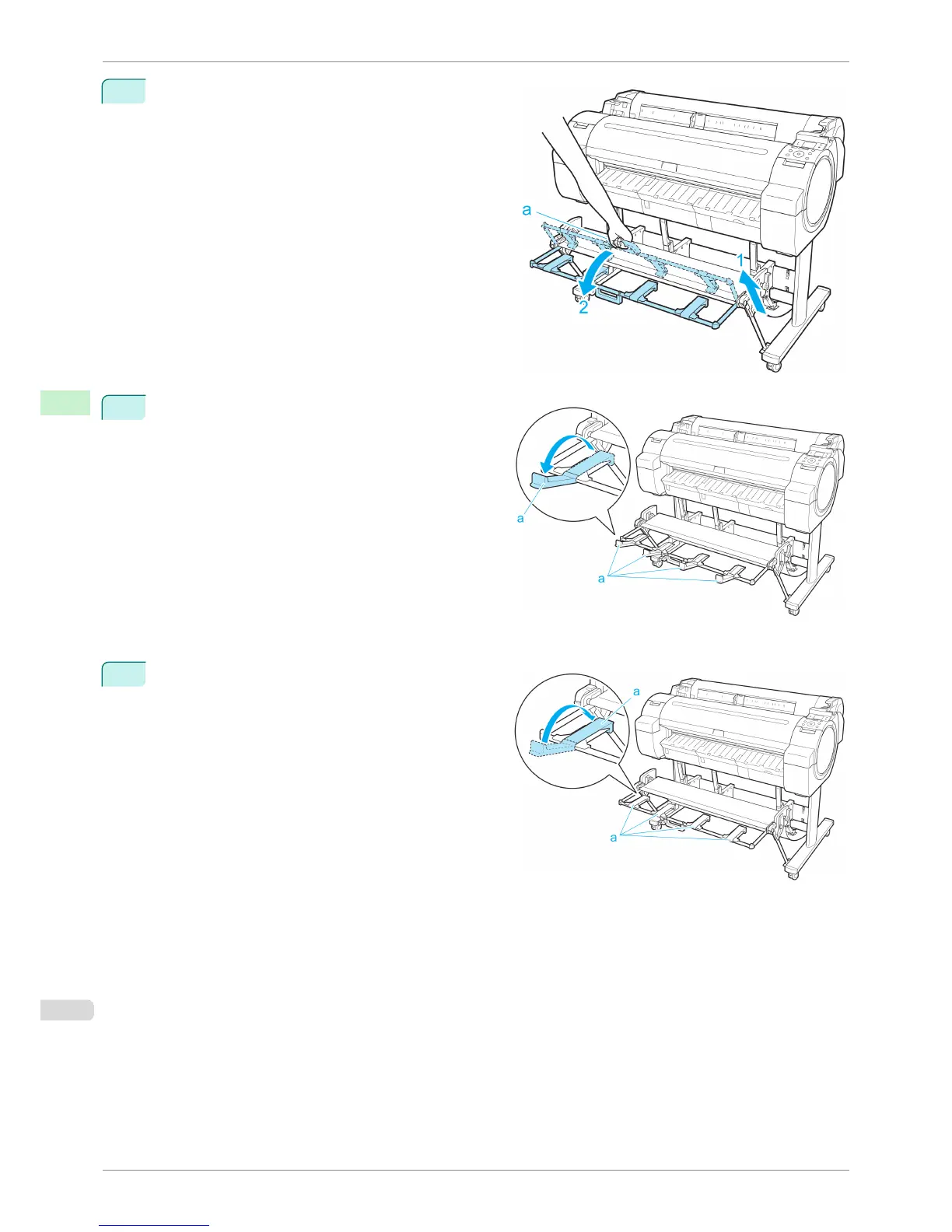
Grasp the Output stacker handle (a) and pull out the
Output Stacker so that it tilts towards you.
2
Open the Output Stacker Ejection Guides (a). This
completes the procedure of switching to Extended
position B.
Once the printing has finished, use the following procedure to return to the regular position.
1
Push the Output Stacker Ejection Guides (a) closed
until it clicks into place.
Using the Output Stacker
iPF760
User's Guide
Handling Paper Output Stacker
426















 To Next Page