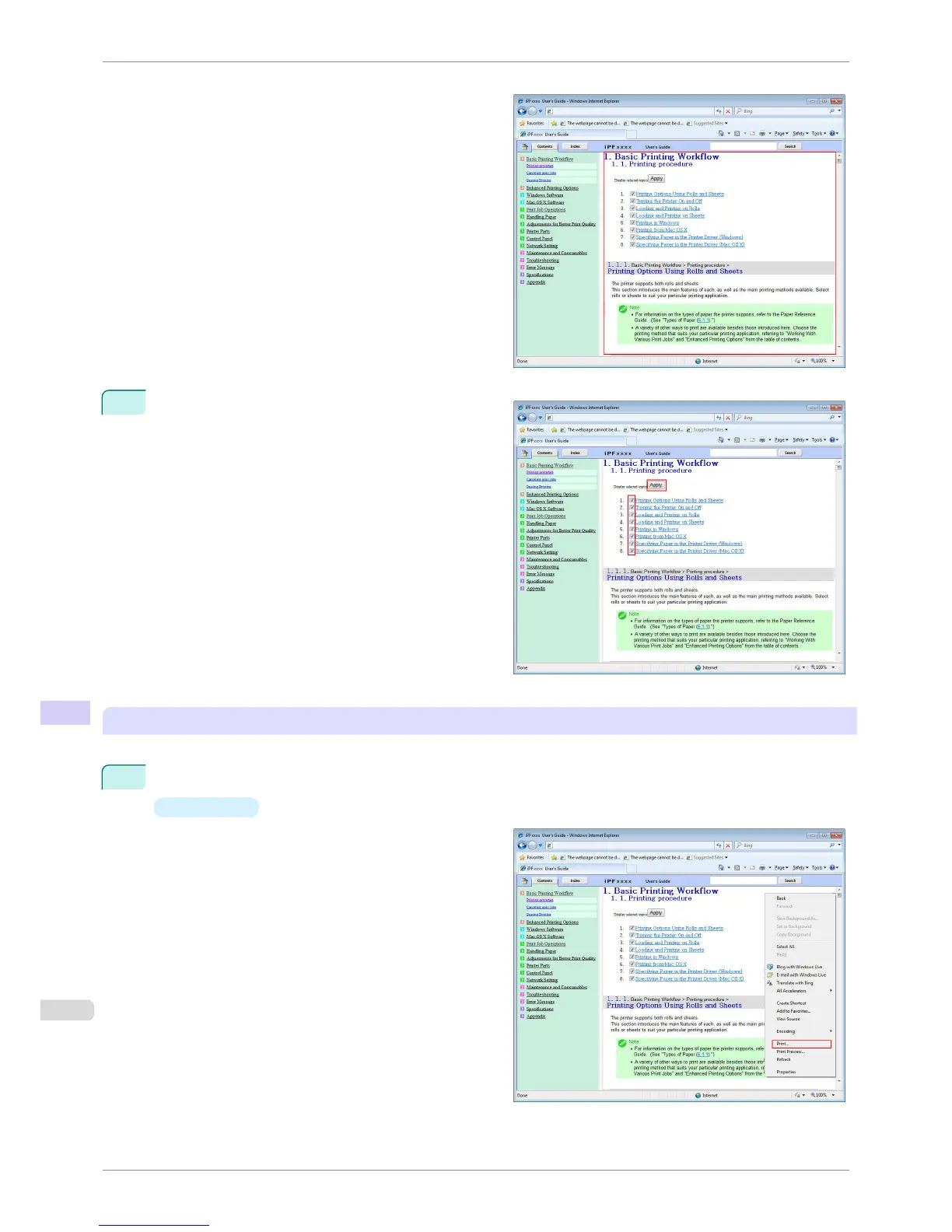
The topics in Printing Procedure are displayed to-
gether in HTML format, ready for printing.
4
Clear the topics you will not print and click the Apply
button.
Printing selected topics
Print selected topics as follows.
1
Access the printing dialog box as follows, depending on your computer's operating system.
•
Windows
In Windows, right-click anywhere in the explana-
tion area except on a figure or a link.In the short-
cut menu, click Print to display the Print dialog
box.
HTML Version of the Manual for Printing
iPF760
User's Guide
Appendix How to use this manual
614















 To Next Page