•
Macintosh
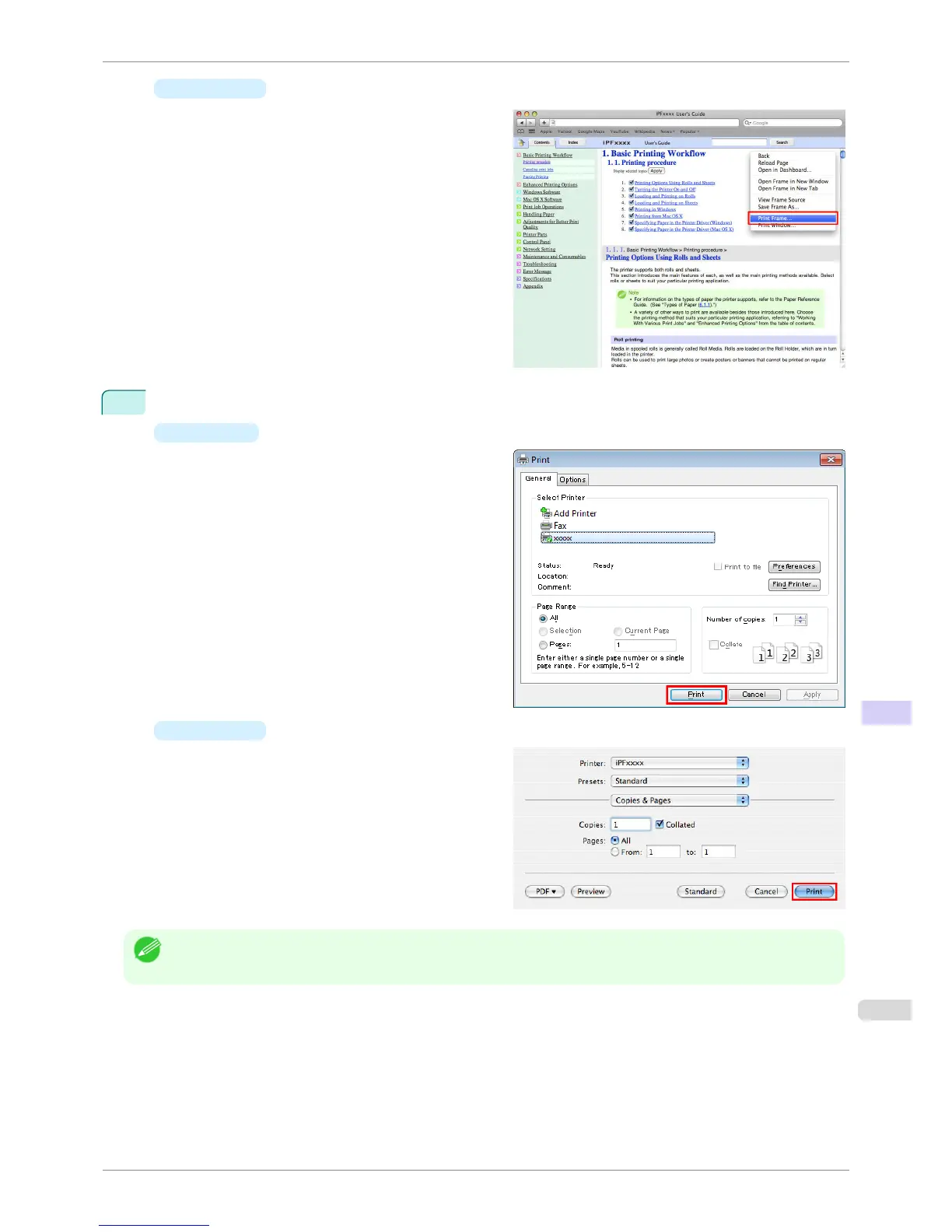
On a Macintosh computer, click anywhere in the
explanation area except on a figure or a link
while holding the Ctrl key. In the shortcut menu,
click Print Frame to display the Print dialog box.
2
Specify conditions as needed, and then click Print (Windows) or Print (Macintosh).
•
Windows
•
Macintosh
Note
• To print only individual topics that are displayed, use this method.
iPF760
HTML Version of the Manual for Printing
User's Guide
Appendix How to use this manual
615















 To Next Page