v2.13 Cleverscope CS300 Reference Manual
©Cleverscope 2004-2018 www.cleverscope.com Page 117
17.5.7 FRA Information
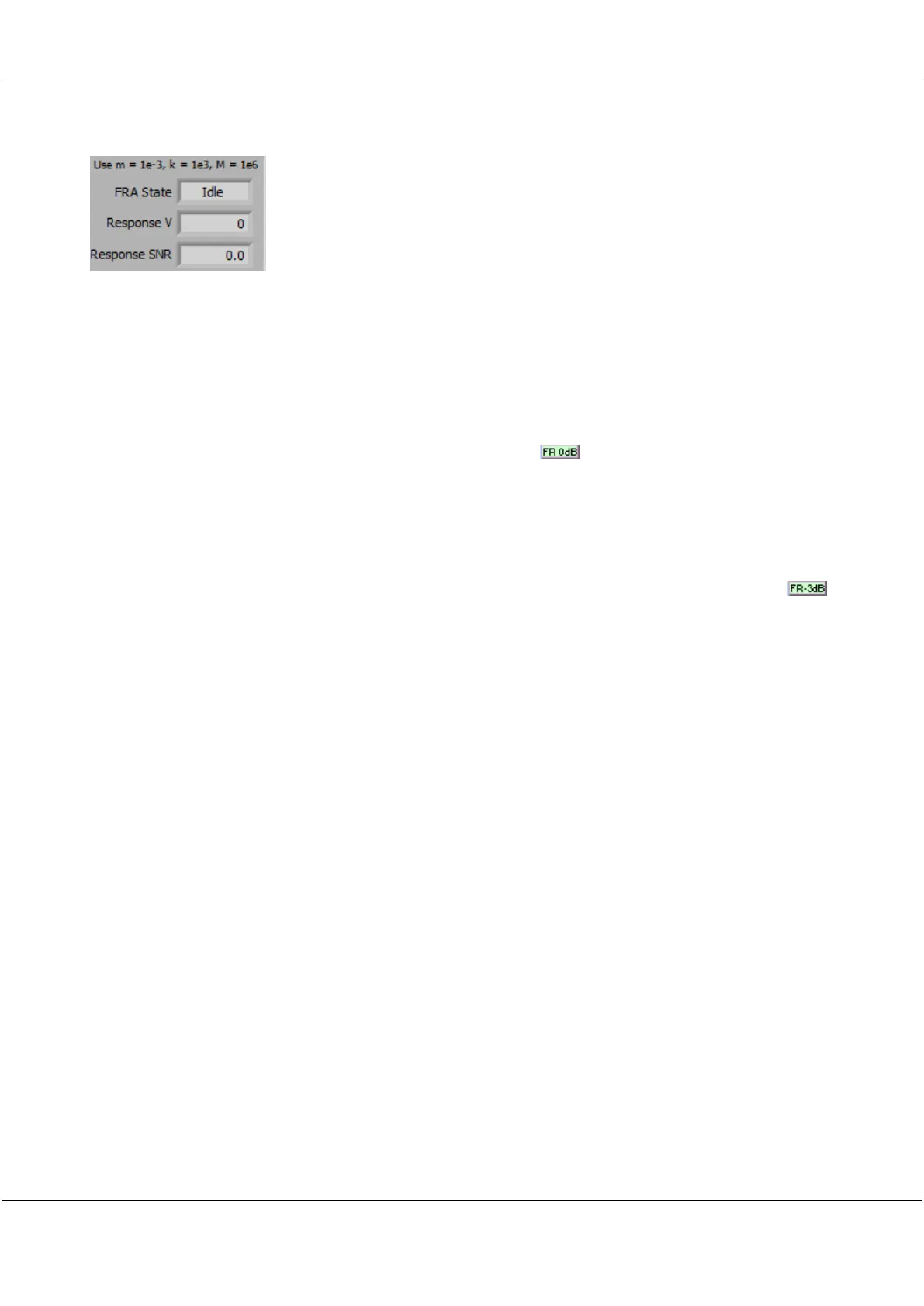
FRA Information
This panel details information about the FRA.
The FRA State shows the current state - Idle, Calibrate, wait, Sweep or
Complete when carrying out a FRA sweep.
Displays the measured Response Voltage
Displays the measured Response Signal To Noise Ratio. A value >3 is
required, and >10 is good.
17.5.8 Gain and Phase Margin Display
To display the Gain and Phase margins for a power supply click the button on the Spectrum Display. This
will automatically position the vertical markers on the 0dB gain and 0 degrees phase points on your gain and
phase curves. The gain and phase margins, with corresponding frequency are displayed in the marker
information area.
17.5.9 -3dB Fo frequency value
You can display and measure the -3dB frequency cutoff point on a frequency response plot by using the
button on the Spectrum Display. This will automatically position the vertical markers on the -3dB points for
Channels A and B. The -3dB frequency values are saved into the marker information area.



 To Next Page