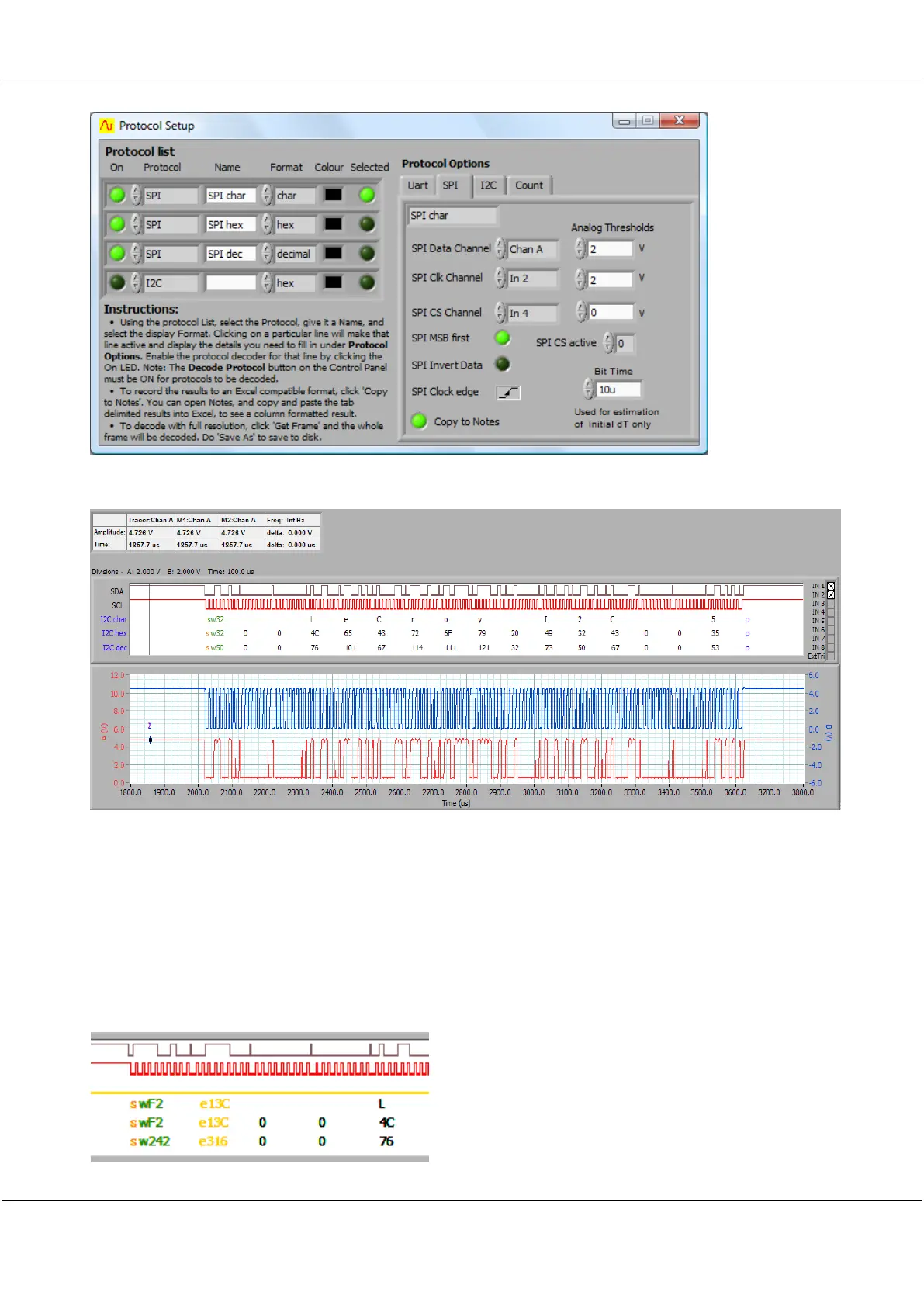
If there is room, the symbol is positioned at the correct time position on the signal. Values can be displayed in
character, hex and decimal. The address (shown in green) is always displayed in hex or decimal. The start
condition is denoted with an orange ‘s’.
The stop is shown with a blue ‘p’.
A repeated start is shown as sR.
Acks are not shown.
Nacks are shown as a red ‘k’.
Extended addressing is supported, displayed as yellow extended address values.



 To Next Page