v2.13 Cleverscope CS300 Reference Manual
©Cleverscope 2004-2018 www.cleverscope.com Page 155
23.1.2 Connect by Serial Number
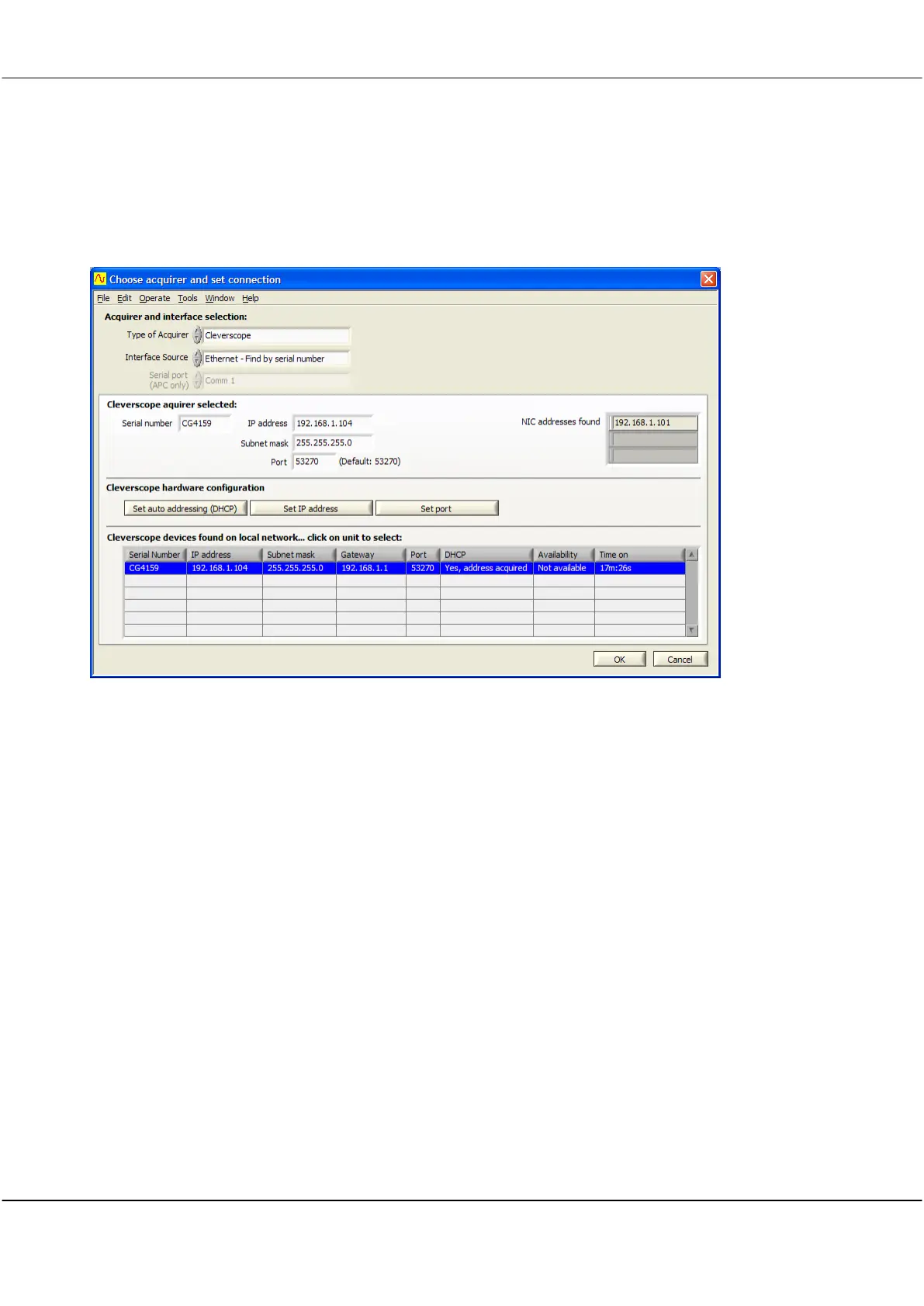
The Cleverscope application can be setup to always connect to a given serial number, regardless of the IP
address. Setup as follows:
Set Interface Source to Ethernet – Find by Serial Number.
Select the unit you want to use under Cleverscope devices found, this will update Cleverscope acquirer selected
to have the same Serial number as the one you selected.
Click OK. The next time you start the Cleverscope application, it will connect to the given serial number,
regardless of IP address.



 To Next Page