Cleverscope CS300 Reference Manual v2.11
Page 38 www.cleverscope.com ©Cleverscope 2004-2015
5.1.5 Print Options [File Menu]
Print Options is used to choose what other information is printed with the graph. You can
choose the date, time and a text description to be printed above a graph printout.
Print is used to print the currently selected display or signal information window. .
Click on the check box to toggle the option to print the file name.
Click on the check box to toggle the option to print the description entered into the
description text box (below).
Click in the text box Type your description.
5.1.6 Export Chart [File Menu]
Note This feature is only available in version 4.7 and above.
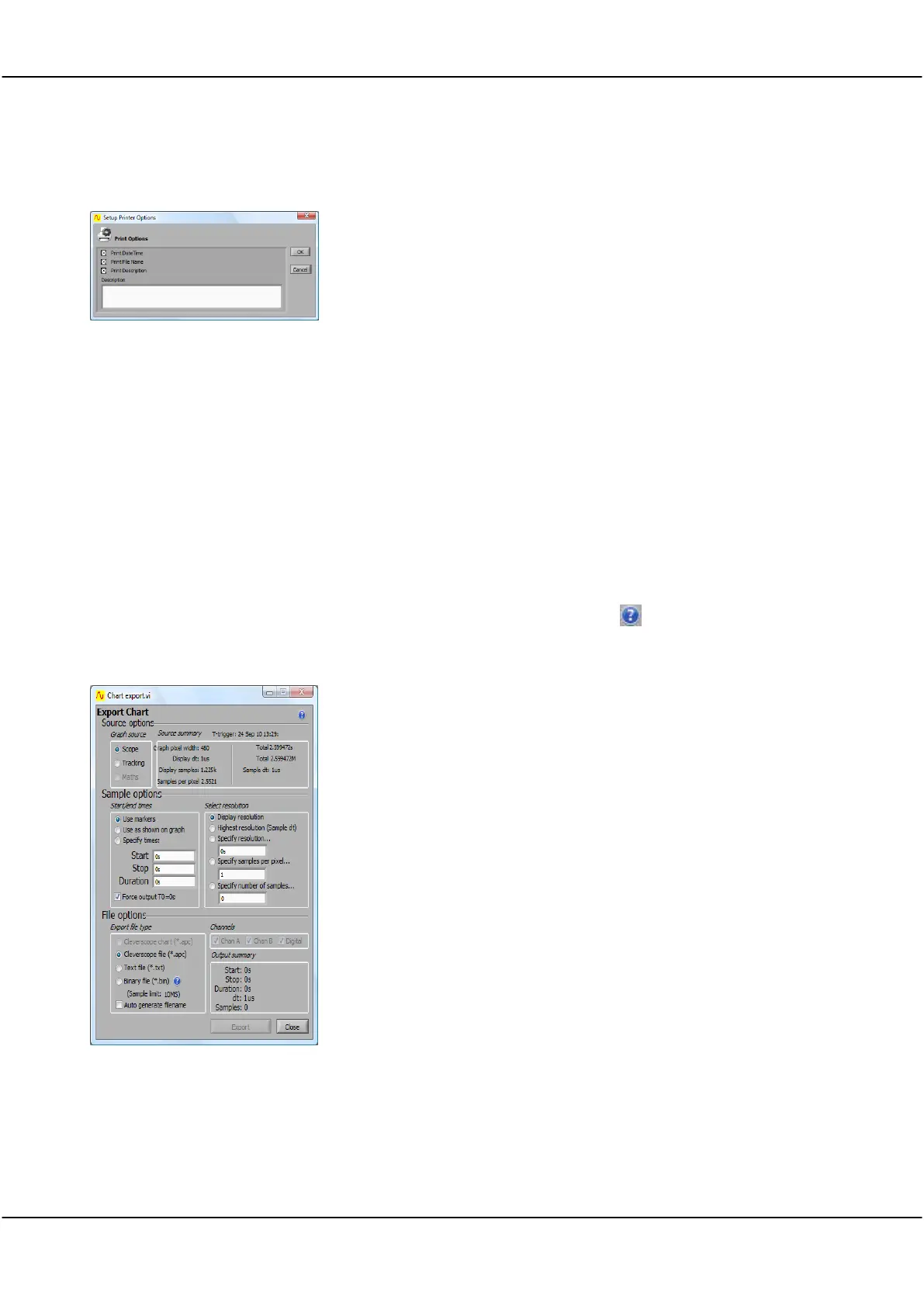
Export Chart is used to export charting data in different formats. Clicking Help ( ) expands the window to
show help for each item.
Export Chart Window (4.7+)
Source options
Graph source
Source Summary
Sample Options
Start/end times
Select Resolution
Sets up the chart source
Select either
Scope
or
Tracking
.
Summarises source data
Sets up the sample to be exported. Under Sample
options, select the Start/end times and resolution
There are various means of selecting the start/stop
times of the charting data that is to be exported..
There are various means of selecting the resolution of
the charting data that is to be exported..
Note Use the tool tips (hover the cursor over an
item) to see the range of possible values for
Start/end times and resolution.
There are 3 file formats that can be written.
Export file type and any Channels as needed.
Click Export button to save the exported data as
selected.
Click Close when finished



 To Next Page