v2.13 Cleverscope CS300 Reference Manual
©Cleverscope 2004-2018 www.cleverscope.com Page 45
Samples can be allocated to a single frame or can be divided among multiple
frames. This is so that a history of previously captured frames can be recalled or so
successive trigger events can be captured with a minimal 20 μsec inter frame delay.
The Cleverscope acquisition unit can store up to 4 million samples of signal data
per channel (8 million if the 8M upgrade is installed).
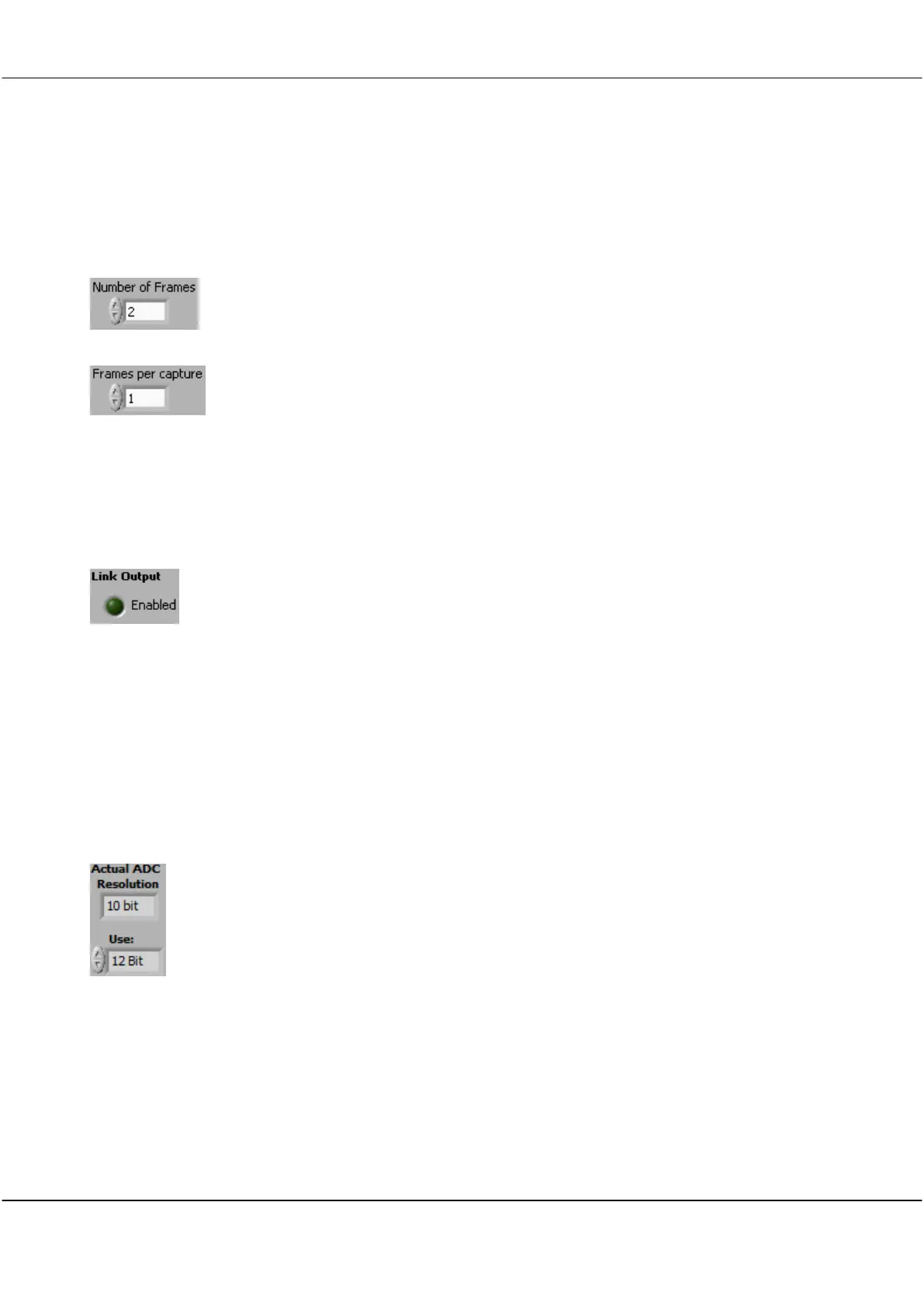
Sample storage is allocated evenly between the Number of Frames defined, which
can be up to 3000.
If 3000 frames are defined then each will contain 1300/2600 (4M/8M) samples.
Click on the up and down arrows or in the field to enter the required number of
frames per capture to determine how many of the Number of Frames stored are
updated on each capture.
The Frames per capture must always be 1 less than the Number of Frames stored.
Example: if the Number of Frames is 50 and the Frames per Capture is 20, every
time you click Single, 20 frames will be captured. Each frame will wait until the
next trigger occurs before being recorded.
This is useful, for example, to capture 20 serial data messages, so they can be
decoded when you look at them.
Link Output
To Enable
Triggering with Link
Output Enabled
Used for 4 channel sampling by linking two units with a CS1020 2 Port Link Cable
via the outputs on the rear panels
Click on the Enabled light to on.
To use the LINK output for serial communications select Enabled light to off. You
must have the CS1020 link cable connected between the two Cleverscopes for this
to work.
If you use the Link Output enabled, use normal triggering on the master
Cleverscope application, and set the trigger source to Link on the slave Cleverscope
application.
You can run two Cleverscope applications at the same time by copying
Cleverscope.exe and renaming the copy to something else – e.g. Cscope 2.exe.
You can determine the resolution to transfer signals in independent of the ADC
used.
If the 12 bit resolution is chosen you cannot display the External trigger on the
digital inputs.
If you have the 14 bit resolution selected, you cannot display the External Trigger
or Digital Inputs 5-8.
You can still trigger on the External Trigger and Digital Inputs 5-8 however.
The storage used for these inputs is re-used for the extra analog bits. As well as the
used sampler resolution, the Actual ADC Resolution installed is shown.



 To Next Page