Cleverscope CS300 Reference Manual v2.11
Page 46 www.cleverscope.com ©Cleverscope 2004-2015
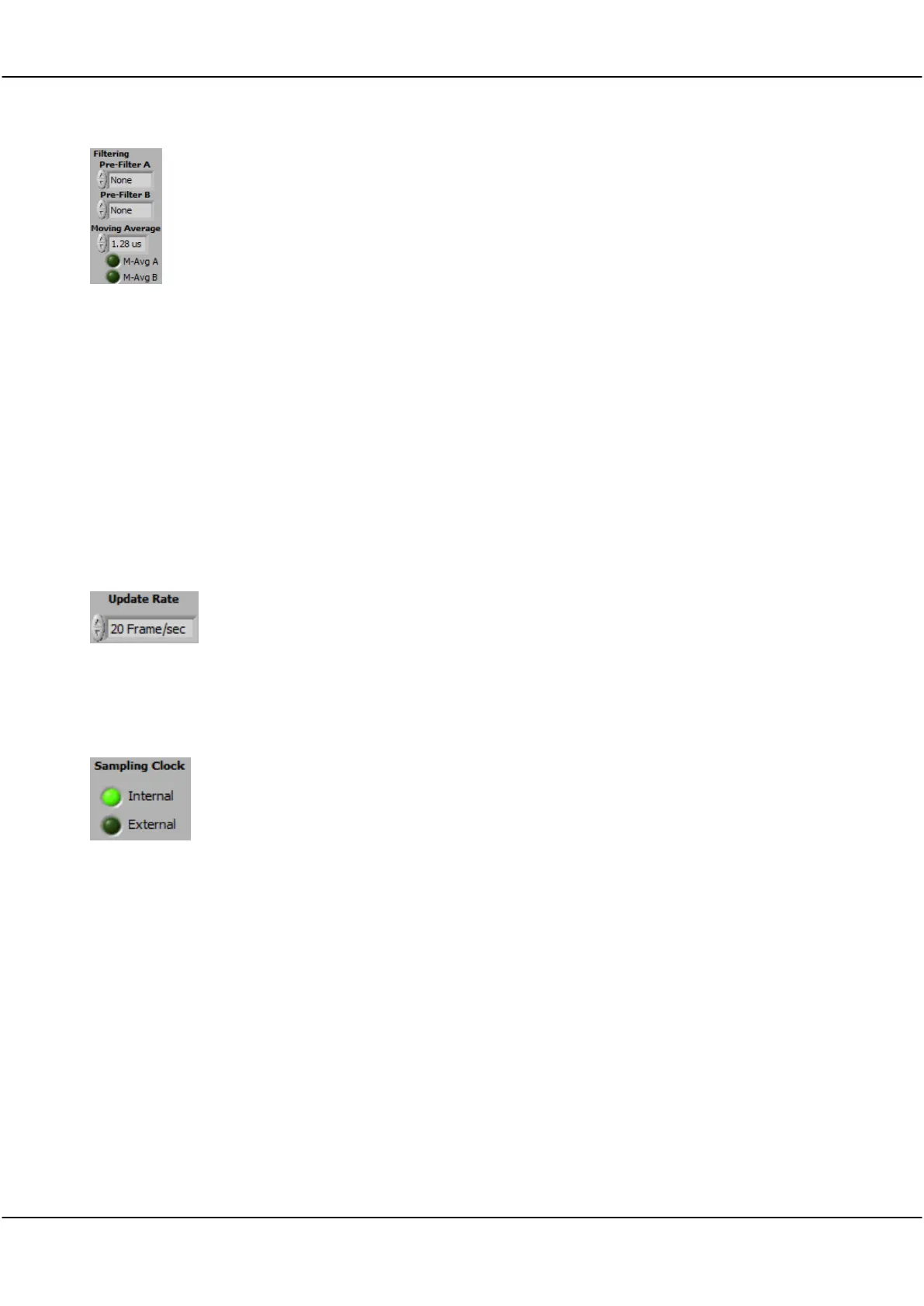
Pre-filter A
Pre-Filter B
You can use either or both of a 20 MHz pre-filter and a moving average filter (with
time constants from 40ns to 1.28us) in the incoming signal stream when the Filter
button on the Cleverscope Control Panel is turned on.
Moving Average
M-Avg-A
M-Avg-B
The moving average filter can be used to reduce noise in a mathematically optimal
way. The noise reduction occurs at the expense of bandwidth.
The moving average filter outputs the average of a moving window of the last 4 to
128 samples. It averages all the samples in a moving window the chosen time
constant wide. The filter works with the raw 100 Msample/sec input signal stream.
So, for the 1.28us wide window, the filter takes the last 128 samples (at 10ns
intervals), averages them, and outputs the averaged sample. Then it advances one
sample, and repeats. The filter includes time compensation to ensure the delay
through unfiltered and filtered signal paths is the same.
Note You will see resolution enhancements if you use the filters or the waveform
averaging Display Method. If you are using the front-end filter you are able to
achieve better resolution than the fitted sampler.
select one of the following:
5 Frames/sec
10 Frames/sec
20 Frames/sec
.maximum
can be set to 20, 10 or 5 Frame/sec. This is useful to reduce processor load in
slower PC’s.
An external clock option is available
Default indicates internal clock
click on External. (accepts click even if no external clock fitted)
Display Samples
Chart Sample Rate
Used to set the number of samples displayed on a graph. Useful for achieving a
desired display sample rate. The default is 10,000. As an example, with a 200msec
wide display, 8820 samples will yield the CD sampling rate of 44.1 kHz. The closest
resolution allowed by the 10ns decimation will be used.
Click in the field to enter the sample rate in Seconds, - only in application 4.700 +.
You can use m=milliseconds u=microseconds n= nanoseconds
Space available for
storage
Cleverscope assesses available storage
Estimated storage time
remaining
Cleverscope calculates an estimate



 To Next Page