v2.13 Cleverscope CS300 Reference Manual
©Cleverscope 2004-2018 www.cleverscope.com Page 47
5.3.7 Choose Acquirer and Set Connection [Settings Menu]
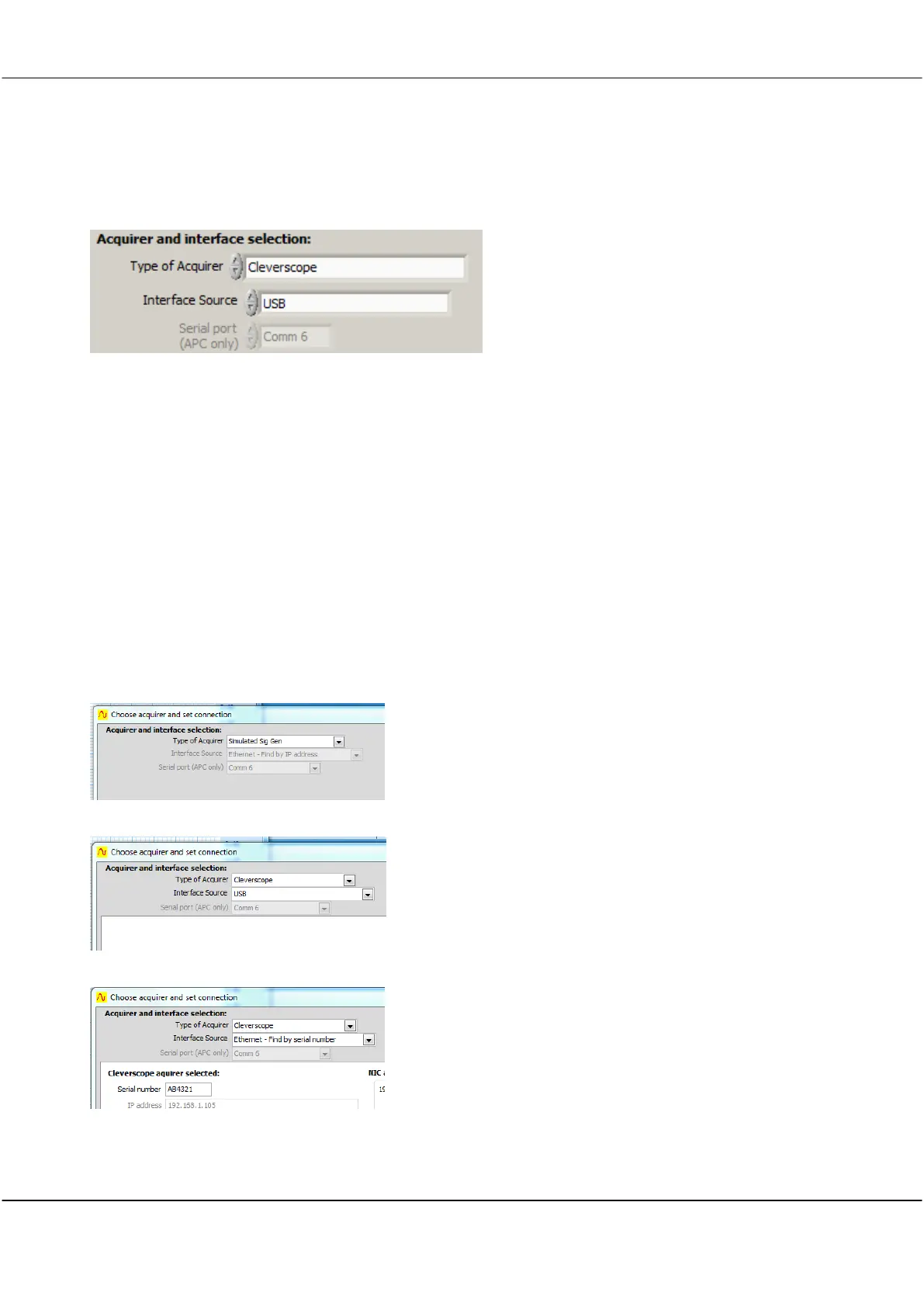
Acquirer and interface selection
Select one of the options from the dropdown list. The default is
'Cleverscope'.
Note: The Interface Source options are greyed out or activated
according to the Type of Acquirer selected. Some acquirer
options do not reed a connection set and the panel remains
blank.
To evaluate or demo the application use 'Simulated Sig Gen'. To
exit demo mode or evaluation mode, use 'Cleverscope'.
Select one of the options if activated.
Remains greyed-out if not required for the Type of Acquirer
selected. The default for Cleverscope is USB.
No Interface Source required.
Refer to section on the Simulated Signal generator
USB port specified at time of ordering/purchase
The Interface Source of USB has no other options.
USB - Transfer rate of 18 Mbyte/sec for Cleverscope firmware
versions 6435 and above.
Refer below for Ethernet Interface Source options.
Ethernet - Transfer rate of 5MByte/s.



 To Next Page