Cleverscope CS300 Reference Manual v2.11
Page 48 www.cleverscope.com ©Cleverscope 2004-2015
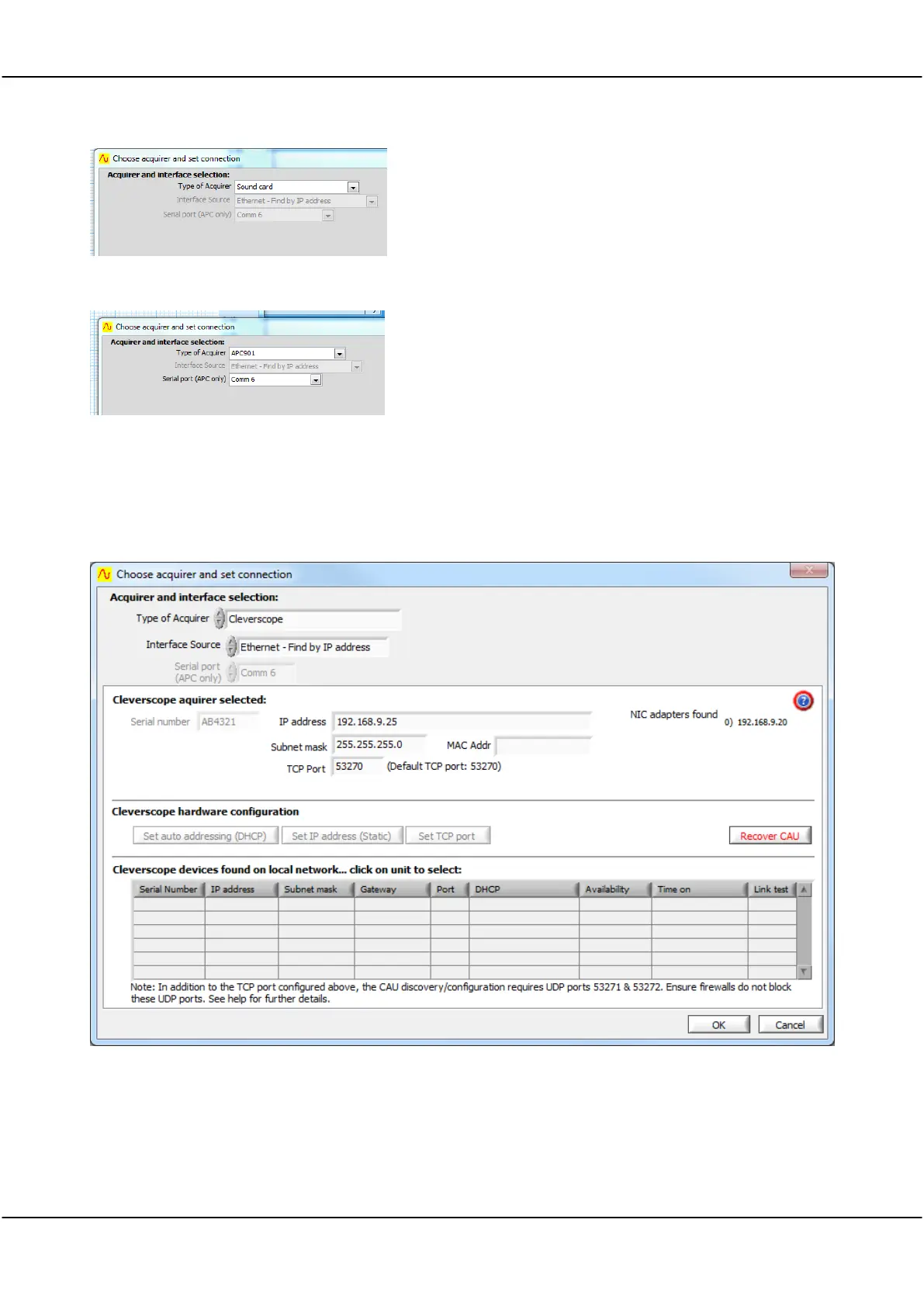
No Interface Source required.
Select serial port that the Strobes APC hardware is connected
to from the list of Com ports in the Serial port (APC only)
dropdown.
Cleverscope Ethernet
See section 23 Using the Ethernet Cleverscope for a step by step tutorial.
The Ethernet port is normally specified at time of ordering/purchase.
The Ethernet Interface Source selections are Find by IP Address, Find first IP Address, or Find by serial number.
The Ethernet interface runs at about 5 Mbyte/sec. The Ethernet interface supports DHCP and specified IP
addressing. The Ethernet interface has a MAC address assigned
The Ethernet Cleverscope can be connected to a 10/100 Mbit/sec Ethernet network via an Ethernet connector
that automatically senses the speed (10 or 100 Mbit/sec) and automatically reverses Tx and Rx if the Ethernet



 To Next Page