v2.13 Cleverscope CS300 Reference Manual
©Cleverscope 2004-2018 www.cleverscope.com Page 51
constant voltage equal to the sum of each squared instantaneous voltage
value divided by the time over which the sinusoid is measured.
Returns the magnitude of the power content of an equivalent continuous
periodic signal at the bin frequency. Assuming a voltage input, Power
spectrum represents the power dissipated at each frequency bin into a one
ohm resistor. The Power spectrum can be scaled by setting the 0 dB
reference level.
Example: let the reference value be 1W dissipated in a 50 ohm load:
From P= V
2
/R, V = (PR) = (1 x 50) = 7.07 V.
Therefore, set the reference level to 7.07 V.
returns the magnitude of the power spectral density.
This is the power content of an equivalent continuous periodic signal at the
bin frequency divided by the frequency width of the bin. The reference is
used as for Power spectrum.
Assumes that Channel A is connected up to the input of a system under test
and that Channel B is connected to the output of the system. By performing
a Fourier analysis on frames of signal data representing the input and output
of a system, gain versus frequency and the phase versus Frequency can be
plotted for the system under test.
The gain plot is presented as Channel A and the phase plot replaces Channel
B. Gain is plotted in either dB’s or in linear units of gain depending on
whether you have selected Display in dB’s see below).
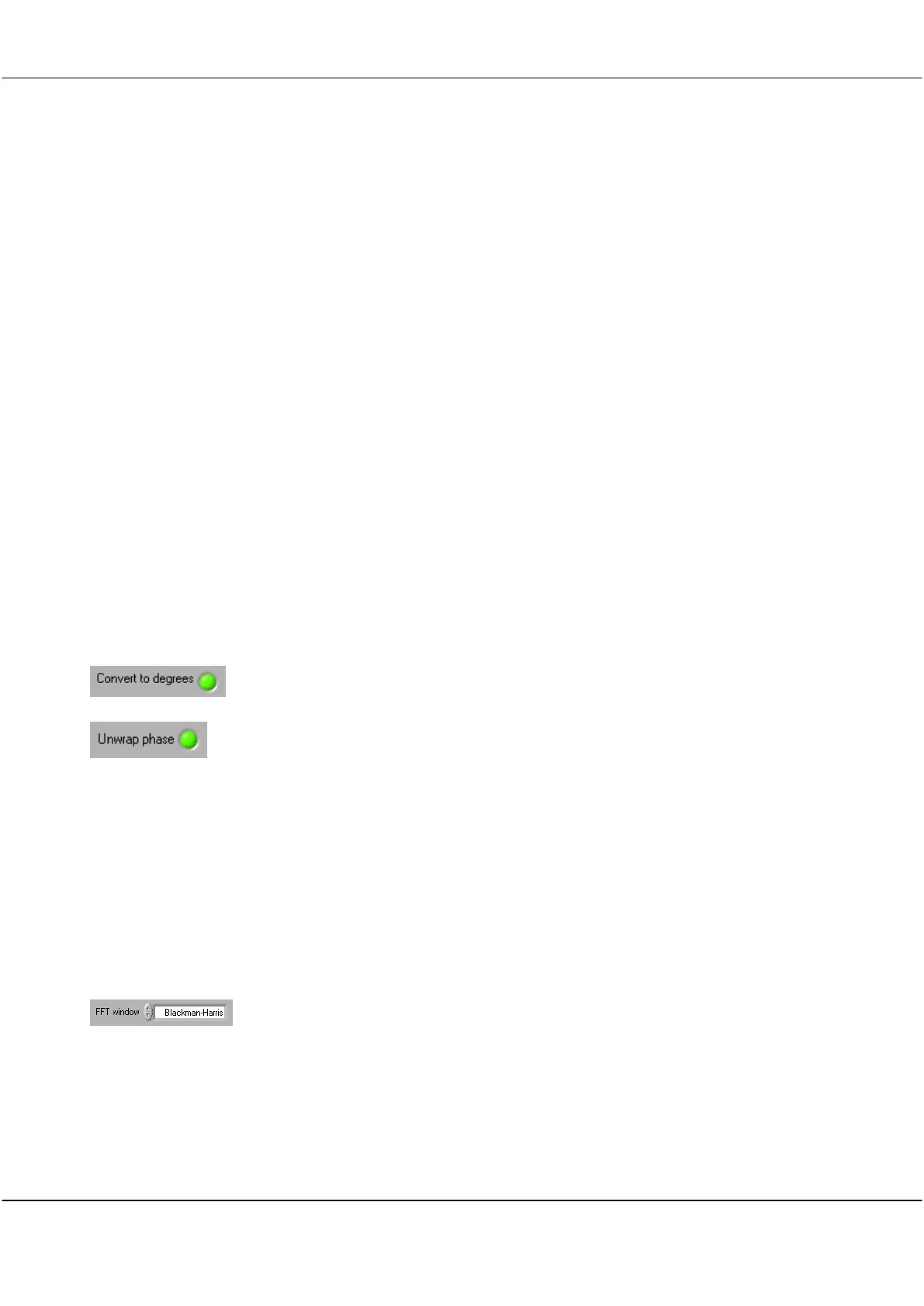
Click button to set the phase plot to degrees or radians
Click button to set the phase plot between 0 and 360 degrees instead of the
default plot between -180 degrees and +180 degrees.
Avoids discontinuities at 180 degrees ( radians).
FFT Windowing
Technique
Point Errors
Windowing is a mathematical technique used to minimize end-point errors
Fourier analysis makes the assumption that the sampled section of a waveform as
captured in a frame is repeated infinitely both forward and backward in time. Using
the special case of a sine-wave to illustrate the point, a captured sine wave will not
necessarily finish in the frame at the same point in its cycle that it started.
Assuming that such a frame is repeated endlessly will therefore add discontinuities
where the frames join that are not actually present in the real signal. These
discontinuities are called end-point errors and they are common to all Fourier
Transform Analysers..
Click on the arrows or inside the field to select a windowing technique from the
dropdown list.
Options are None, Hanning, Hamming, Blackman-Harris, Exact Blackman, Blackman,
Flat top, 4 Term B-Harris, 7 Term B-Harris, Low Sidelobe



 To Next Page