ComNav Commander P2 & P2VS Installation & Operation Basic Operations
Document PN 29010074 V4.1 - 119 -
Graphics (monochrome Head) or Display (colour Head)
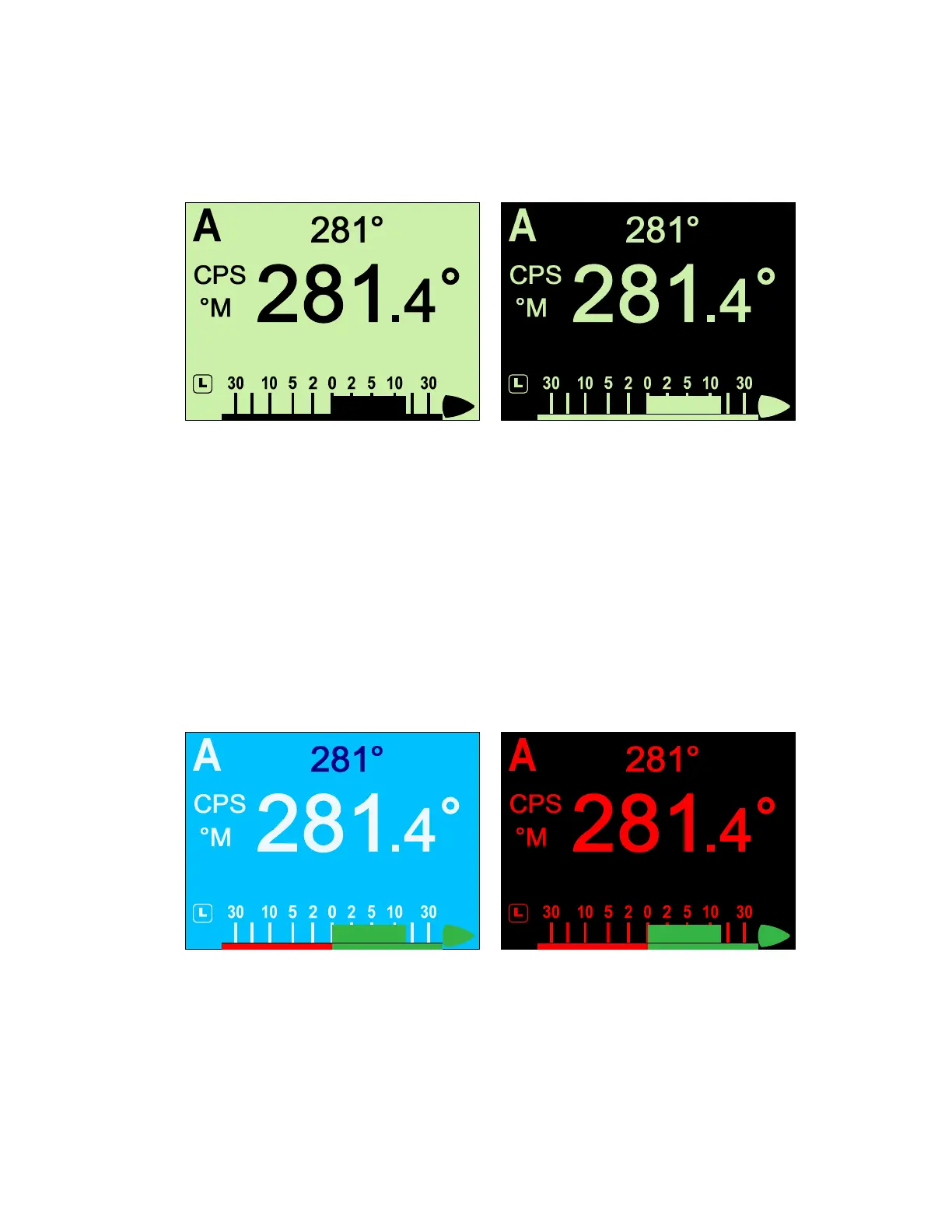
For monochrome Control Heads, the options are “Norm” (normal) and “Rev” (reversed),
which refers to the manner in which characters and icons are shown on the display.
Figure 74 – Monochrome LCD: Normal & Reversed Display
For colour Heads, there are three built-in colour schemes:
•
The standard is scheme is “A” – a white background with most text in black, and
various red, green & blue colours to emphasize important elements of the various
displays.
•
Colour scheme “B” is an alternate that you may prefer – a light blue (cyan)
background, with suitably-contrasting colours for text & the various display elements
& information.
•
Colour scheme “C” utilizes red colours on a black background, and was developed
for use at night, to avoid impairing the boat operator’s night vision.
Note: schemes “B” & “C” are shown below; “A” is used for all other figures & pictures
of the Colour Head in this manual.
Figure 75 – Colour LCD: B & C Colour Schemes



 To Next Page