ComNav Commander P2 & P2VS Installation & Operation Appendices
Document PN 29010074 V4.1 - 183 -
D Connector Pinouts
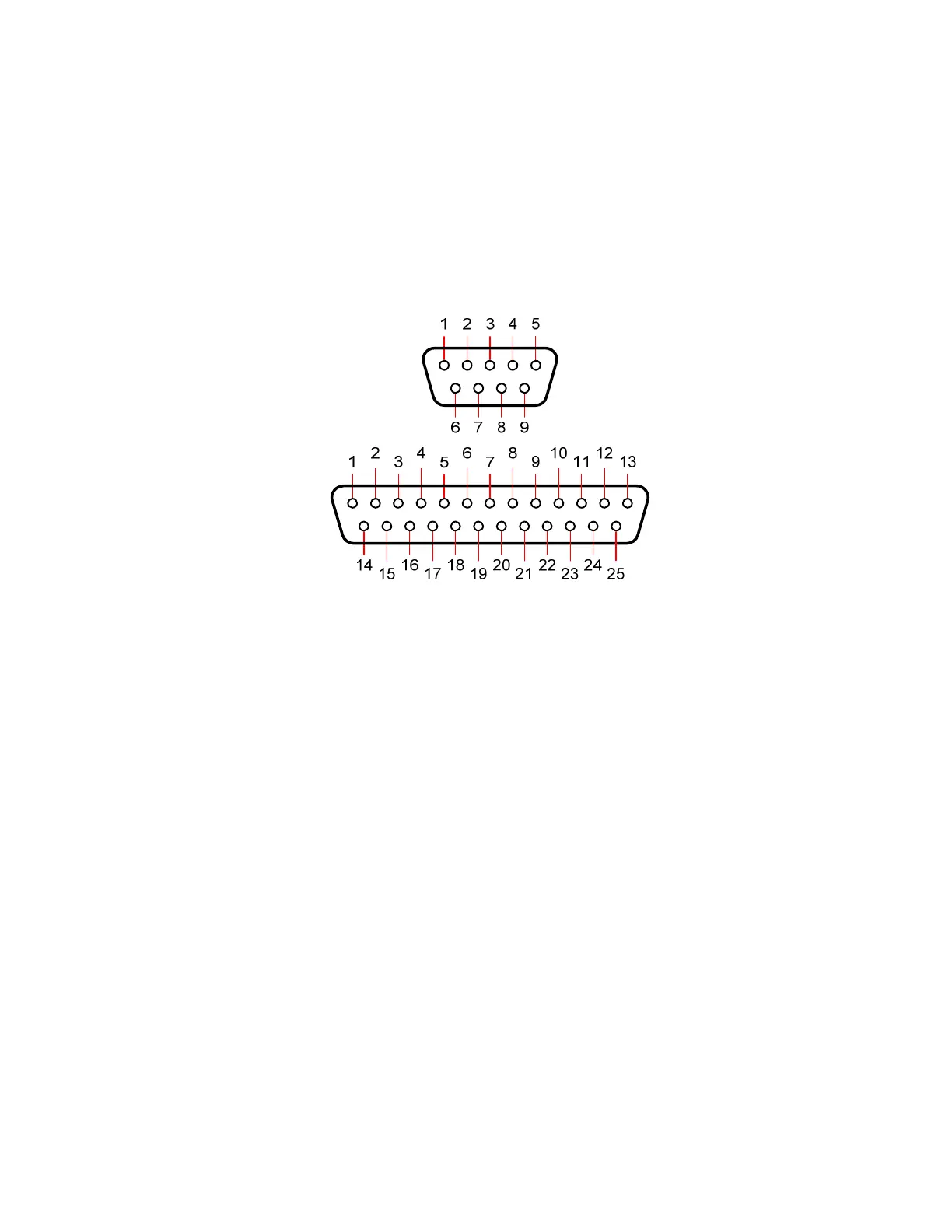
The figure below shows the pin-numbering scheme for a PC COM port’s DE9 & DB25
connectors. This figure can be looked at in two ways:
•
It is the view from the outside of the PC, looking at the pins of the male connector
(DE9-P or DB25-P) in the PC, typically located somewhere on the back panel of the
PC.
•
It is also the view of matching female connector (aka a “socket type” – a DE9-S or a
DB25-S) when looking at the
back
– i.e., wire side – of that connector, on the cable
that plugs into the PC’s male connector.
Figure 126 – DE9 & DB25 Pin Numbering
Note: older PCs may have another DB25 connector – but it is a female type
(DB25-S), and is the Parallel Printer (aka “LPT”) port.



 To Next Page