ComNav Commander P2 & P2VS Installation & Operation Setting Up
Document PN 29010074 V4.1 - 90 -
Setup Procedures
After your P Series autopilot system is installed, you must:
•
First, tell the autopilot what type of boat you have, and then help it determine the
characteristics of the Rudder Drive mechanism on the boat.
•
Next, tell the autopilot what type of Compasses it will be using, and have it verify that
it can use those compass(es).
•
Next compensate & calibrate all your compasses.
•
Next, do the initial settings of the various operating parameters (Rudder gain, etc.) at
high & low speed.
•
Finally, test how well the autopilot performs in various sea conditions, re-adjusting
parameters as needed.
Vessel Type
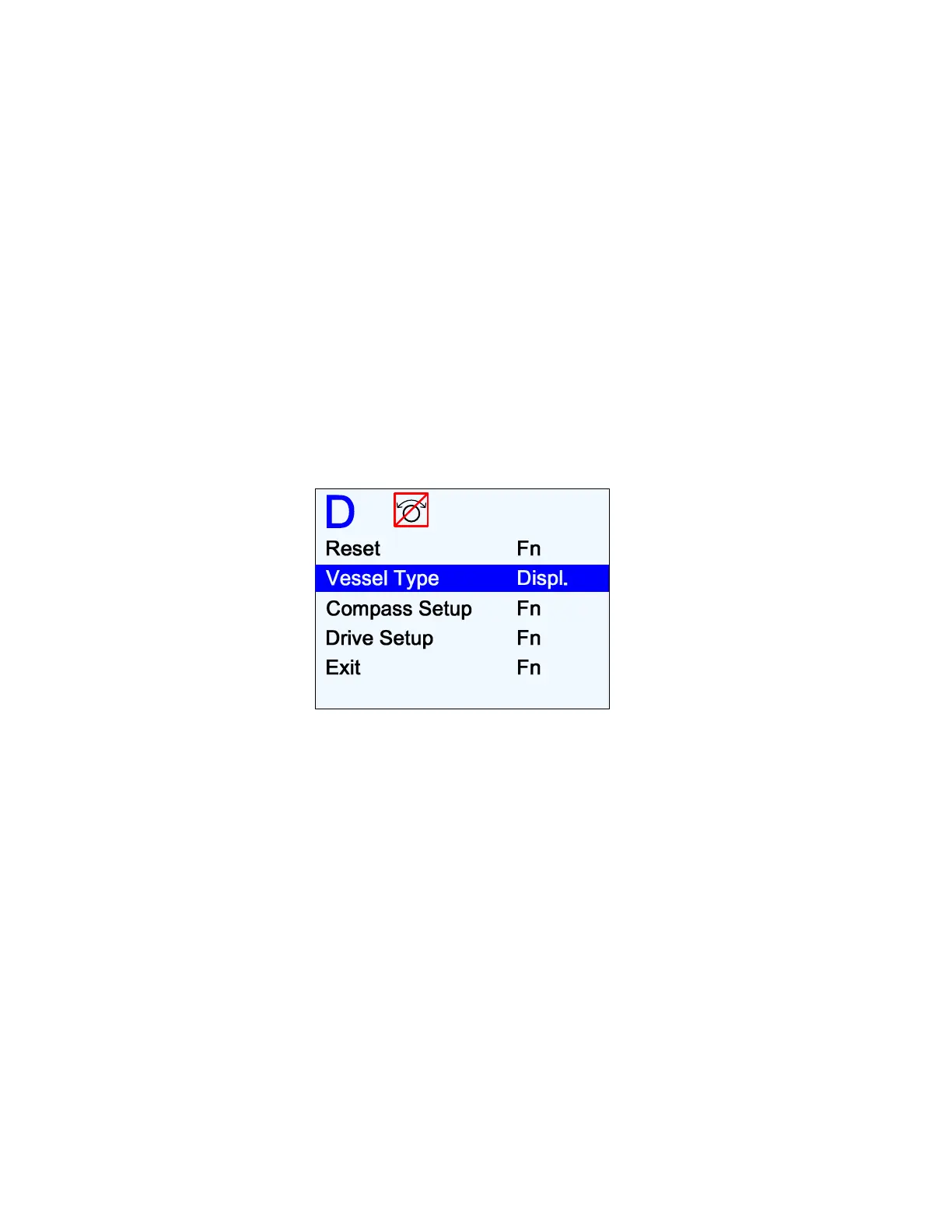
1) Power the system up, in the Dockside Setup menu
2) Select the
Vessel Type
menu line, and set the type of your boat according to the table on
page 87.
Figure 66 – Set Vessel type
Note: at this step in the setup process, all the various Vessel Types (Displacement,
Stern, Sail, etc.) can be selected, for both the Commander P2 and P2VS.
However, if there is no RFU detected on the P2VS during the Drive Setup
procedure, the Vessel Type parameter will automatically change to “Stern”, since
that is the only valid selection for Virtual Rudder Feedback operation.
When this happens, the vessel type displayed on the menu line will not change to
“Stern” – but the change
has
taken effect internally. If you exit & re-enter
Dockside Setup, the menu line will then show that change.



 To Next Page