ComNav Commander P2 & P2VS Installation & Operation How Autopilots Work
Document PN 29010074 V4.1 - 21 -
Changing Heading
That’s easy, too!
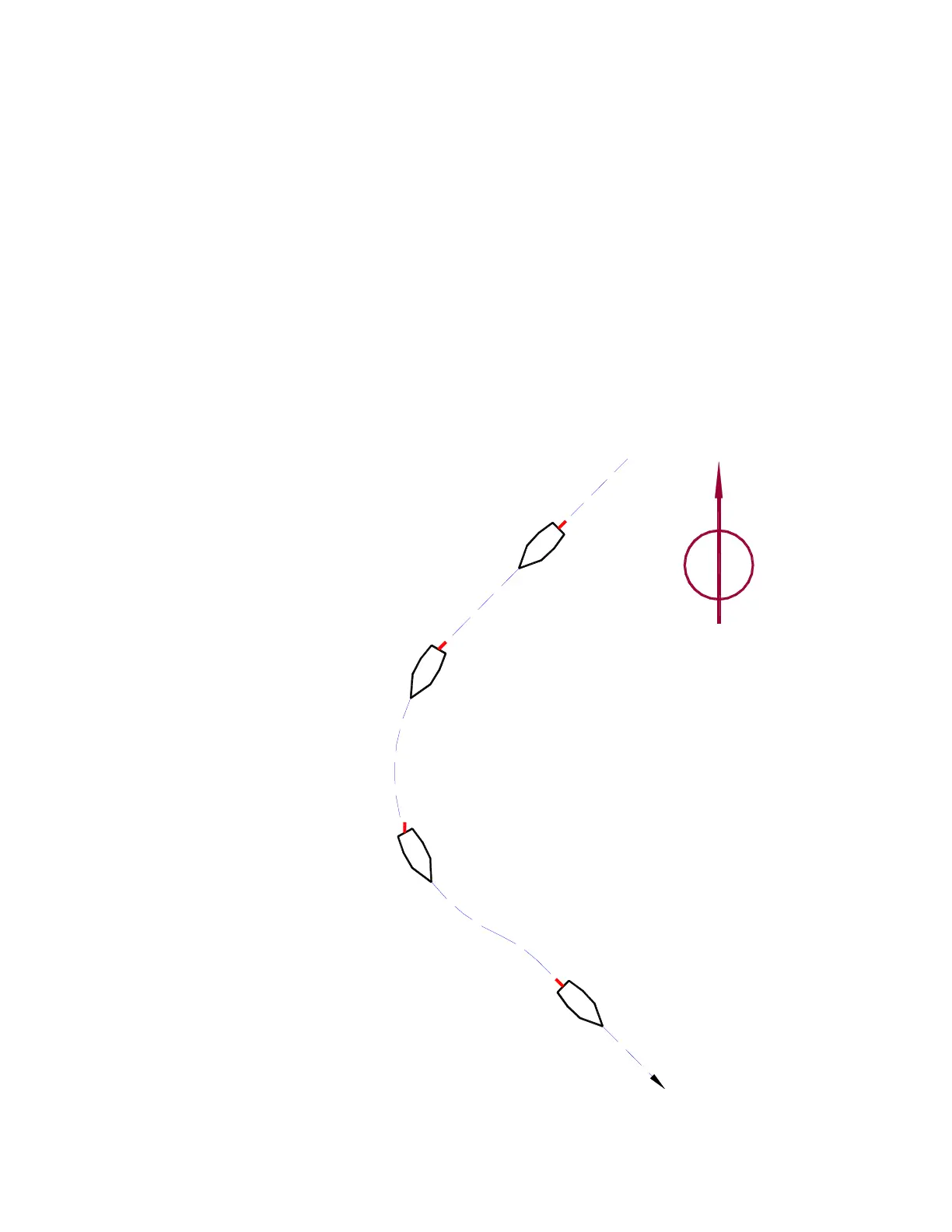
Let’s say, for example, that the autopilot is steering your boat Southwest, and you now wish
to change direction to Southeast (see Figure 2, below).
To initiate the turn in AUTO mode, you would turn the knob on the Control Head to set the
desired Heading (as shown on the Control Head’s display screen) to 135° … Southeast.
After that, the autopilot behaves much the same as when maintaining a Heading – but with
an initially large “Heading error” (90° to Starboard, in this example) that must be dealt with:
•
When the SPU moves the Rudder to Port, it will probably be by quite a bit, maybe
even all the way to the stops – but not so much that the boat turns too rapidly.
•
Eventually, the actual Heading will match the desired Heading … and the boat will
then be going Southeast.
•
The SPU will keep steering the boat on the 135° “new” Heading – i.e., maintaining
that Heading, as described previously – until you select some other Heading.
The Autopilot is steering the boat
on a Heading of 225° (SW)
The Autopilot responds to the
change in desired Heading
The Operator selects the new
desired Heading of 135° (SE)
by moving the rudder to Port,
and the boat begins to turn
As the actual Heading
approaches the new desired
Heading, the Autopilot starts
to move the rudder back
to the dead-centre position
then straighten out
the new heading slightly,
boat to "over-shoot"
Typical response is for the
Heading of 135° (SE)
the boat on the new
The Autopilot is now steering
N
Figure 2 – Heading Change in AUTO Mode



 To Next Page