ComNav Commander P2 & P2VS Installation & Operation System Overview
Document PN 29010074 V4.1 - 27 -
Control Head
PN 20110002
(P2 Second Station Kit, monochrome)
PN 20110003
(P2 Second Station Kit, colour)
PN 20110010
(P2VS Second Station Kit, monochrome)
PN 20110011
(P2VS Second Station Kit, colour)
PN 30110007
(P2 Head only, monochrome)
PN 30110008
(P2 Head only, colour)
PN 30110020
(P2VS Head only, monochrome)
PN 30110021
(P2VS Head only, colour)
The P Series Control Head connects directly to the Signal Processor Unit (SPU), via a
nine-conductor cable that plugs into a waterproof connector on the rear of the Head. This
cable is wired onto a plug (supplied with the Kits), which in turn is plugged into the
CONTROL HEAD
,
AUX1
or
AUX2
receptacles on the SPU.
Two versions of the Control Heads are available. The monochrome versions have a
silver-backed monochrome LCD display. The colour versions incorporate a state-of-the-art,
sunlight-viewable QVGA TFT colour LCD display.
The Second Station Kits include the Head, cable & SPU connector, bezel & bracket mounting
kits, and a cover.
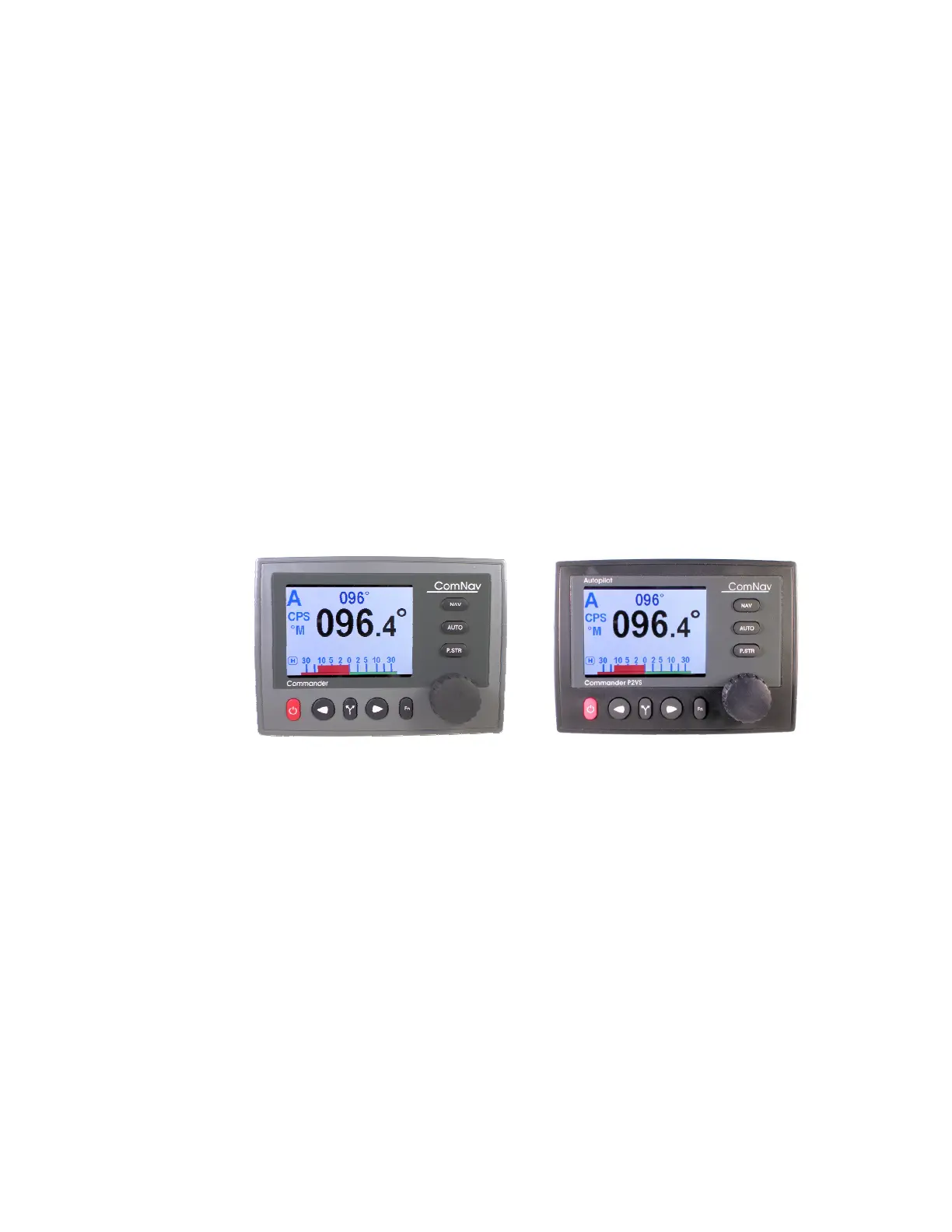
The P2 & P2VS Heads are identical, except for firmware, the labels on the LCD window
overlay and the case colour (grey or black, respectively).
Figure 4 – Control Heads



 To Next Page